Dashboard

For agencies & freelancers

Win the pitch with a working site

Show clients three real directions, build the one they pick, collect feedback right on the page — then hand over a site they can edit, on their own domain.

See Business plan

Directions to pitch with

Three full designs from one brief, ready to show.

Feedback on the page

Pinned comments on the live site, sent to the AI in one click.

Their brand, imported

Pull a client's look straight from their current website.

Start with an idea

Pick one. Press start

Each idea is a real prompt. Press start and Swarmz builds it as soon as you've signed up — or copy it and make it your own.

A pitch-ready concept

Three directions to put in front of the client.

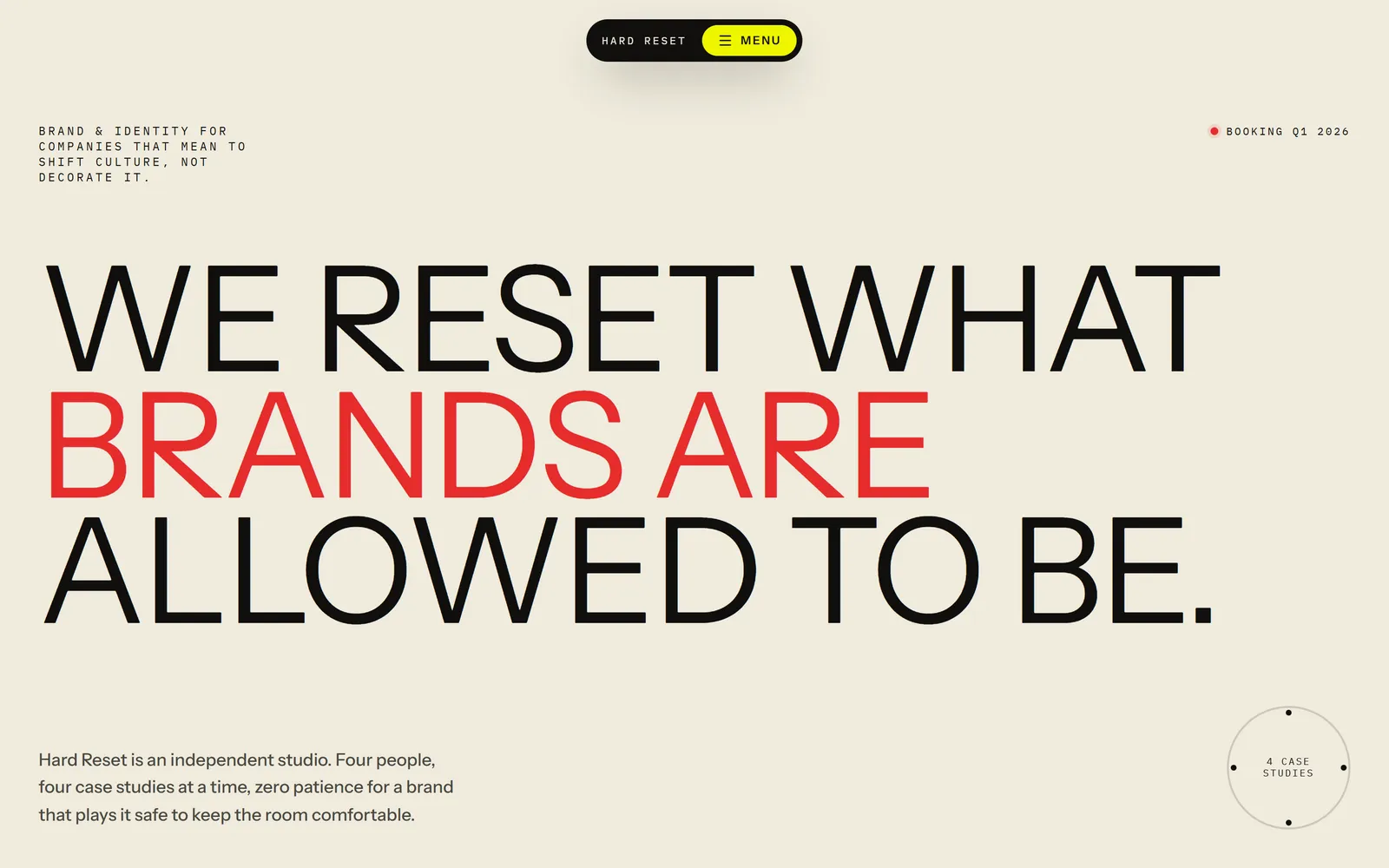
Design three directions for a new website for a family-run Italian restaurant — warm, confident and photography-led — with a menu, their story and bookings.

A campaign landing page

One offer, one page, one clear action.

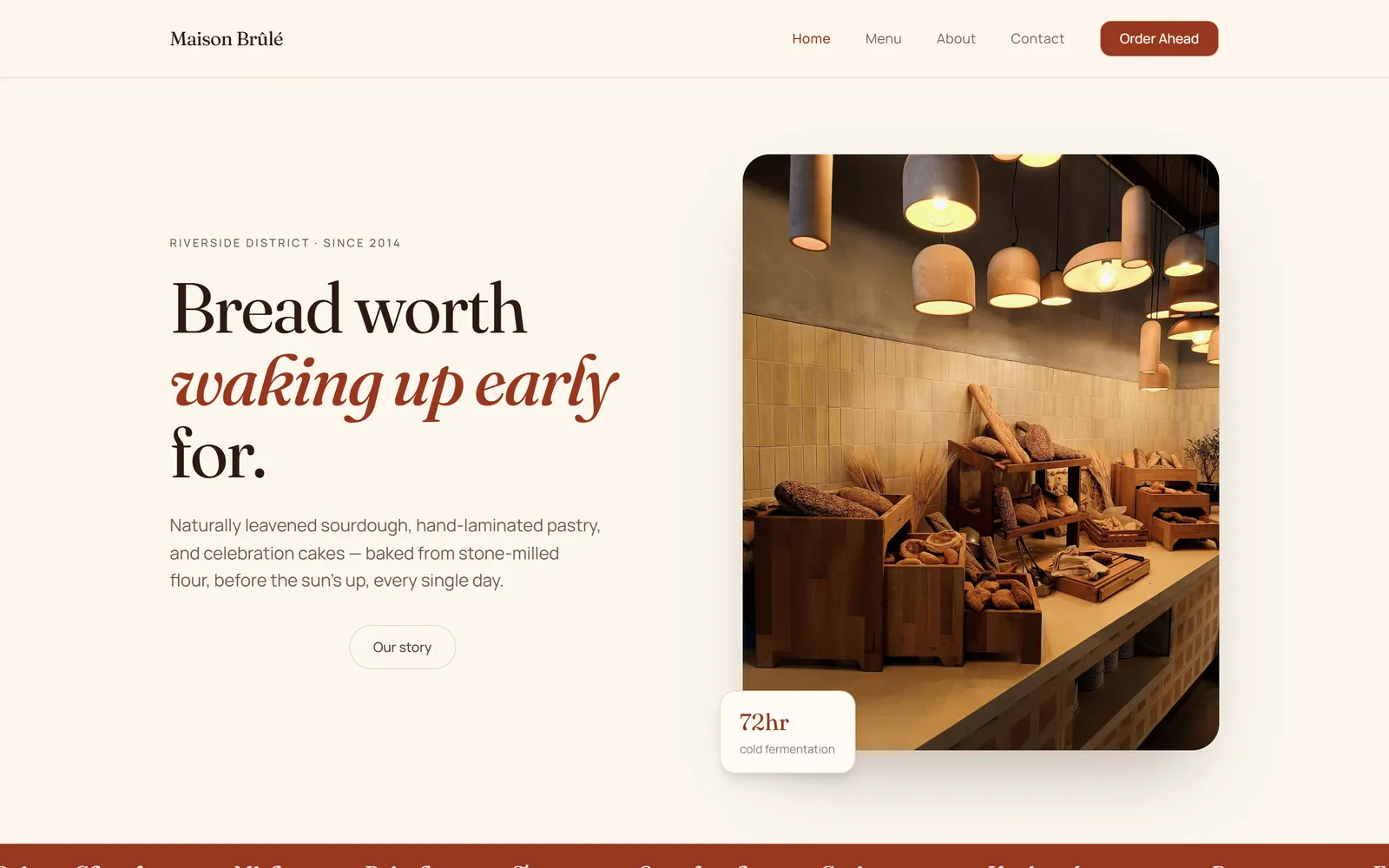
Build a landing page for a dental clinic's teeth-whitening offer with a results section, pricing, FAQs and an enquiry form.

A multi-page company site

Projects, studio, journal and contact.

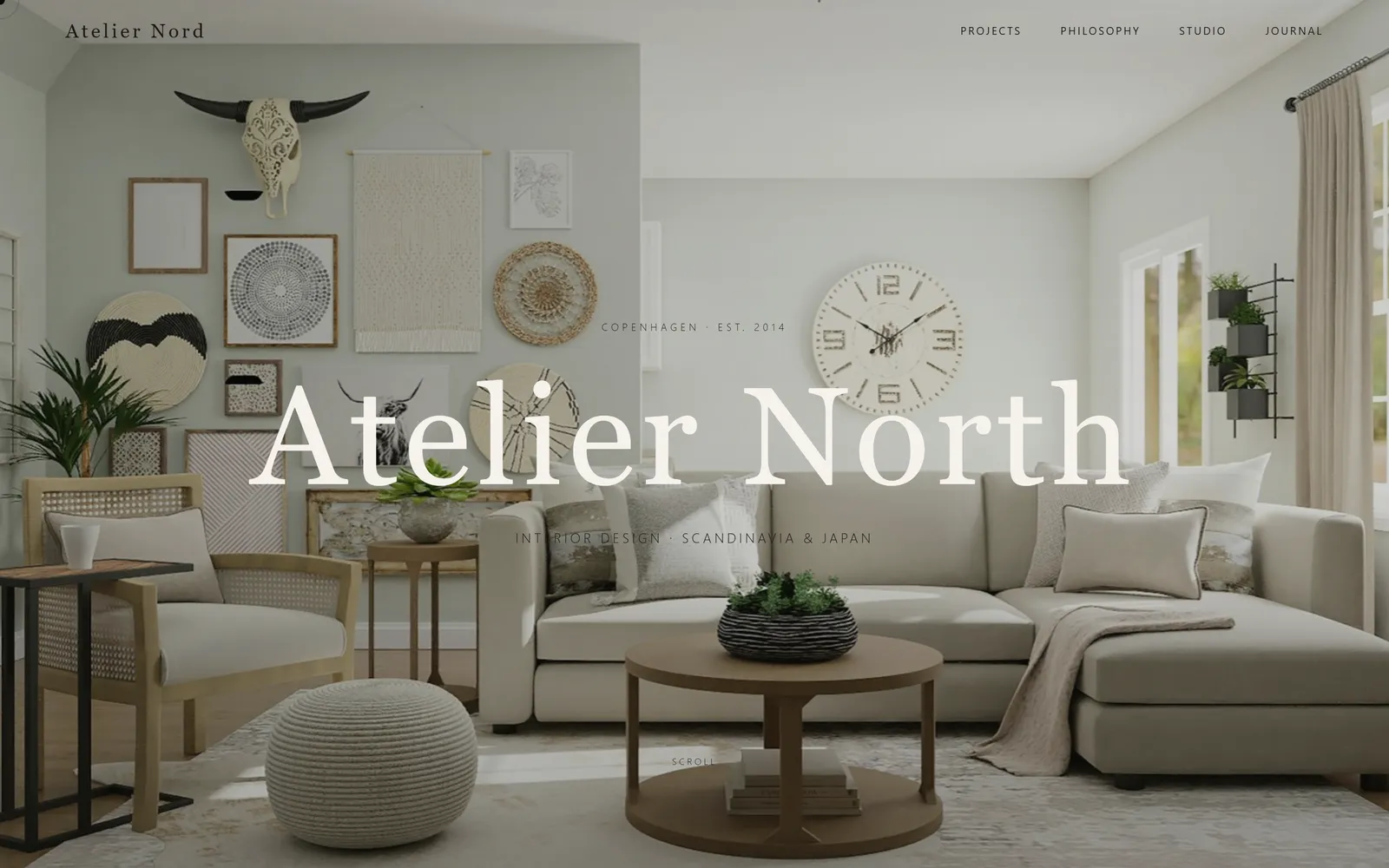
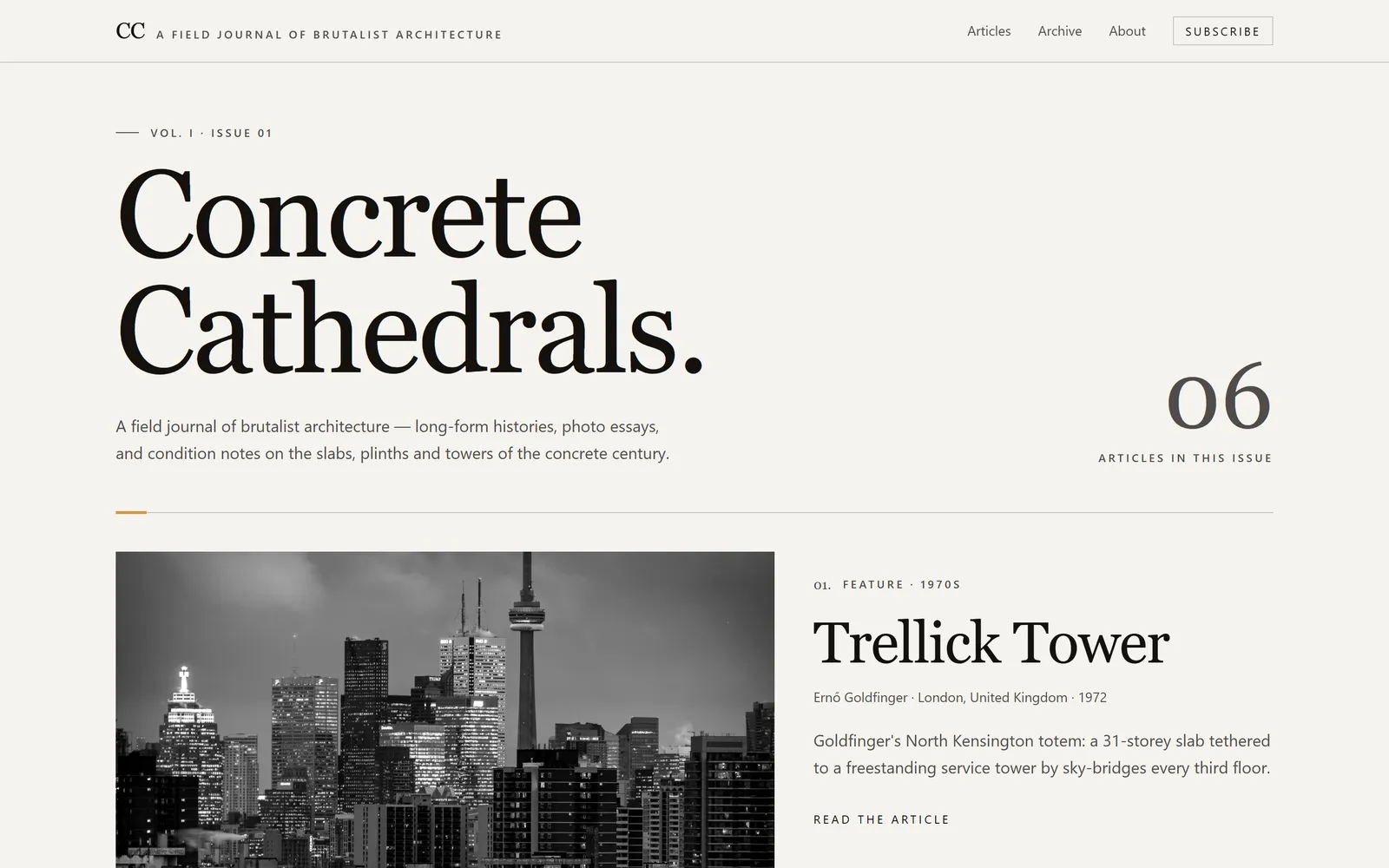
Create a five-page website for an architecture practice: home, projects with a page for each, studio, journal and contact.

An event microsite

Schedule, speakers, venue and sign-ups.

Build an event microsite for a design conference with the schedule, speaker profiles, venue details and a ticket sign-up form.

Templates

Or start from a finished one

Real apps built with Swarmz and live on the web. Open one, then make it yours.

Browse all 28 templates

Business plan

Hand over without handing off

Invite a client to a single project as an editor or a viewer. They see that project and nothing else, can make changes by chatting or clicking — and their AI usage comes from your credits, so there's nothing for them to set up.

  • Can edit or Can view, per person
  • Only the project you share
  • Keep improving it after launch
Compare plans

Included

The studio workflow, minus the busywork

Questions, answered

Can my clients edit their own site?
Yes. On Business, invite a client to a single project as an editor or a viewer. They only see that project, and they can make changes by chatting or clicking. Their AI usage comes from your workspace's credits.
Can each client site have its own domain?
Yes. On Pro and above, connect a domain to each site — apex or subdomain — with SSL set up for you, and remove the Swarmz badge. Every site also gets a free swarmz.cloud address.
Can I match a client's existing brand?
Yes. Attach their brand guidelines, or import the brand from their current website, and every page follows it. Then fine-tune anything by clicking on it.
Who owns the code?
You do, and you can hand it over. It's standard React, TypeScript and Tailwind that syncs to any GitHub repository.
How is pricing counted for an agency?
Plans are priced on credits, not seats: your workspace shares one credit balance across every project and teammate. Pro starts at $25 a month and Business, which adds client sharing and private publishing, at $50.

Take on the next client

Describe the brief — Swarmz designs the options and builds the one they pick.

See pricing

Free to start5 free credits every day
No credit card