


Templates
Start from a finished app
28 real sites and apps, built with Swarmz and live right now. Pick one, make it yours by asking, and publish it in one click.
28 templates shown

Hibana
Single-product knife shop
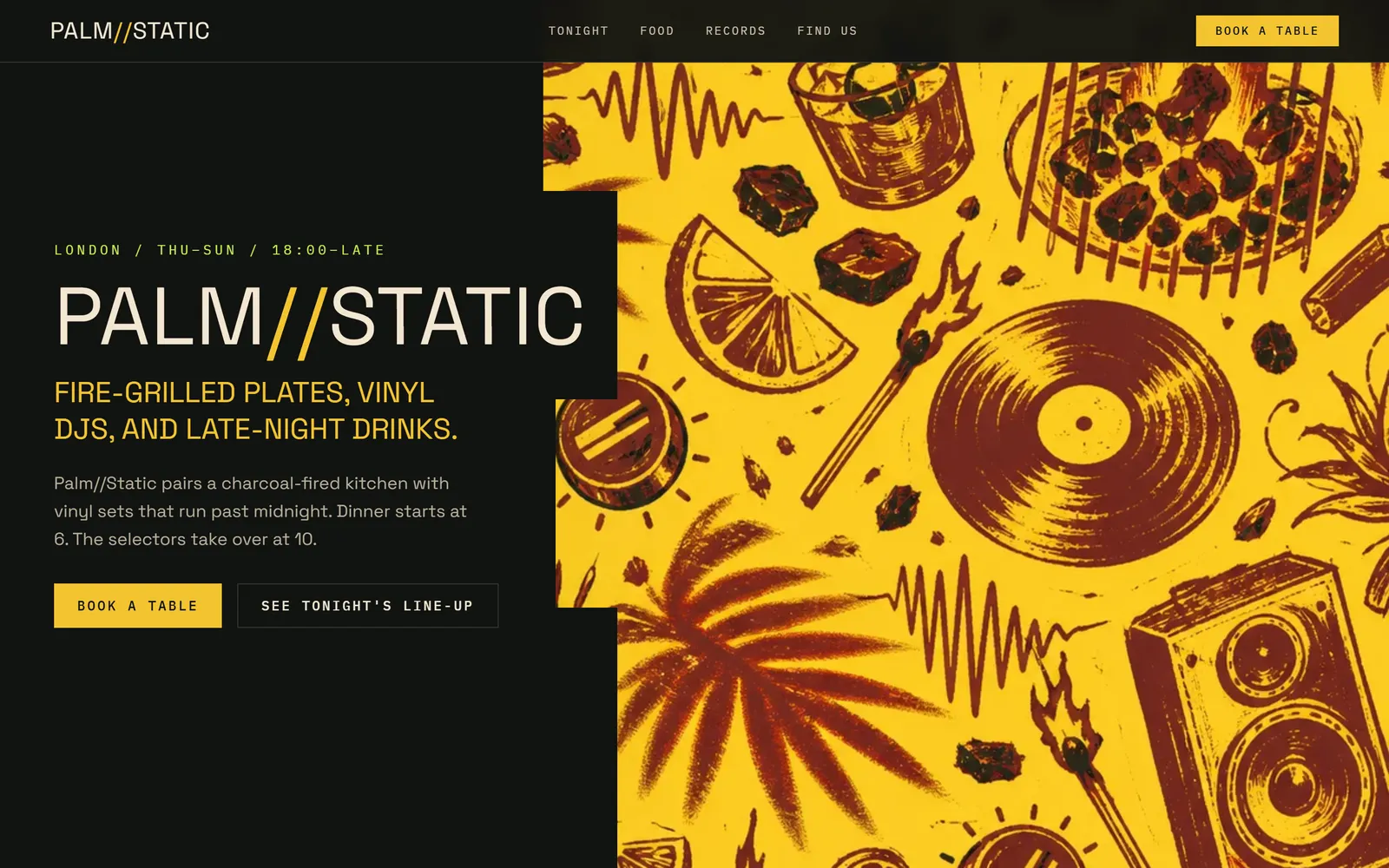
Palm Static
Listening bar and kitchen
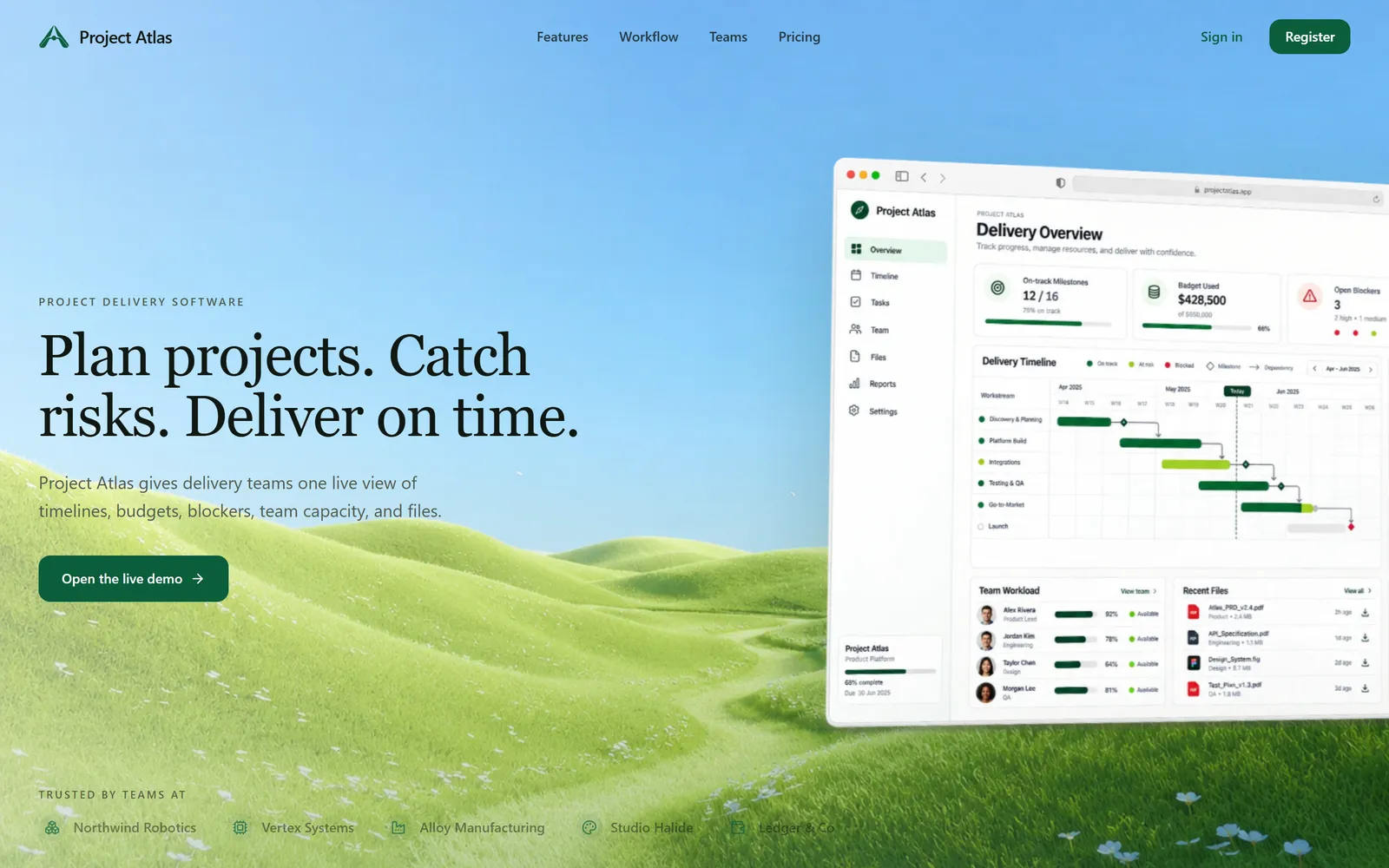
Project Atlas
Project delivery platform
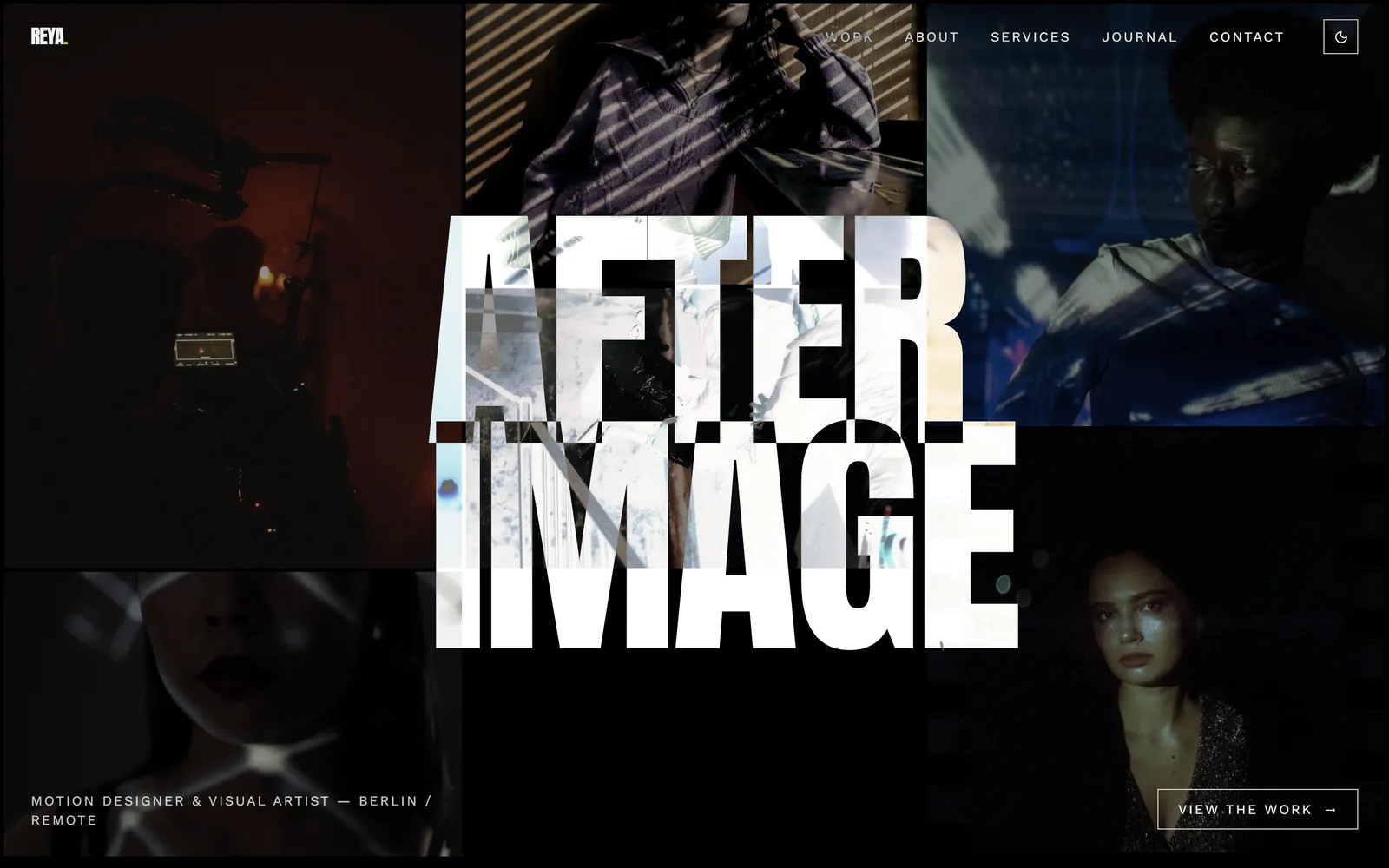
Afterimage
Motion designer portfolio
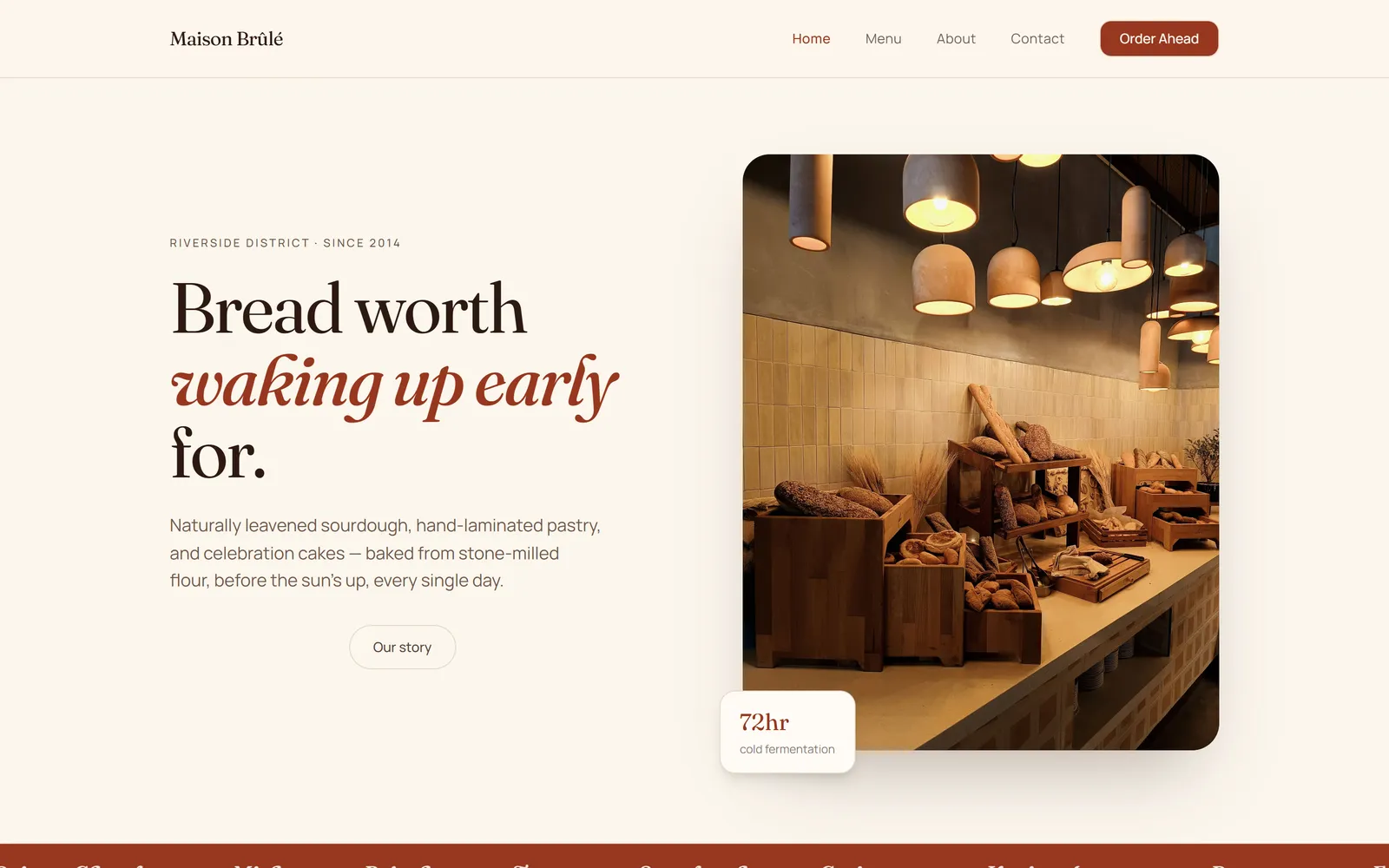
Maison Brûlé
Bakery with order-ahead
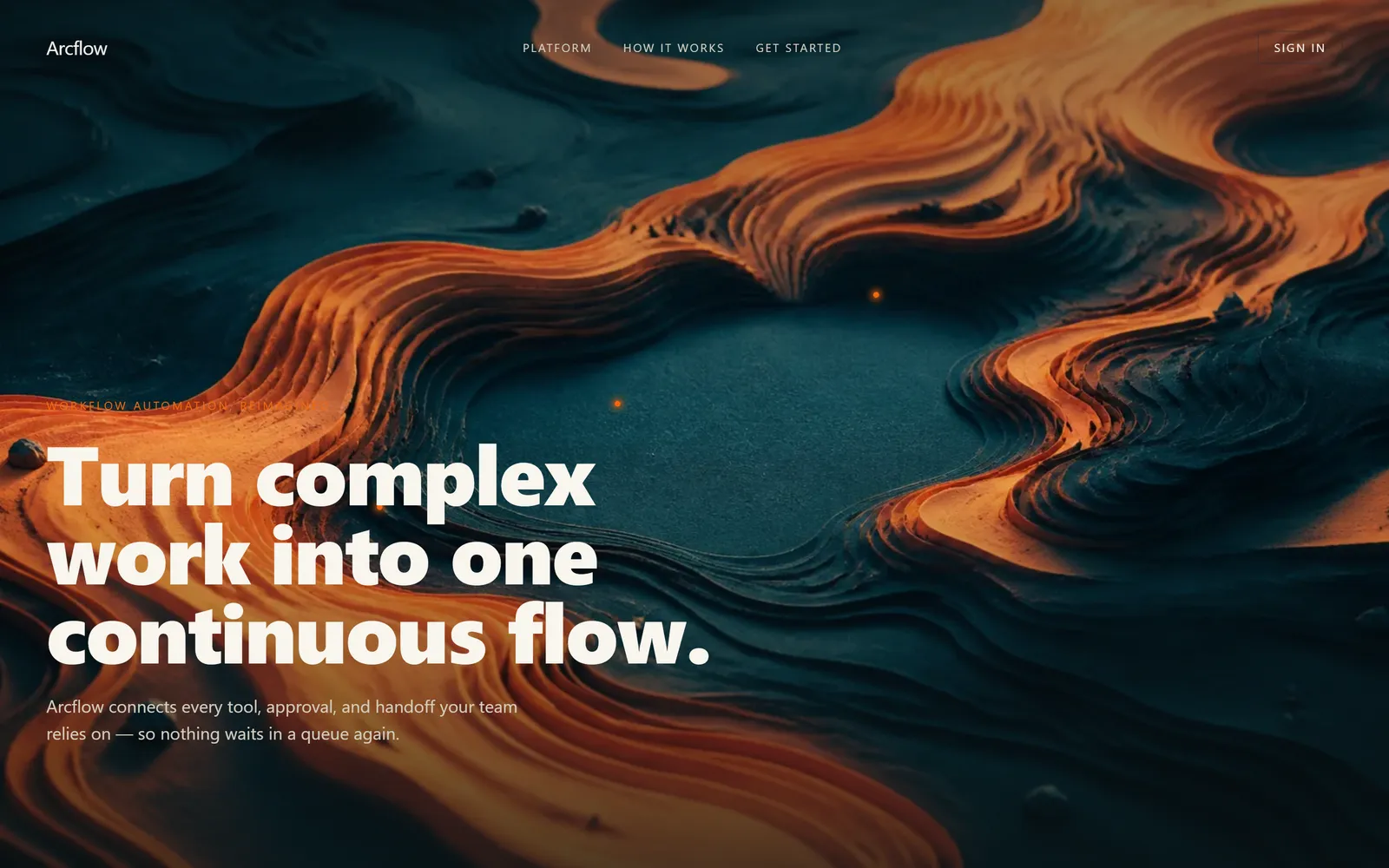
Arcflow Launch
Workflow software launch page
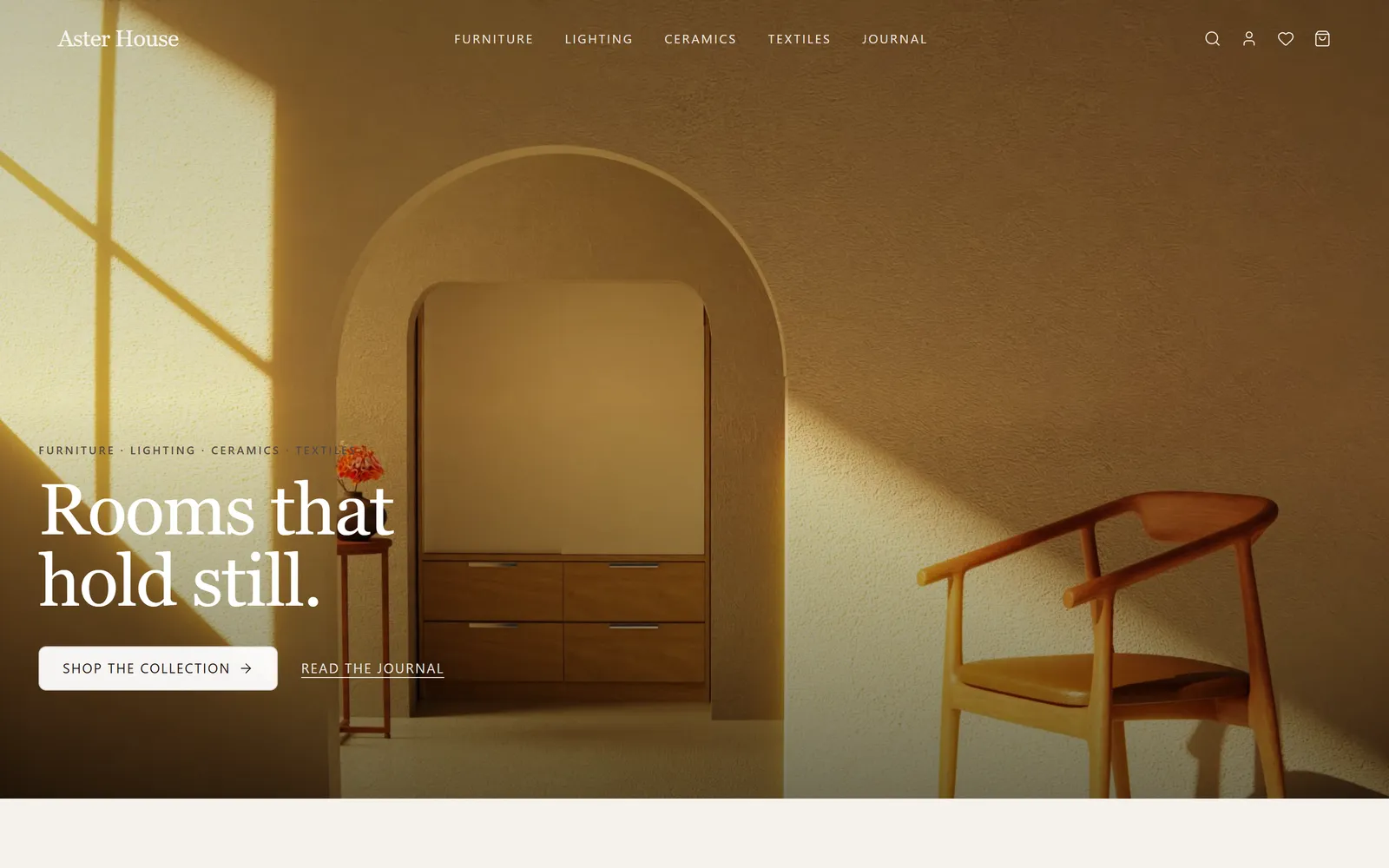
Aster House
Home goods store

Runstate
AI observability dashboard
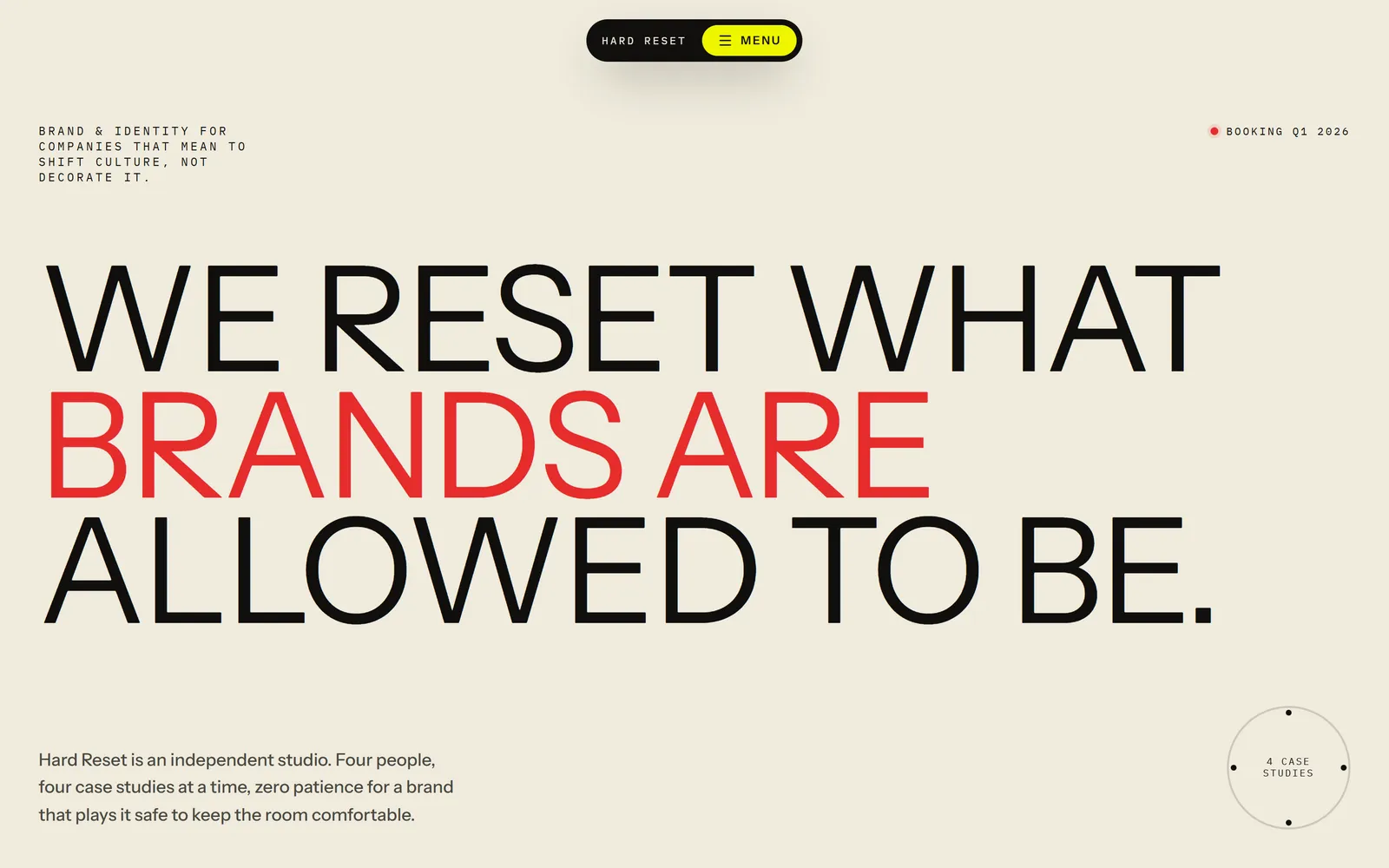
Hard Reset
Brand studio
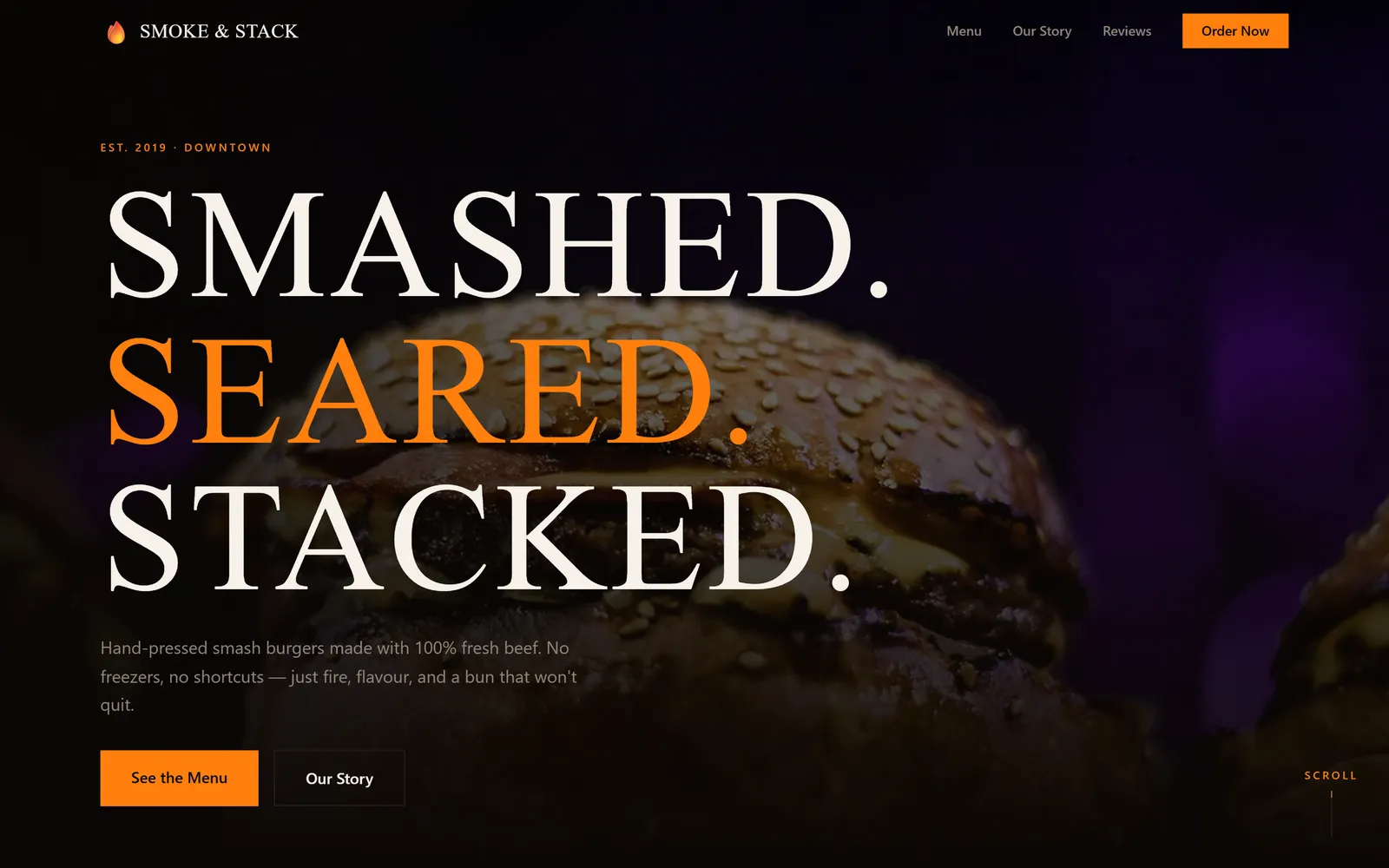
Smoke & Stack
Burger restaurant
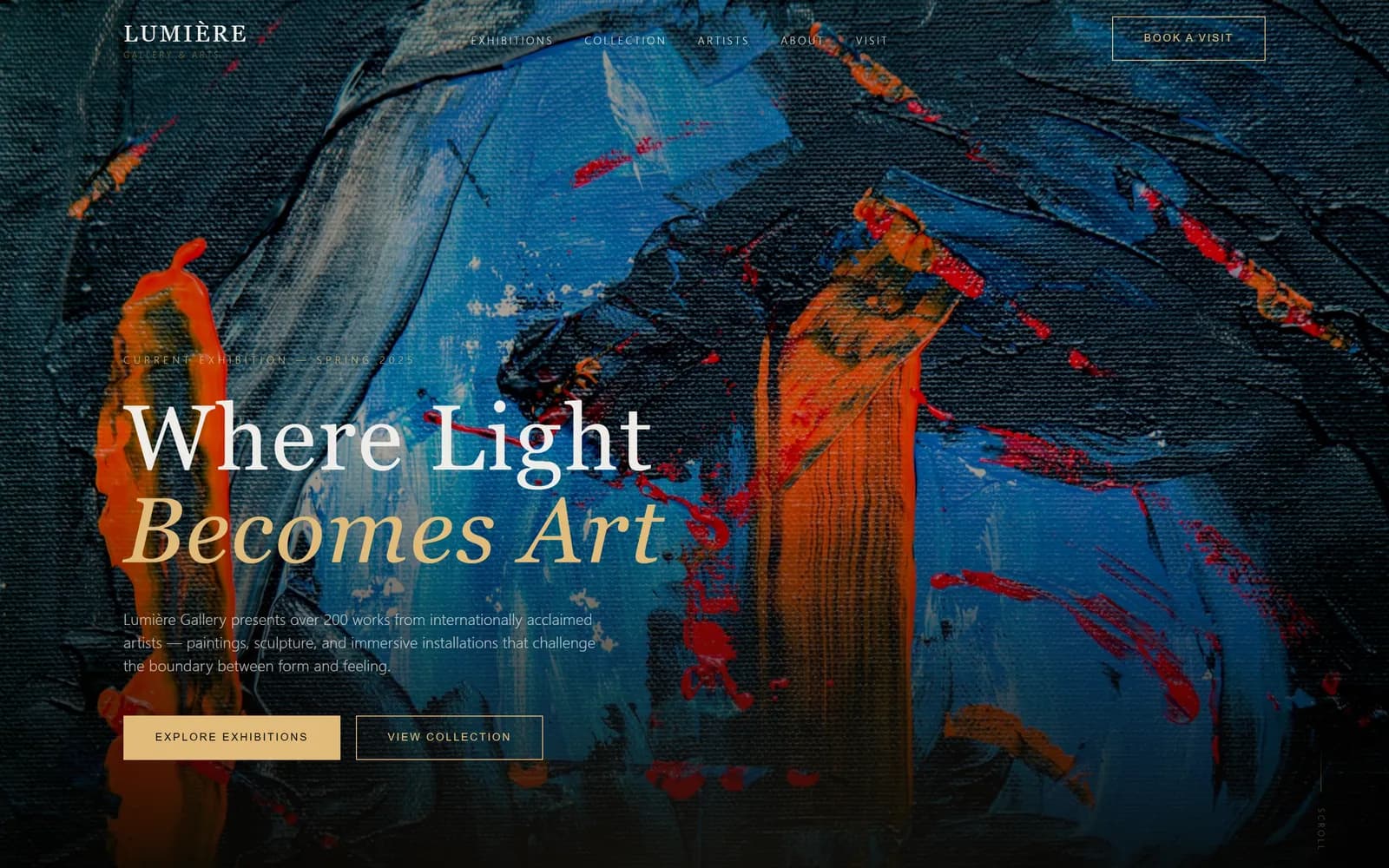
Lumière
Art gallery
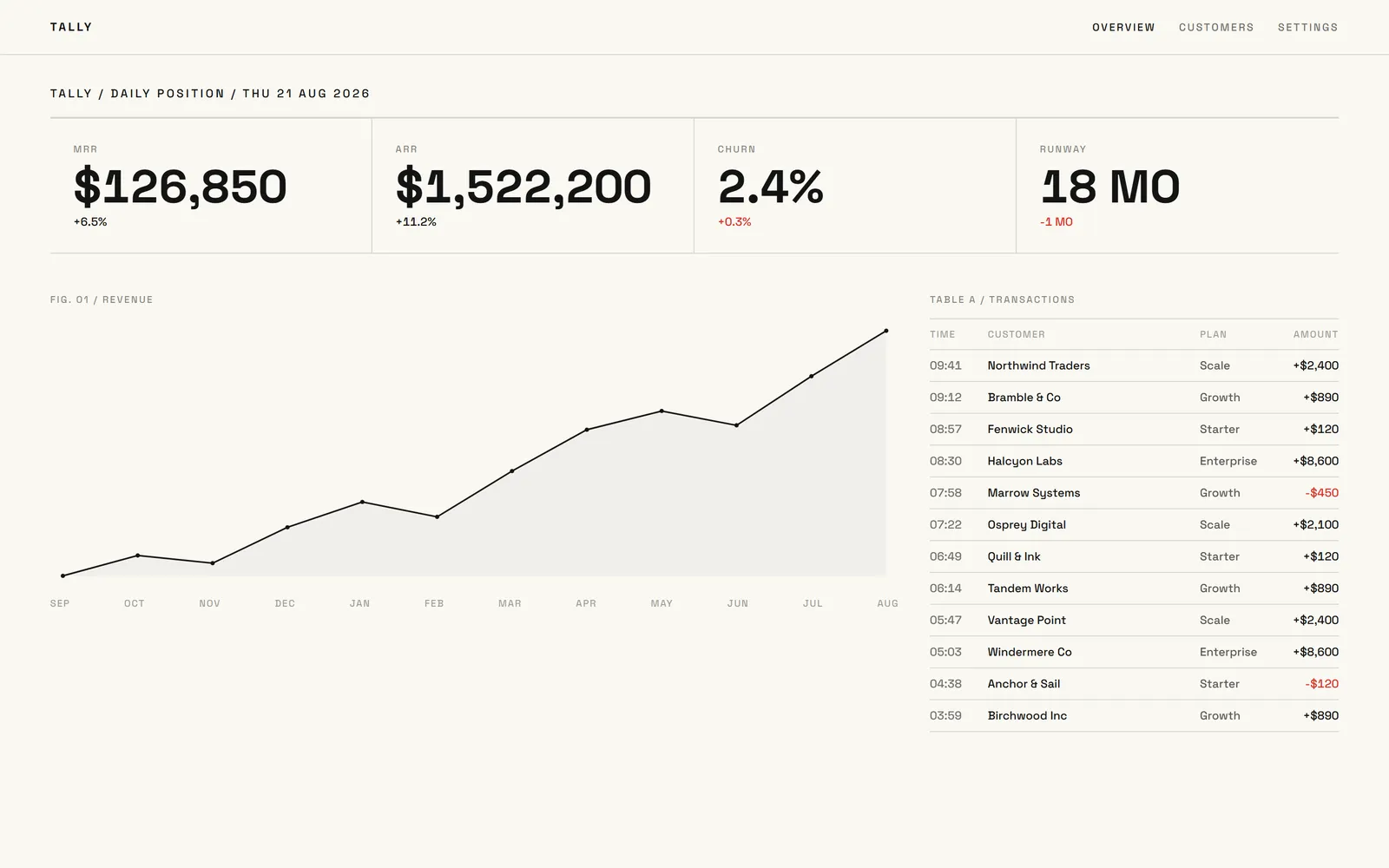
Tally
Revenue dashboard
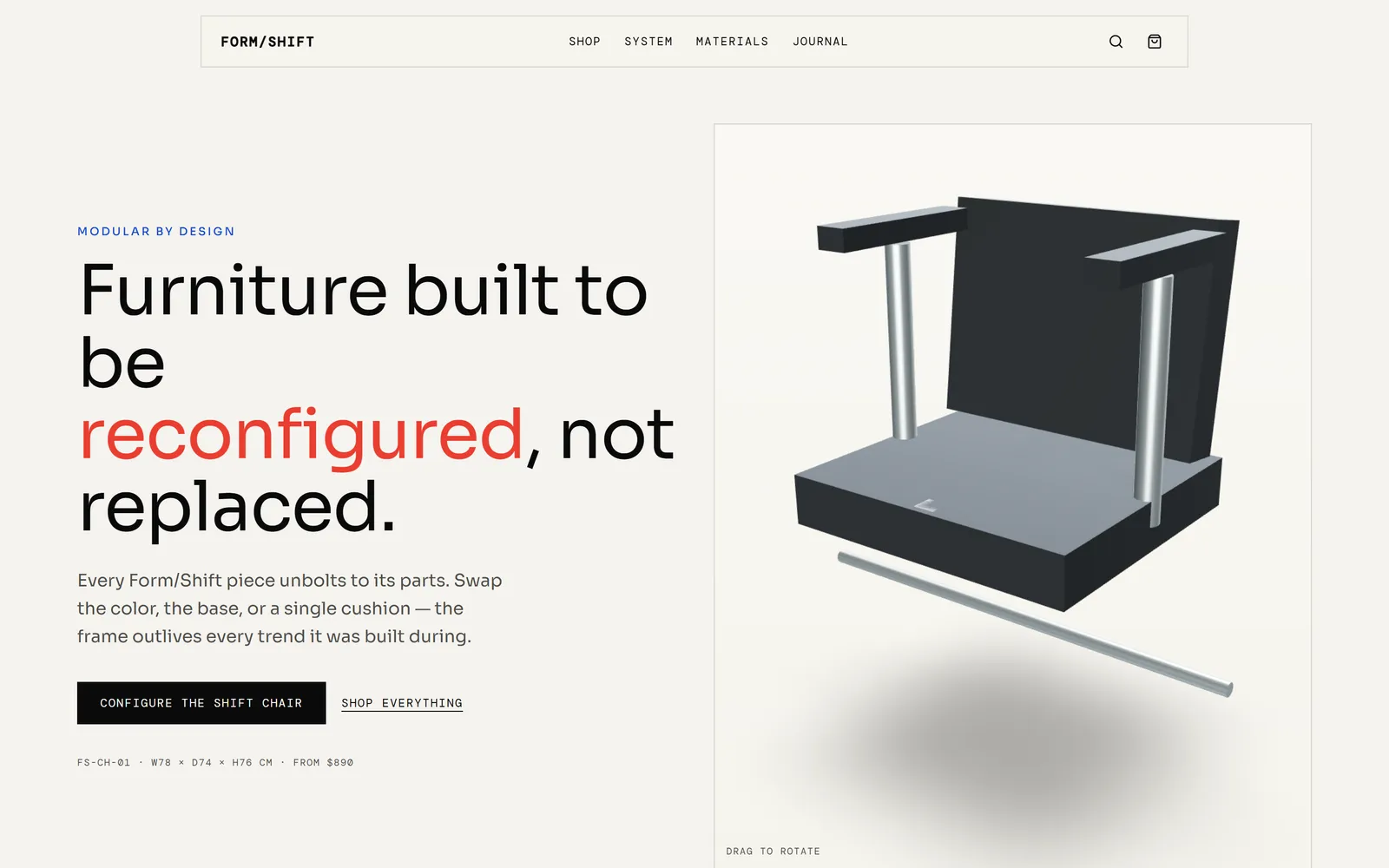
Form/Shift
Modular furniture store
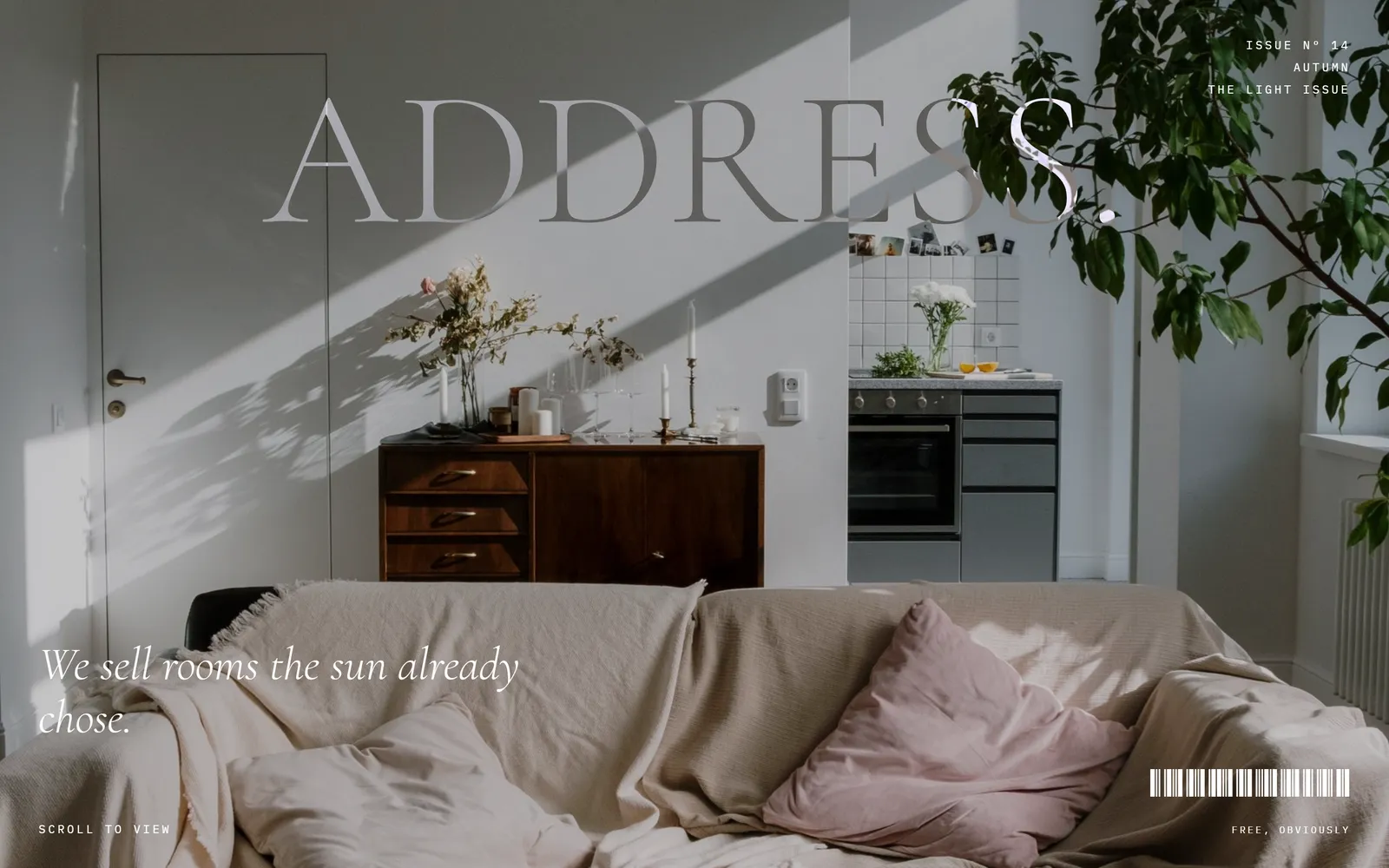
Address
Estate agency
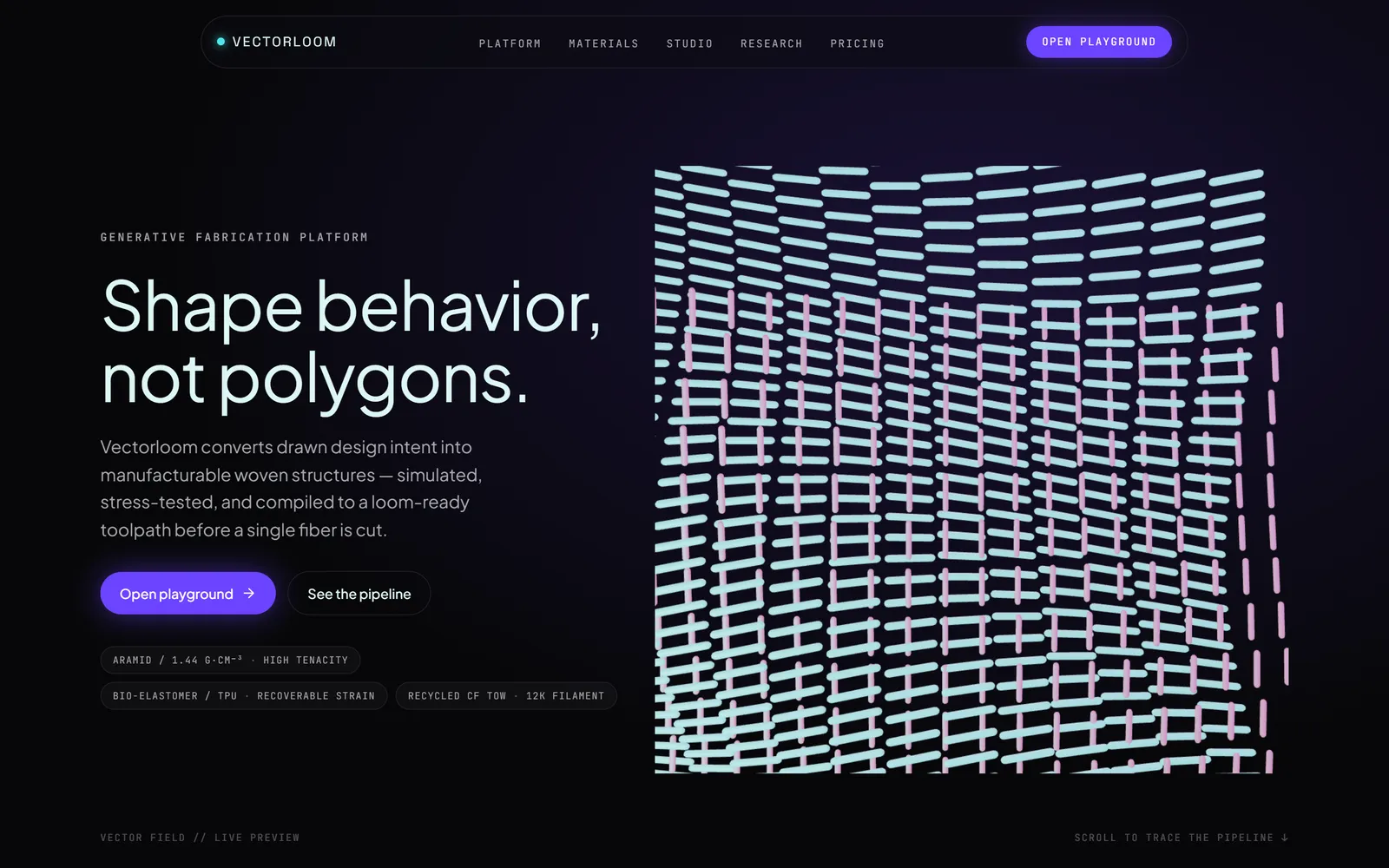
Vectorloom
Generative design platform
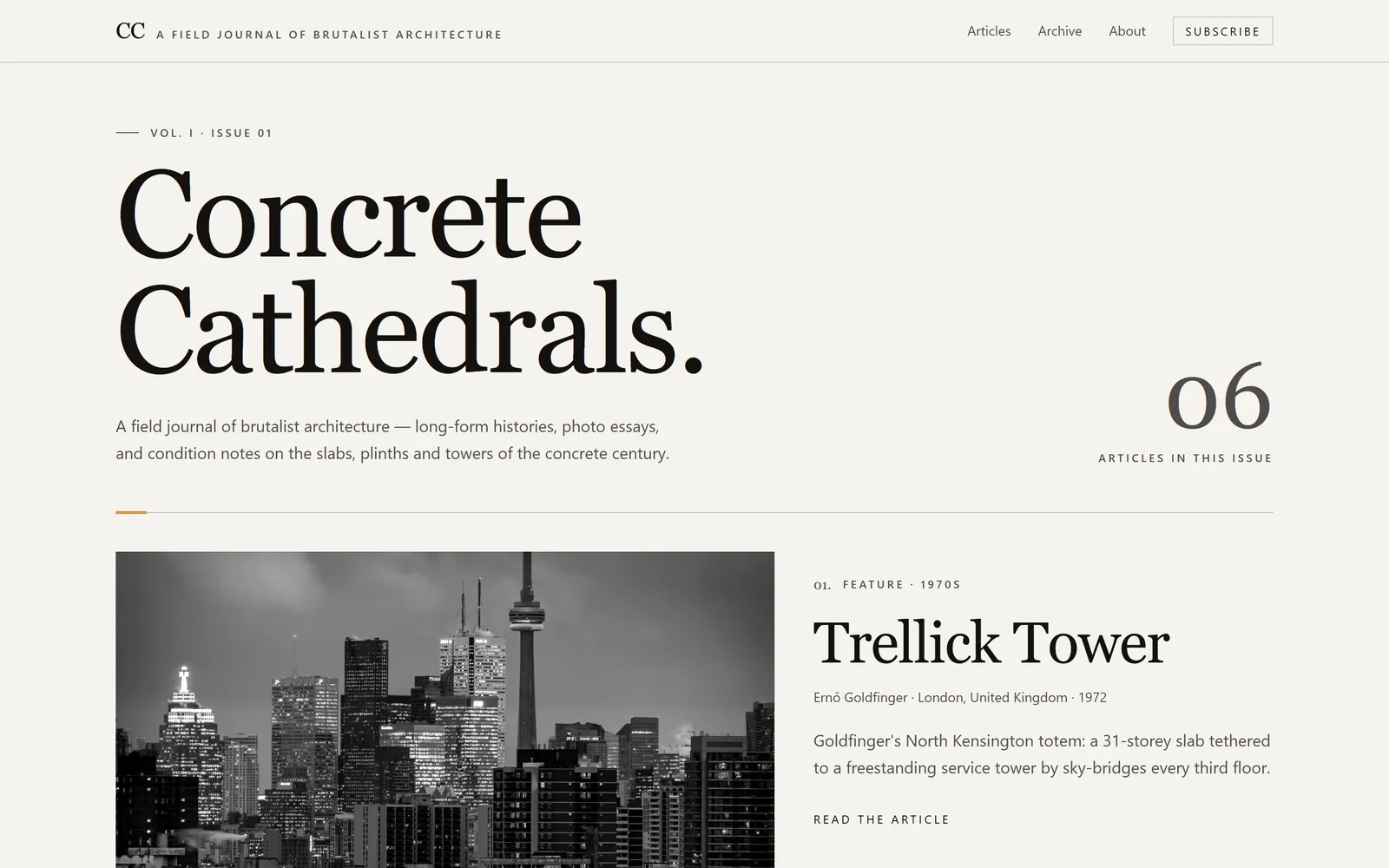
Concrete Cathedrals
Architecture journal
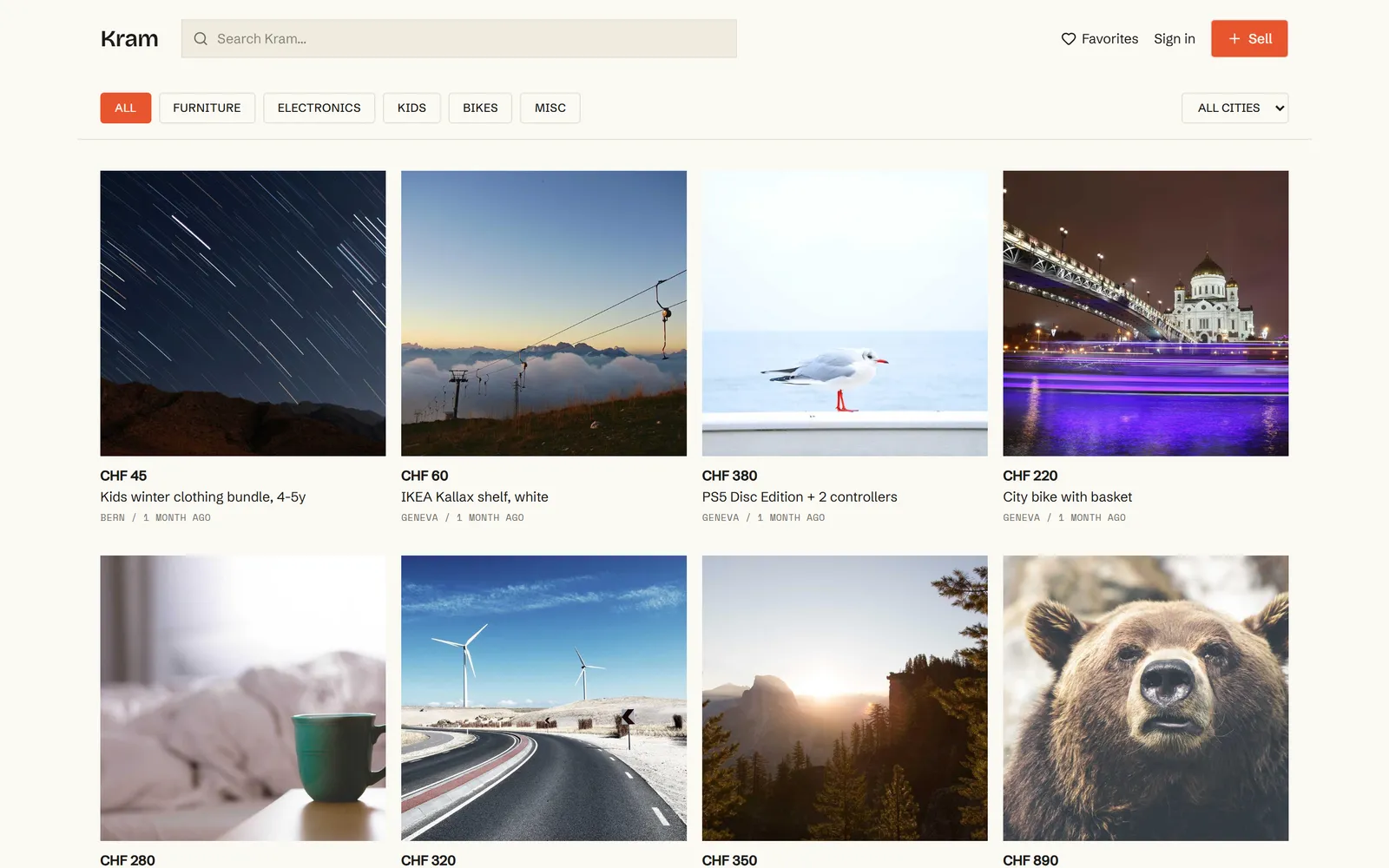
Kram
Second-hand marketplace
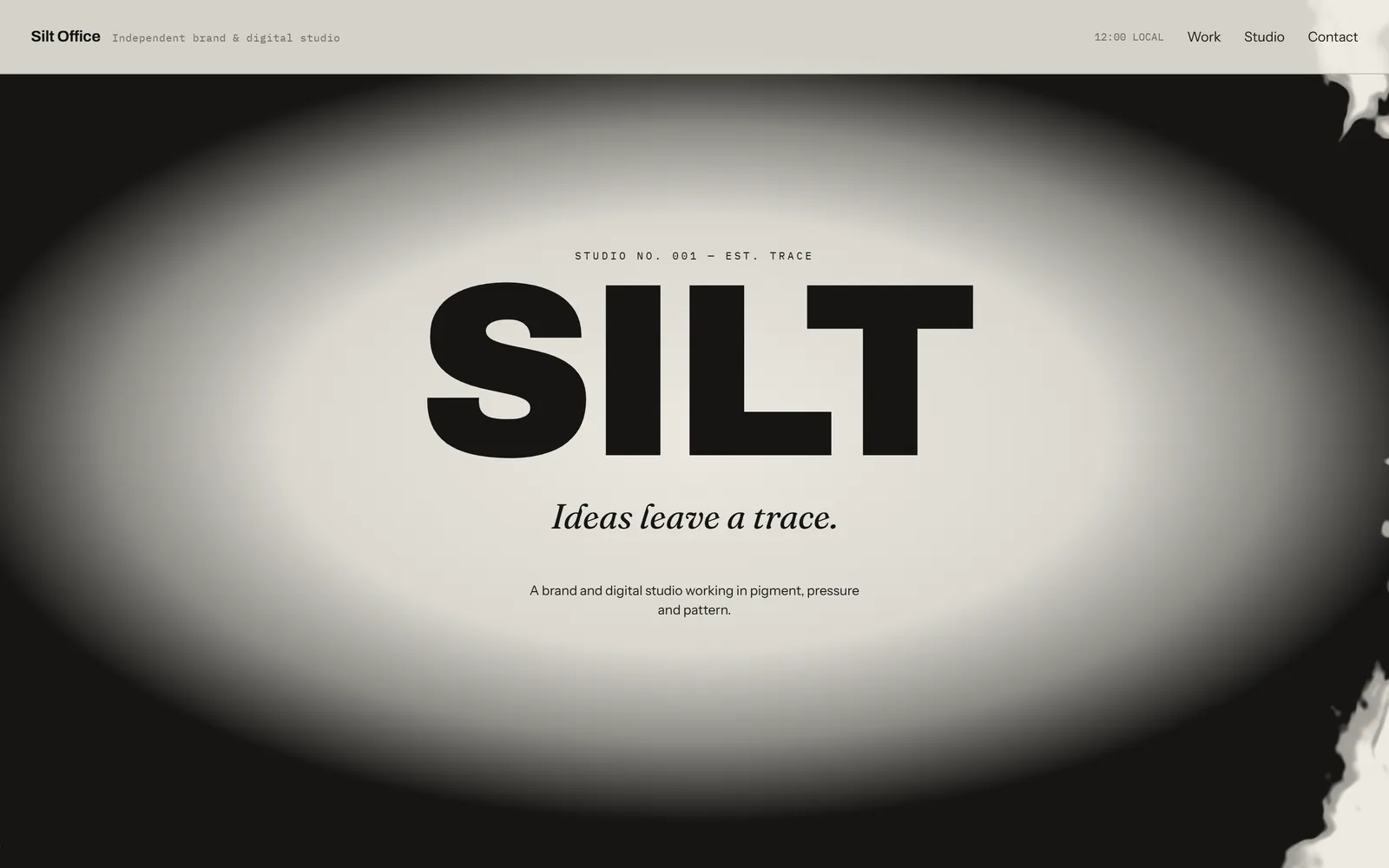
Silt Office
Design studio
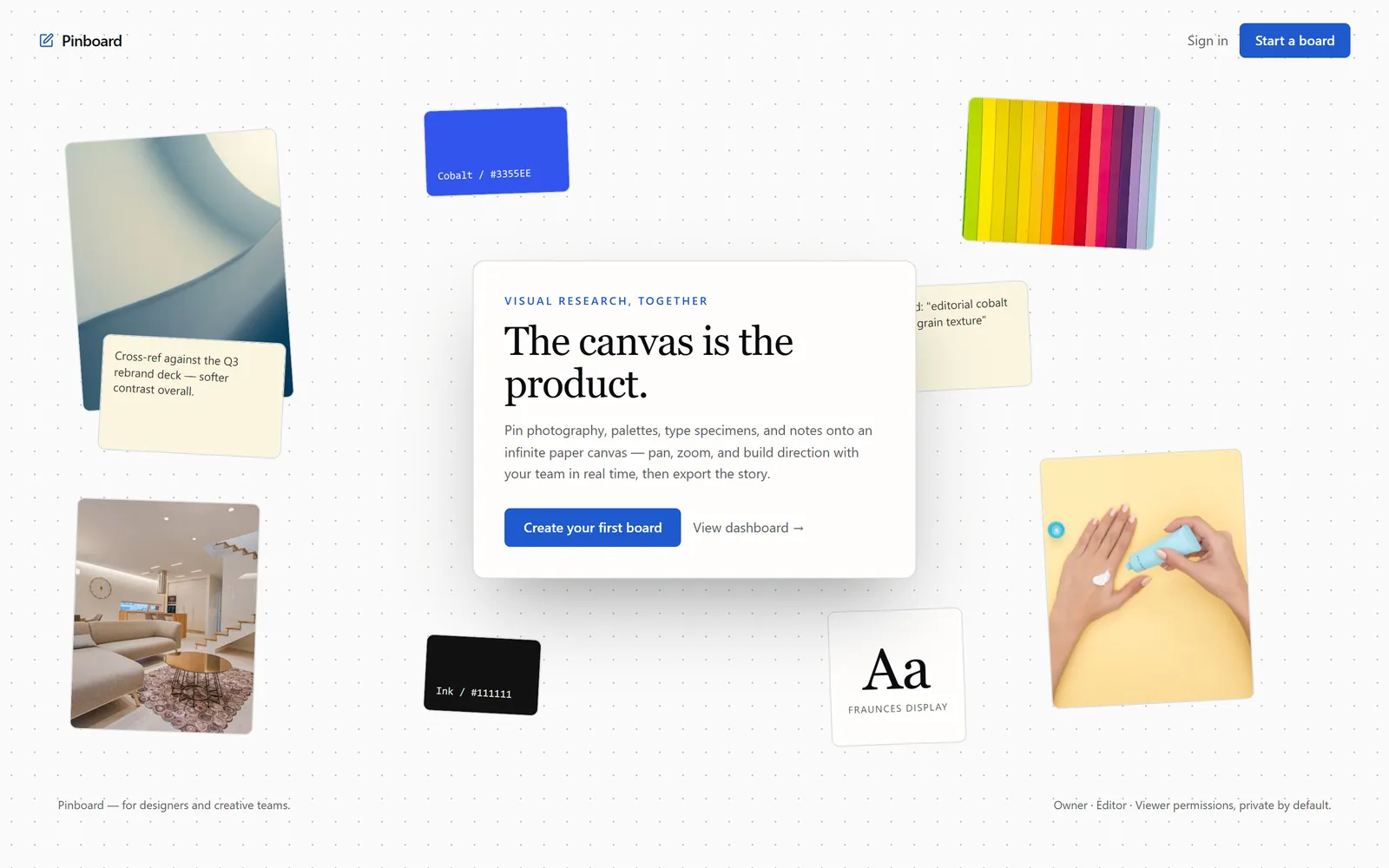
Pinboard
Collaborative moodboards
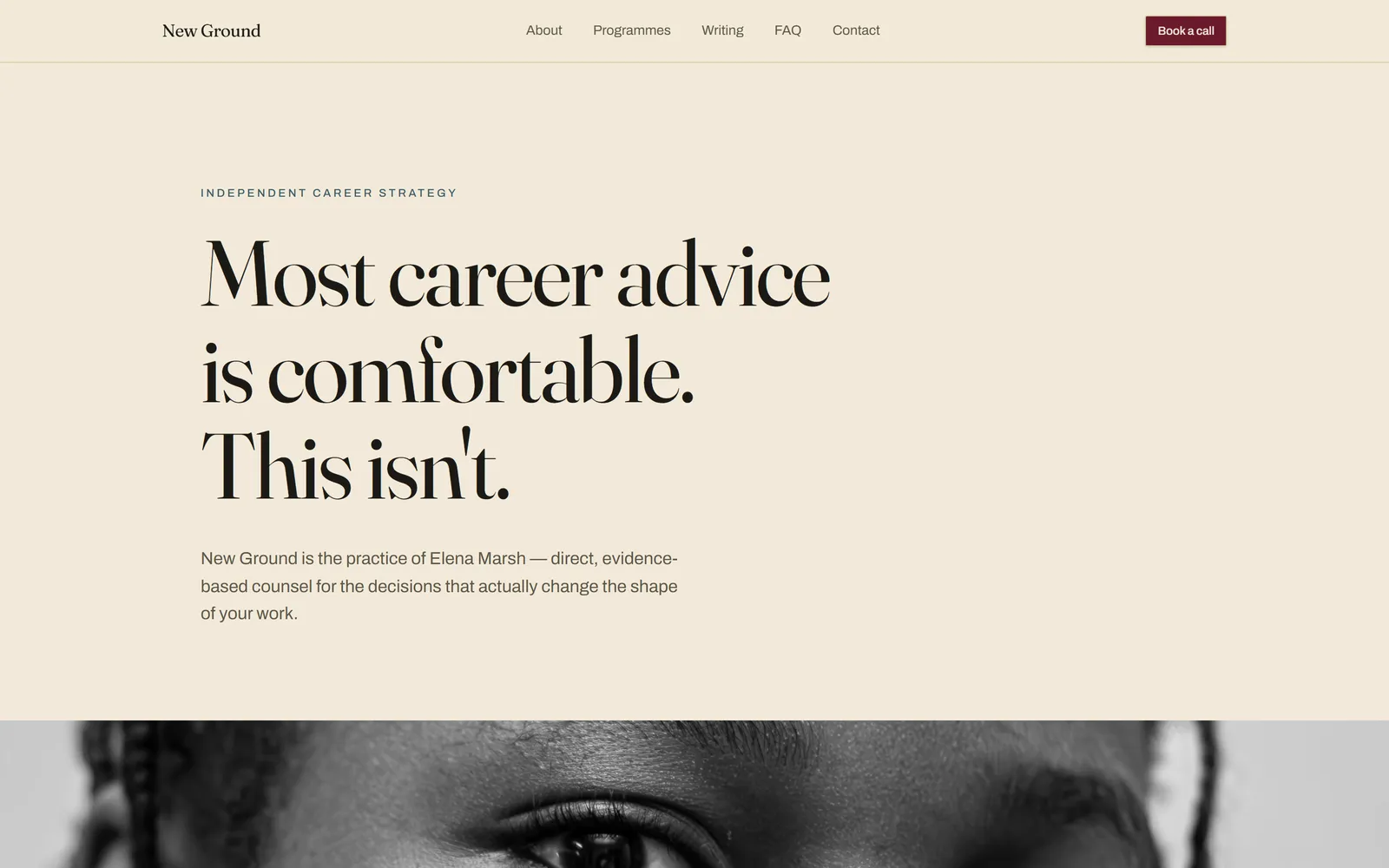
New Ground
Career strategist
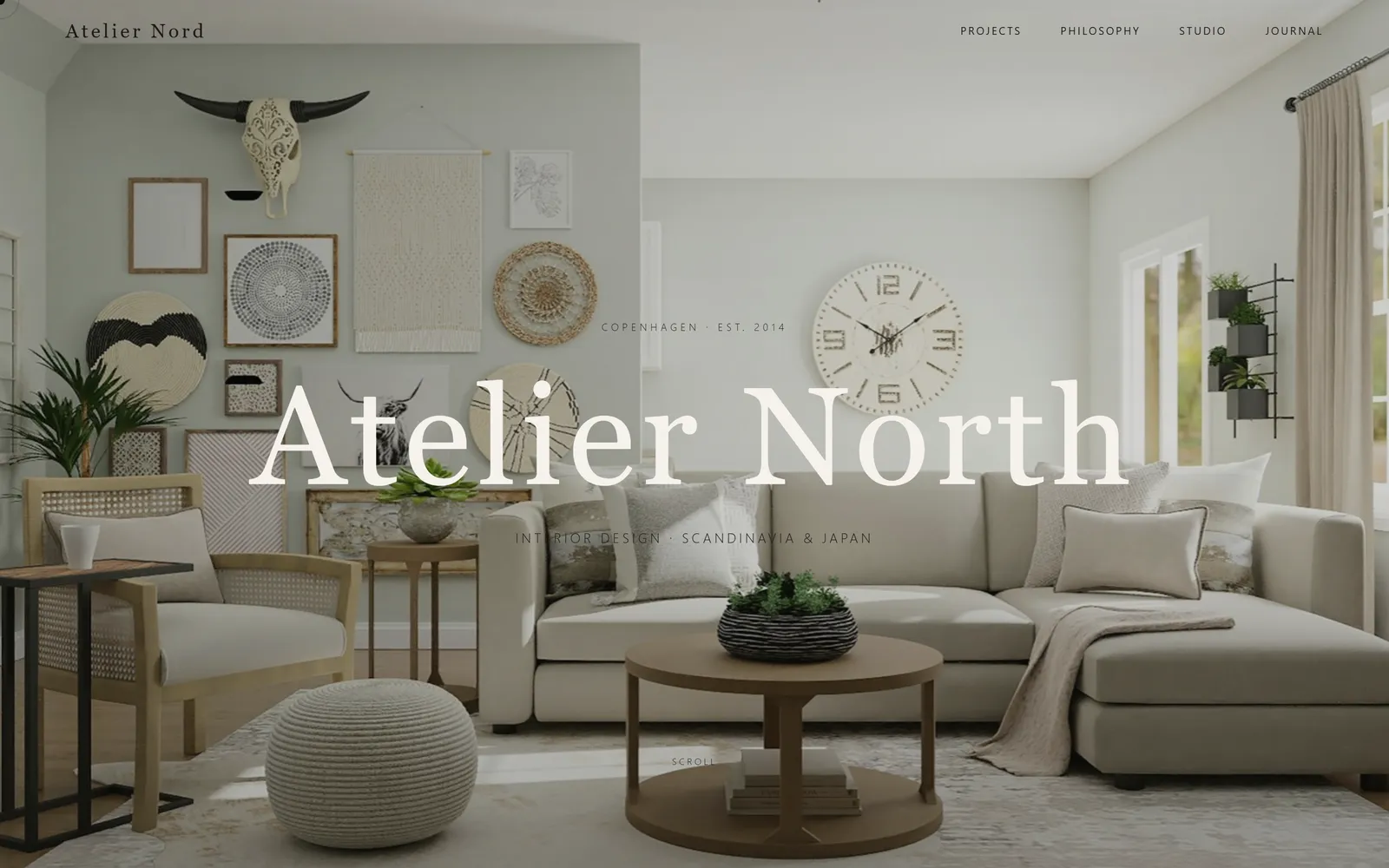
Atelier North
Interior design studio
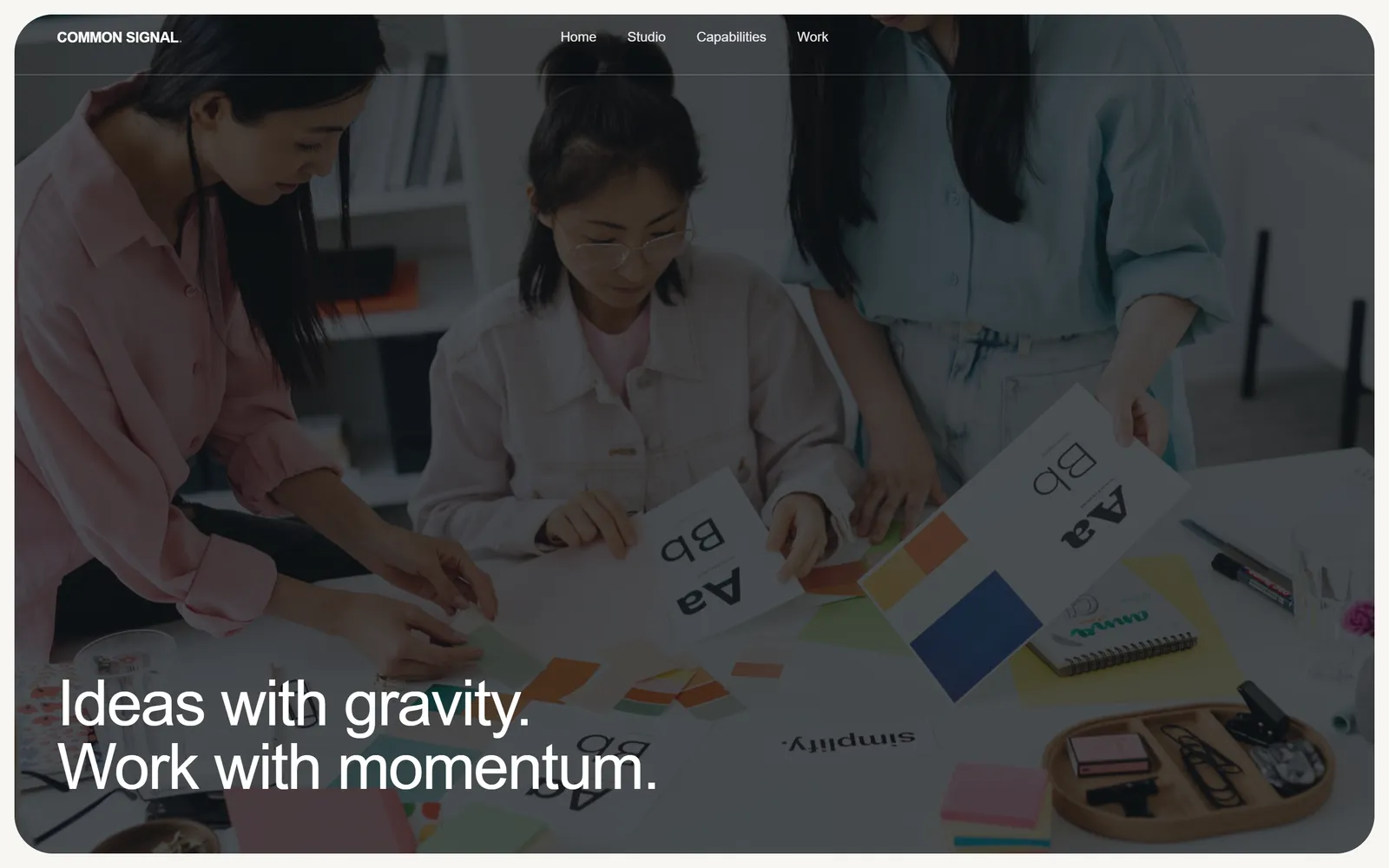
Common Signal
Creative agency
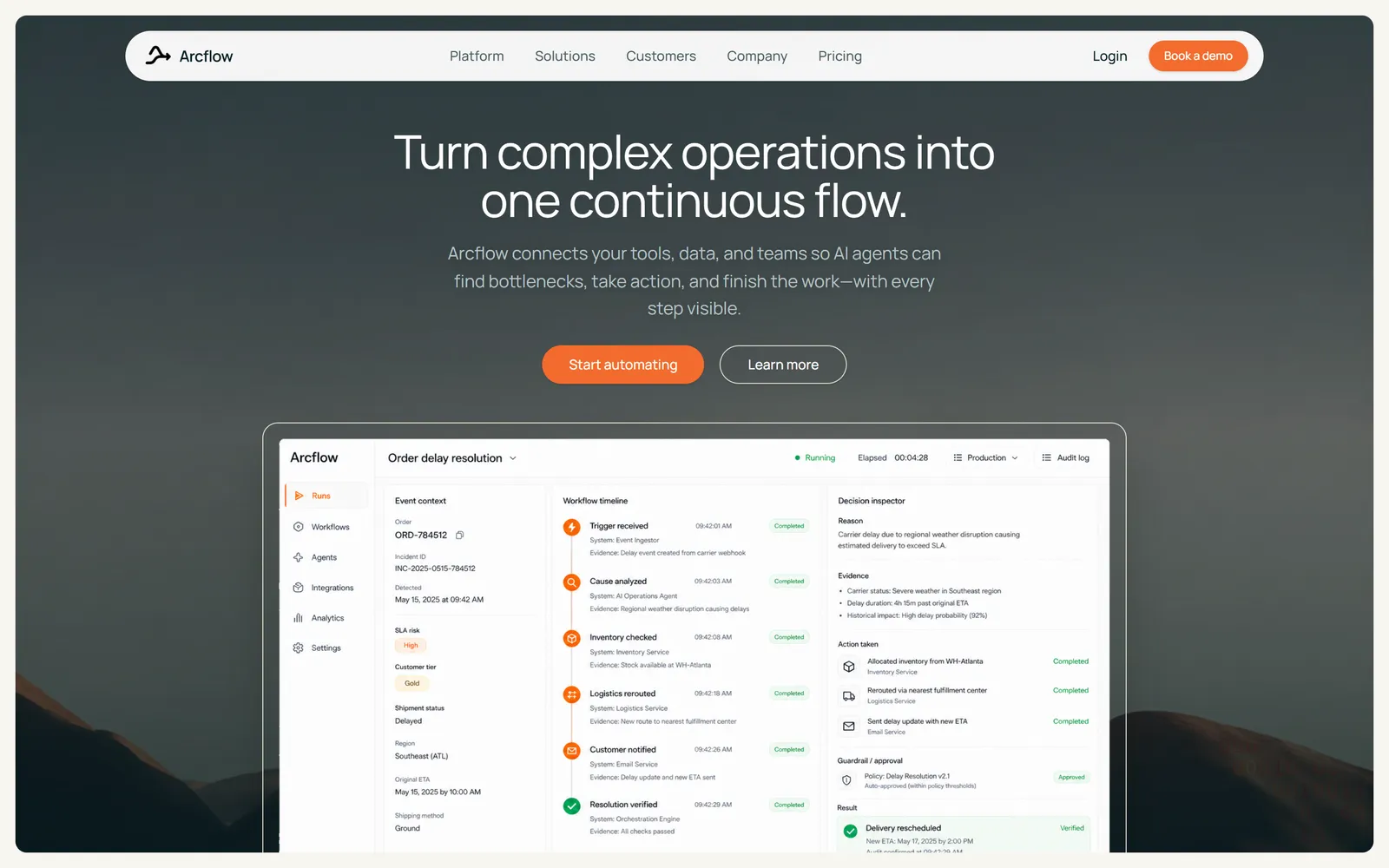
Arcflow
Product site with live app UI
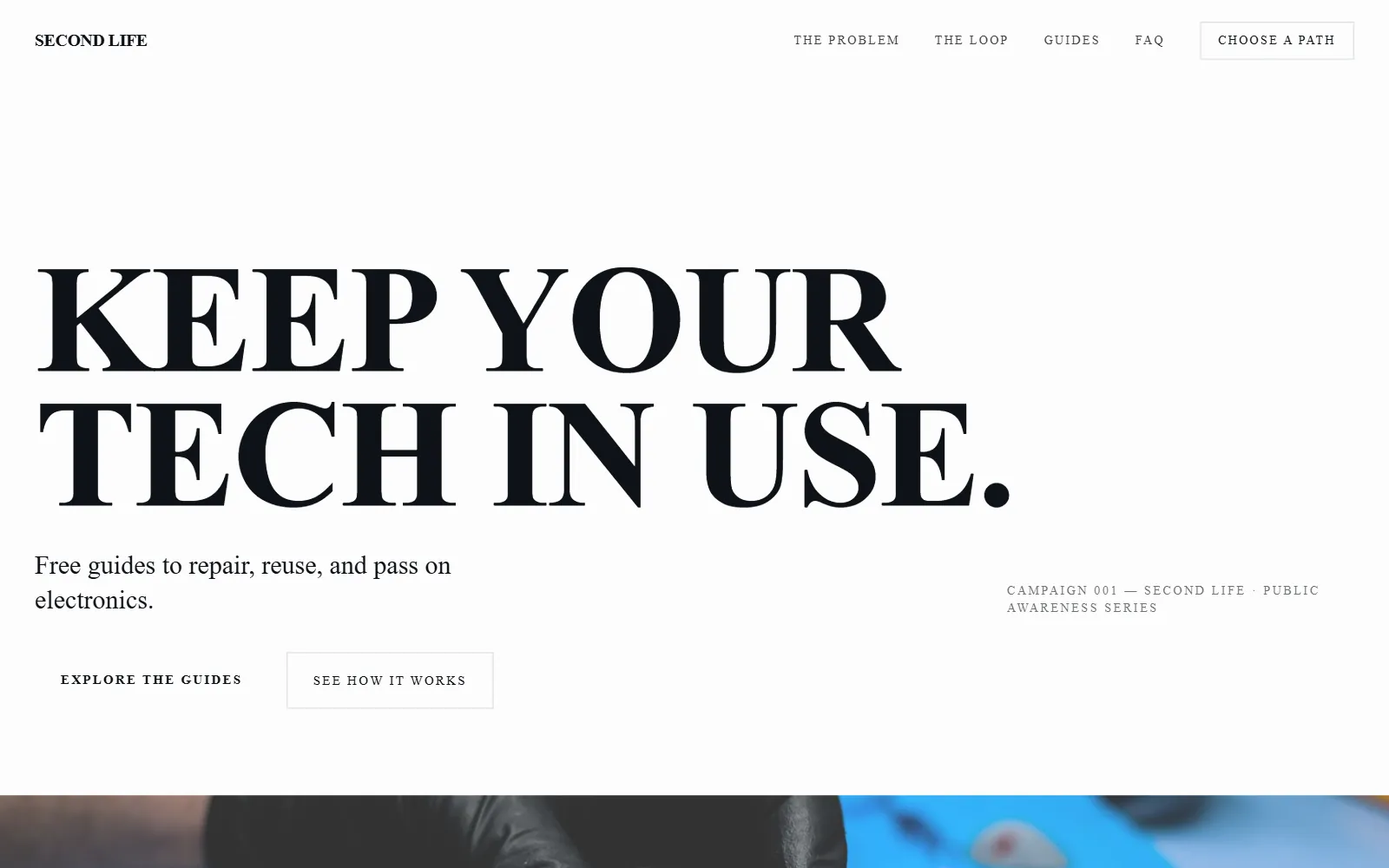
Second Life
Repair campaign site
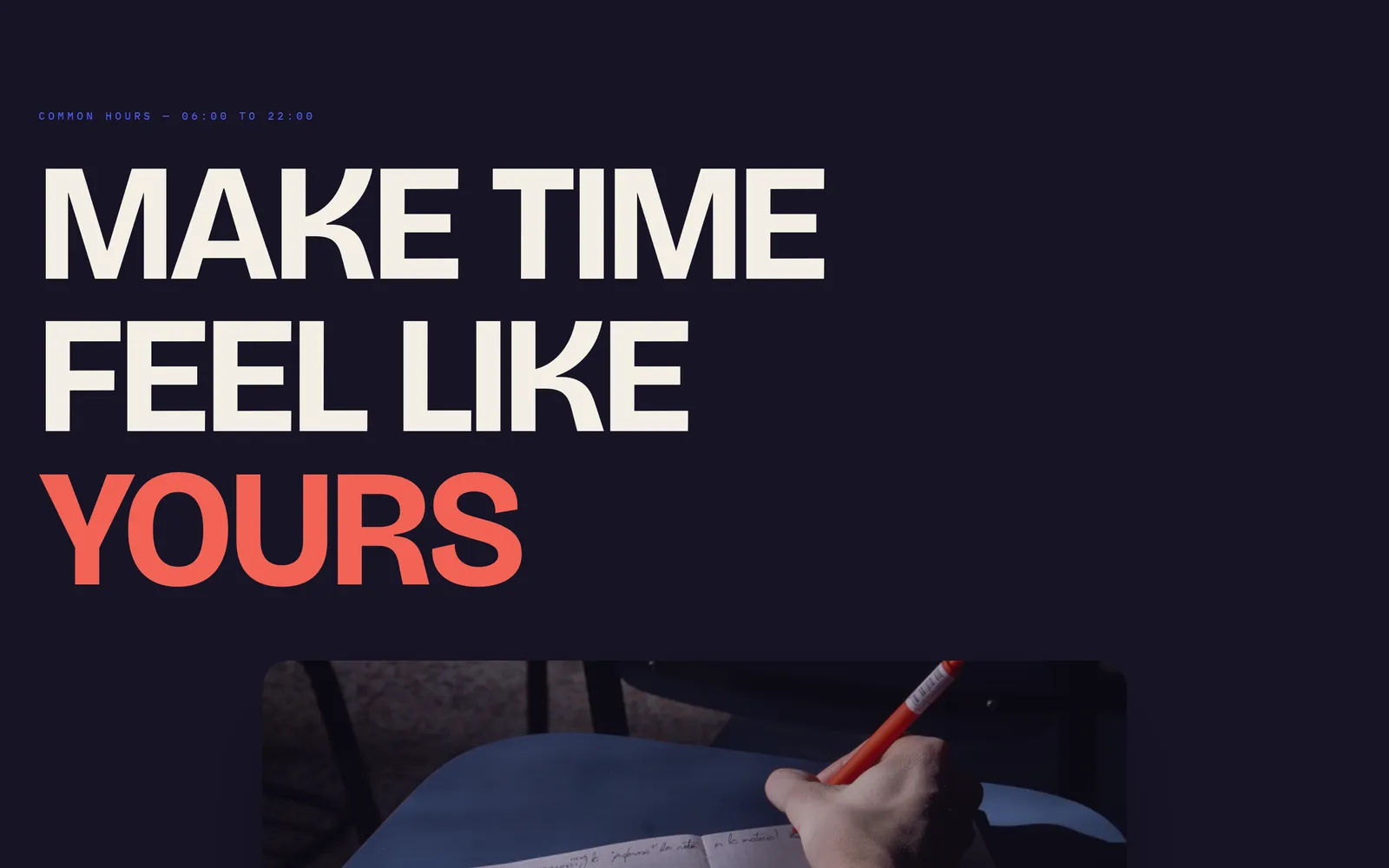
Common Hours
Lifestyle brand
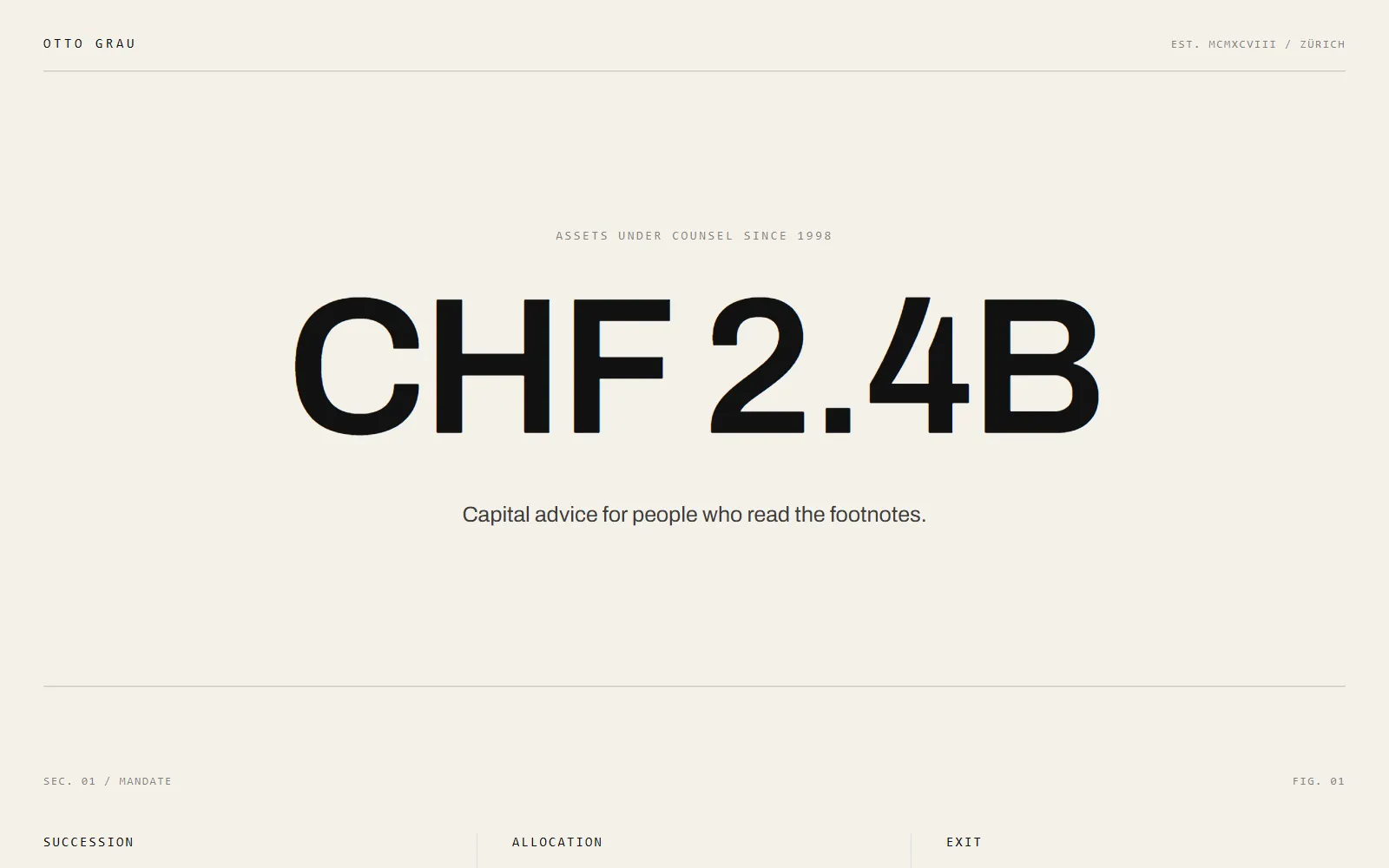
Otto Grau
Capital advisory firm
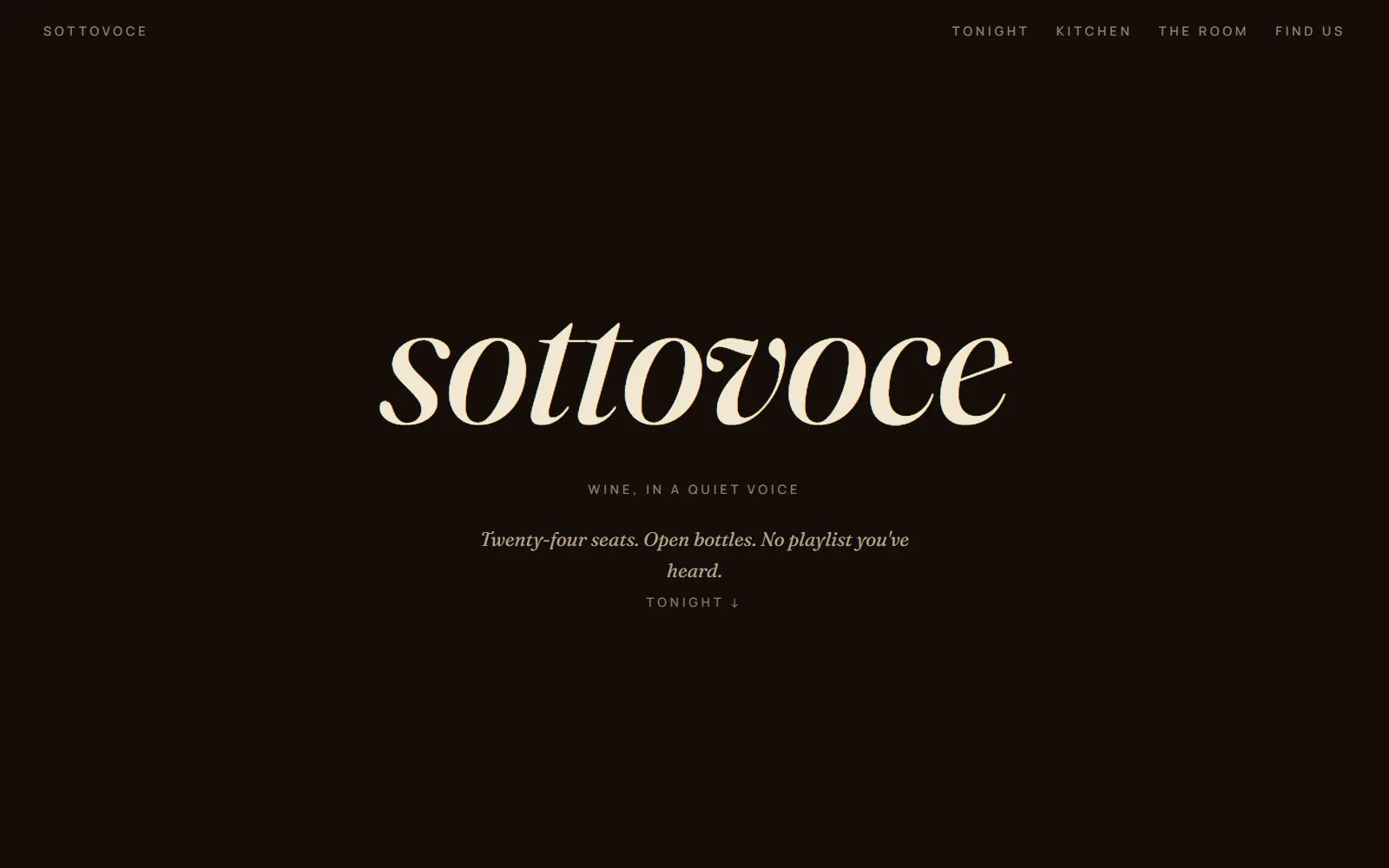
Sottovoce
Wine bar
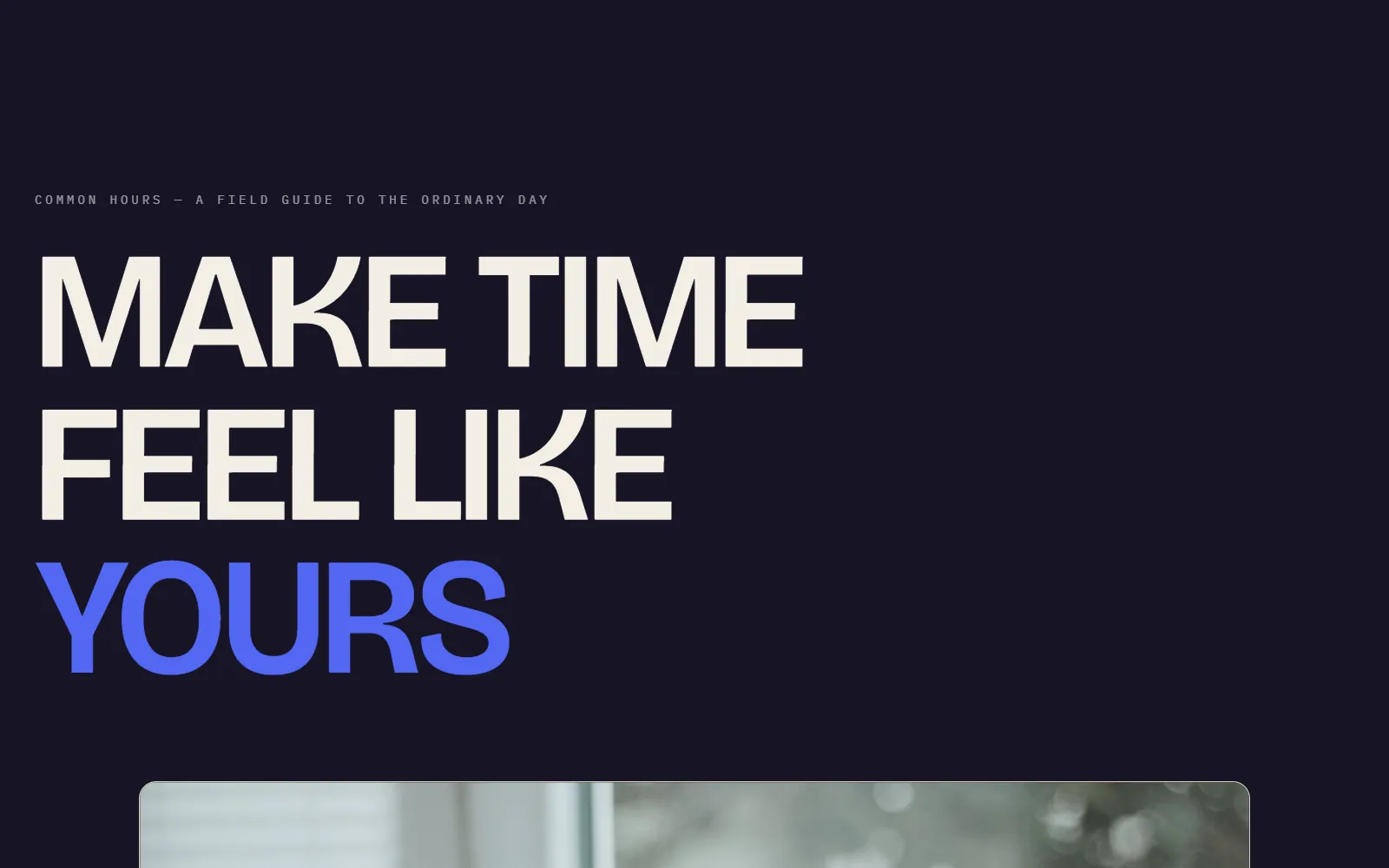
Common Hours Mini
One-page lifestyle site
Nothing quite right? Describe your own
Start from a sentence instead. Swarmz designs it, builds it and tests it for you.


How it works
Yours in three steps
Every template is a complete, working site. Using one is the fastest way from idea to live.
Pick a template
Open any template and try the live site on desktop, tablet and phone.
Make it yours
Tell Swarmz what to change — your name, products, words and colours. Or click anything to edit it.
Publish
One click puts it live on a swarmz.cloud address, or on your own domain on Pro.
Questions, answered
What do I get when I use a template?
Can I change everything?
Do templates work on phones?
Can I add sign-in or a database?
What does it cost?
Who owns what I build?
Or start from a sentence
Describe the app you want. Swarmz designs it, builds it and tests it — no template needed.