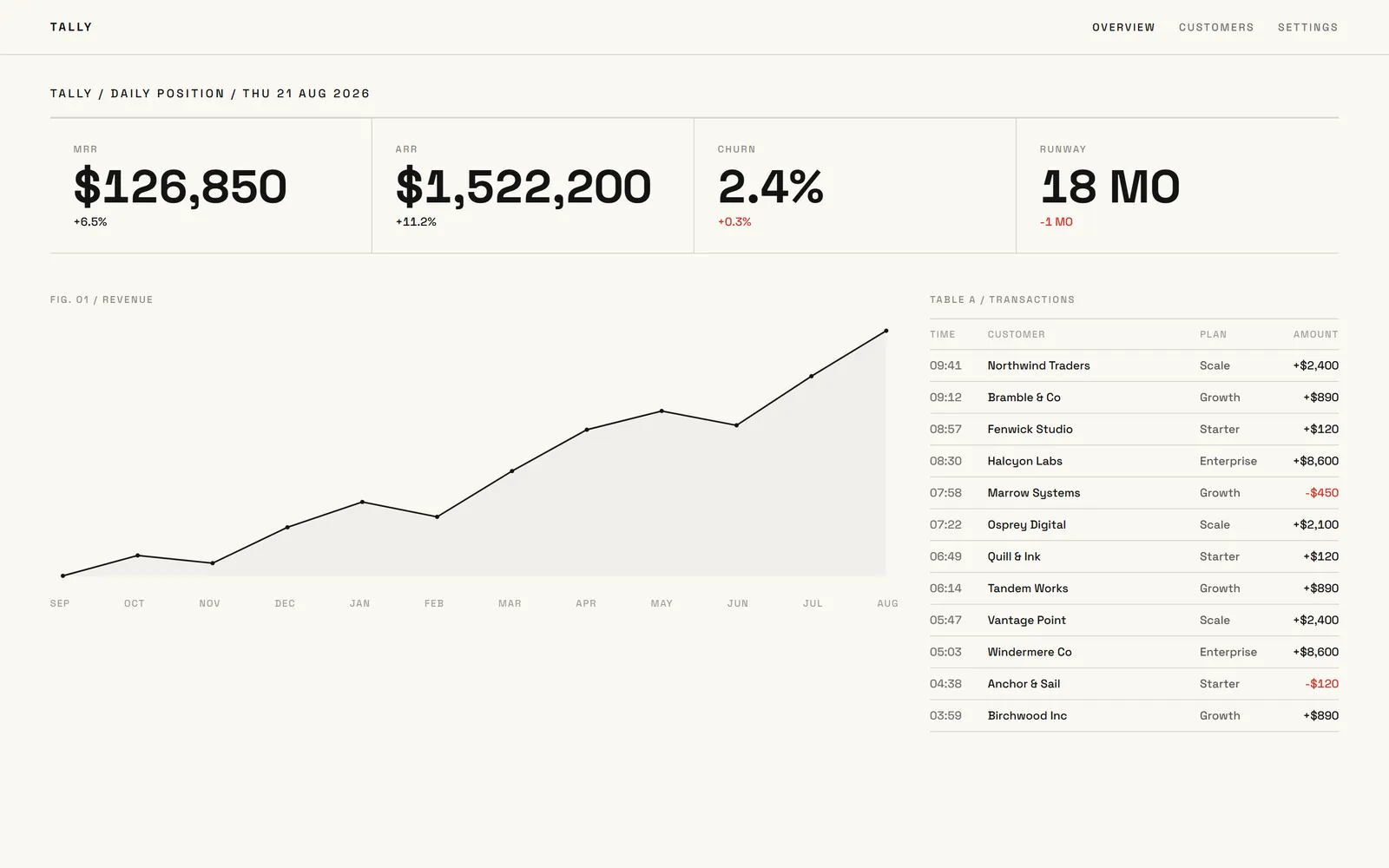
Dashboard

Internal tools

Replace the spreadsheet your team runs on

Describe the process — stock, approvals, rotas, requests — and Swarmz builds a proper tool with sign-in, roles and a real database. No ticket, no waiting.

See integrations

Built around your process

Describe how the work flows today and get a tool that fits it.

Only the right people

Team sign-in and roles, with private publishing on Business.

Plugged into your tools

Slack, Notion, Airtable, HubSpot, Linear and more.

Start with an idea

Pick one. Press start

Each idea is a real prompt. Press start and Swarmz builds it as soon as you've signed up — or copy it and make it your own.

A stock tracker

Items, suppliers and a heads-up before you run out.

Build an inventory tracker for our warehouse with items, suppliers, stock levels, a low-stock list and a Slack message when something runs low.

An approvals queue

Requests in, decisions out, with a full history.

Create an expenses approval tool: staff submit requests with a receipt photo, managers approve or reject, and everyone can see the status and history.

A staff rota

Weekly shifts, swap requests and who's on today.

Make a staff rota app for my café with weekly shifts, shift swap requests and a simple view of who's working today.

A client onboarding tracker

Every new client, every step, in one place.

Build an onboarding tracker for new clients with a checklist per client, owners and due dates, file uploads and a weekly summary view.

Templates

Or start from a finished one

Real apps built with Swarmz and live on the web. Open one, then make it yours.

Browse all 28 templates

Start from what you have

Bring the spreadsheet along

Attach the spreadsheet, PDF or doc your team uses today and describe what should happen. Swarmz reads it before it builds, so the tool starts from your real columns and steps.

  • Spreadsheets, CSVs, PDFs and docs
  • Up to 10 files per prompt
  • Screenshots of the old tool work too

Included

A proper tool, not a fragile workaround

Questions, answered

Can only my team see it?
Yes. Your tool can require sign-in, and on Business you can publish it privately so only people you invite or members of your workspace can open it.
Can it use data from the tools we already have?
Swarmz connects to Slack, Notion, Airtable, HubSpot, Linear, GitHub, Stripe and more, and can call any other API with your own key — collected through a secure form, never pasted into the code.
Can different people get different permissions?
Yes. Describe who should see and do what — staff, managers, admins — and Swarmz builds those rules into the app and its database.
Can we sign in with our company accounts?
Google sign-in works with no setup. For Microsoft accounts or SAML single sign-on, add your identity provider's details and your team signs in the way they already do.
Who maintains it once it's built?
You do, in plain words: ask for a change and Swarmz makes it, and every change is a restore point. If you have developers, they can work in the code or sync it to GitHub.

Build the tool your team needs

Describe the process — Swarmz builds the app, the database and the sign-in.

See pricing

Free to start5 free credits every day
No credit card