Dashboard

For designers

Design in the real thing

Start from three directions, then shape every detail by clicking, drawing or asking. Every change lands in real, responsive code — no handoff, no redlines.

See visual editing

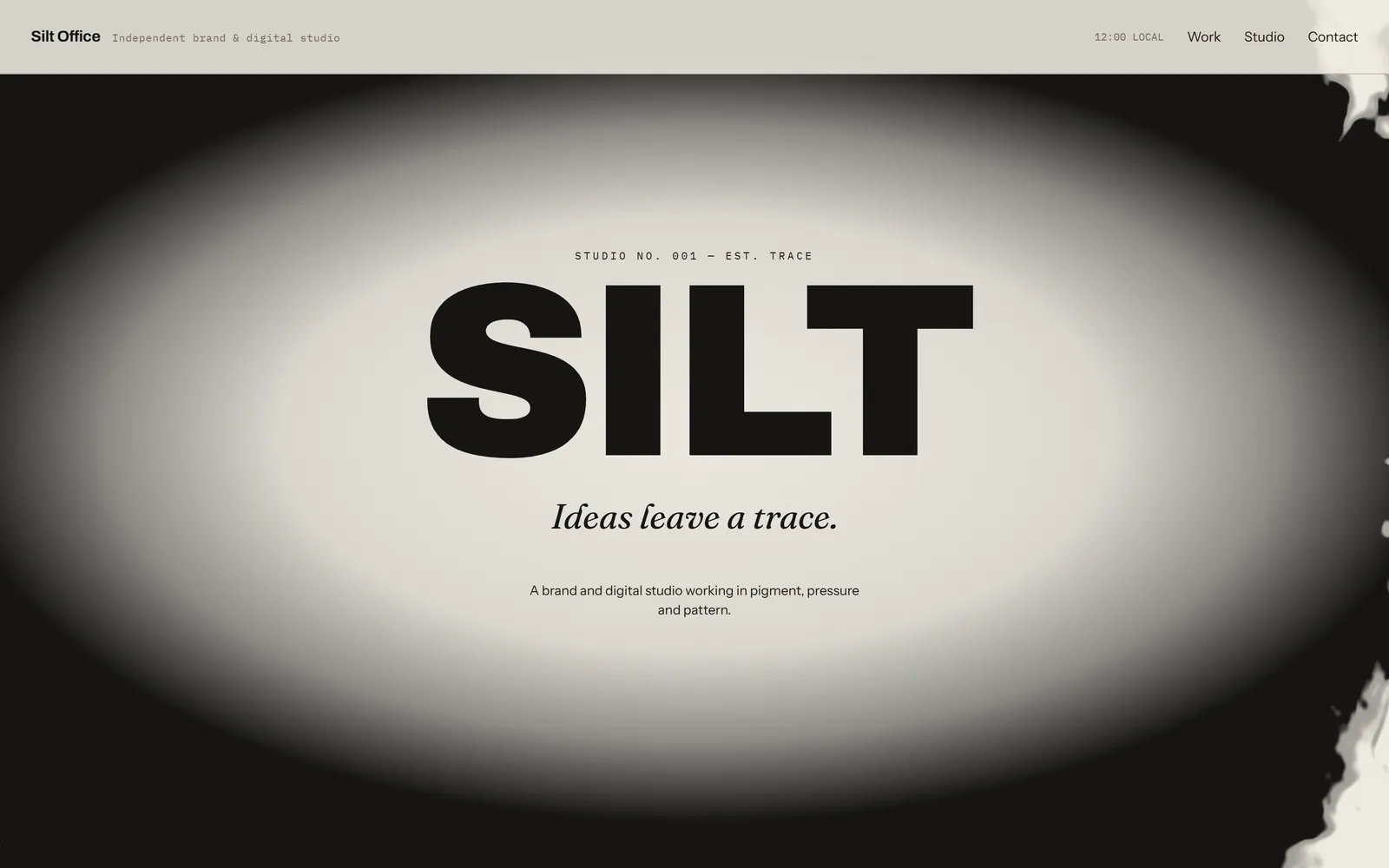
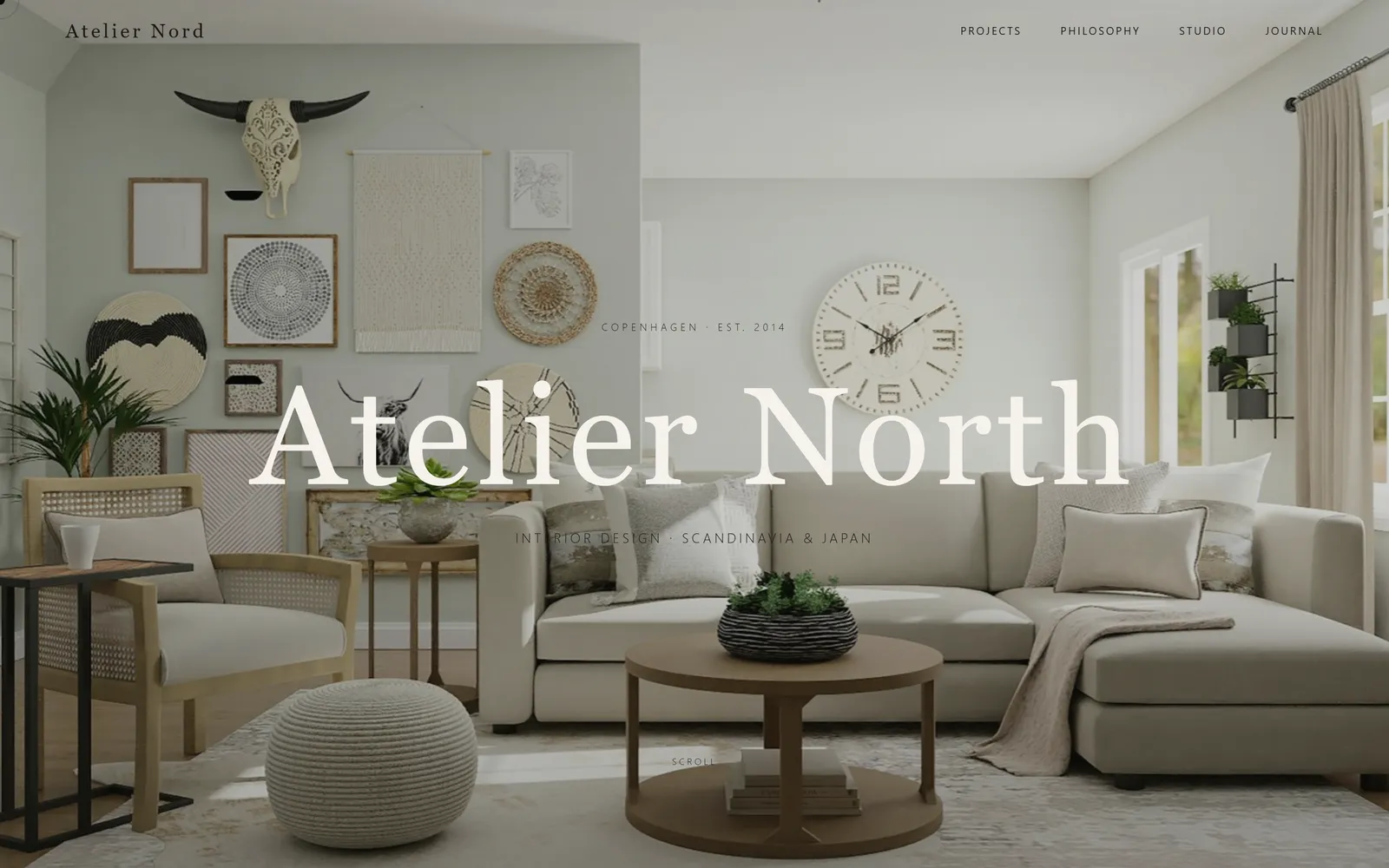
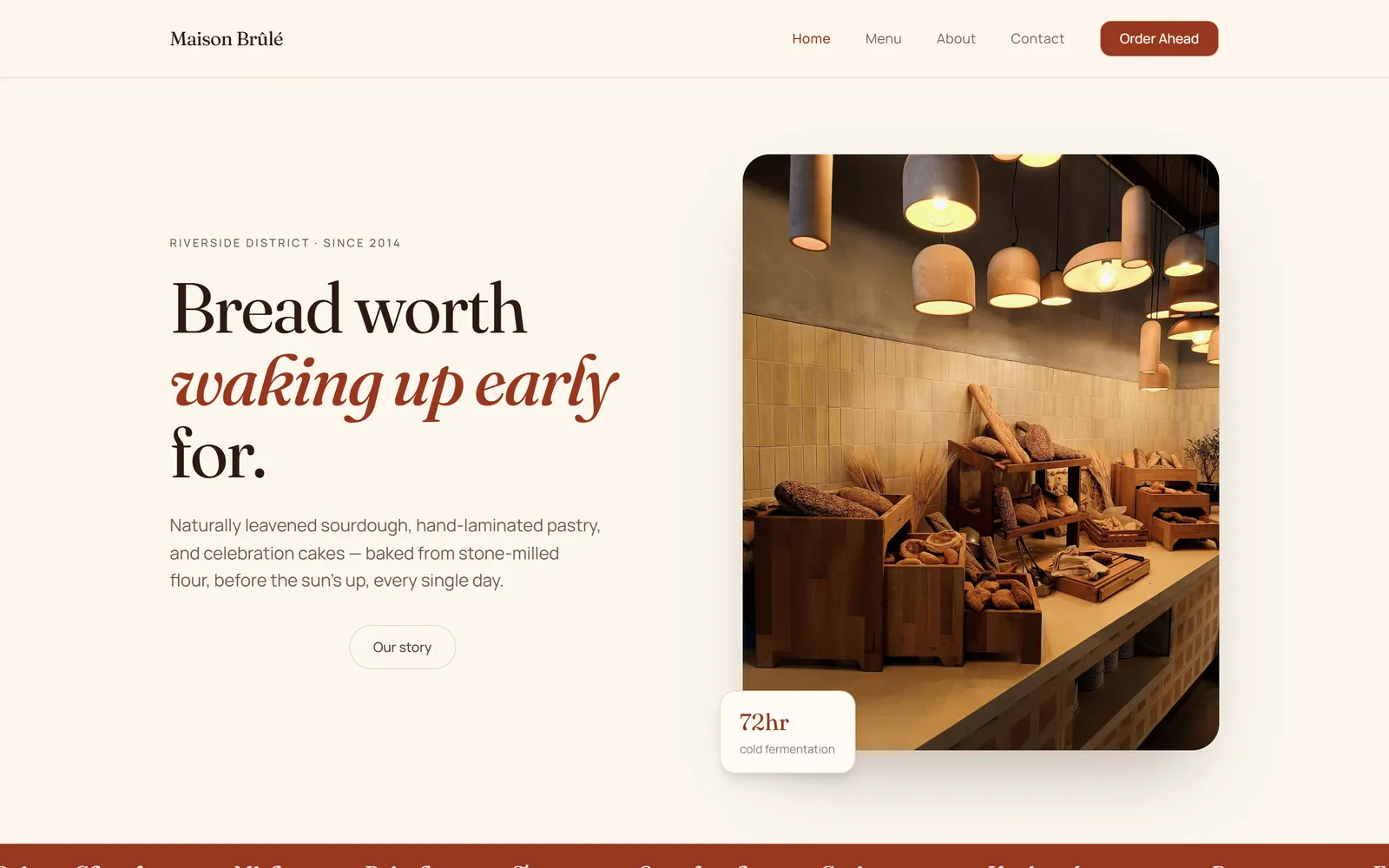
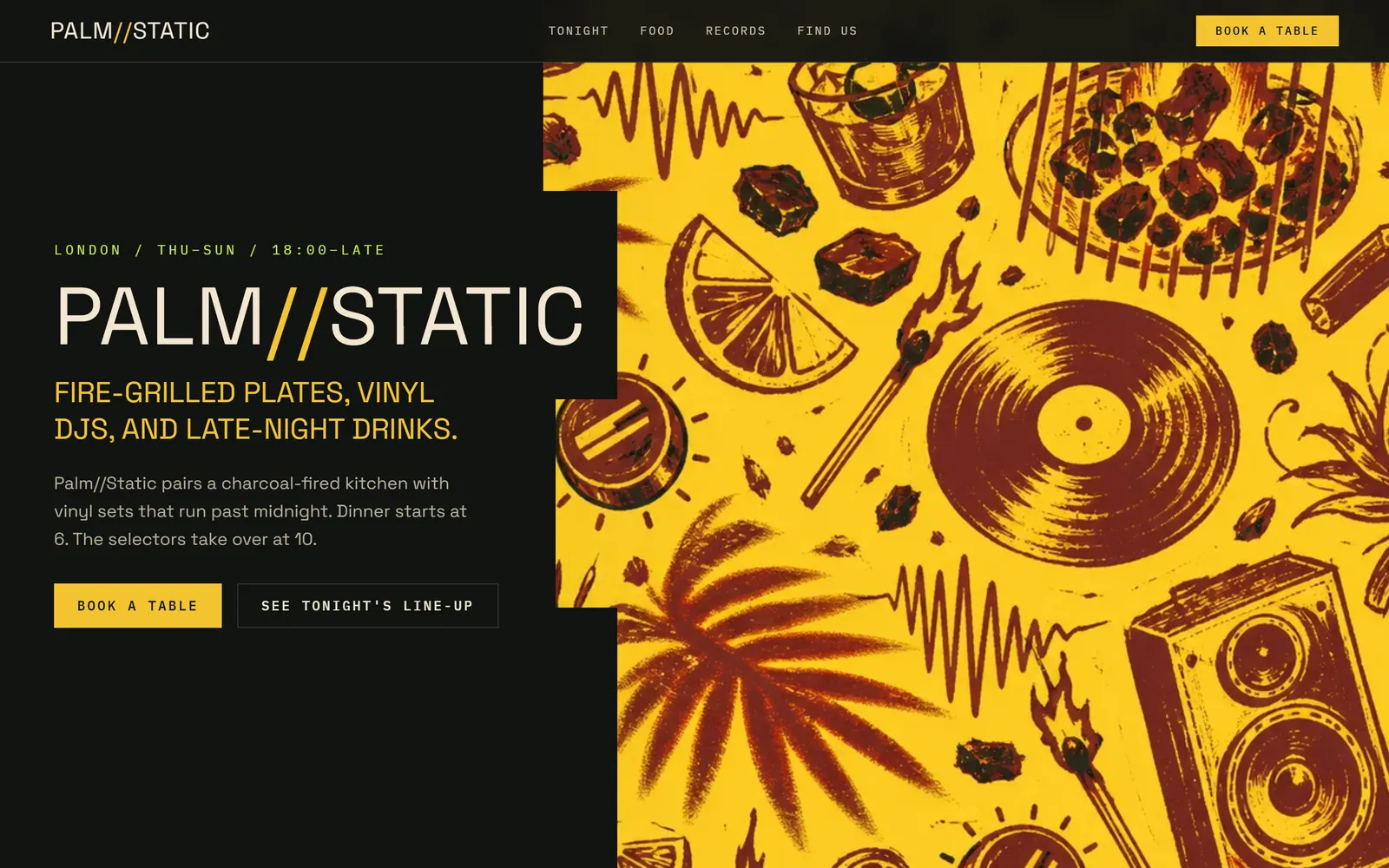
Directions, not a blank page

Three distinct designs from one brief.

Tweak it like a design tool

Type, fill, spacing and layout, written into the code.

Every screen size

Responsive by default, tested on desktop, tablet and phone.

Start with an idea

Pick one. Press start

Each idea is a real prompt. Press start and Swarmz builds it as soon as you've signed up — or copy it and make it your own.

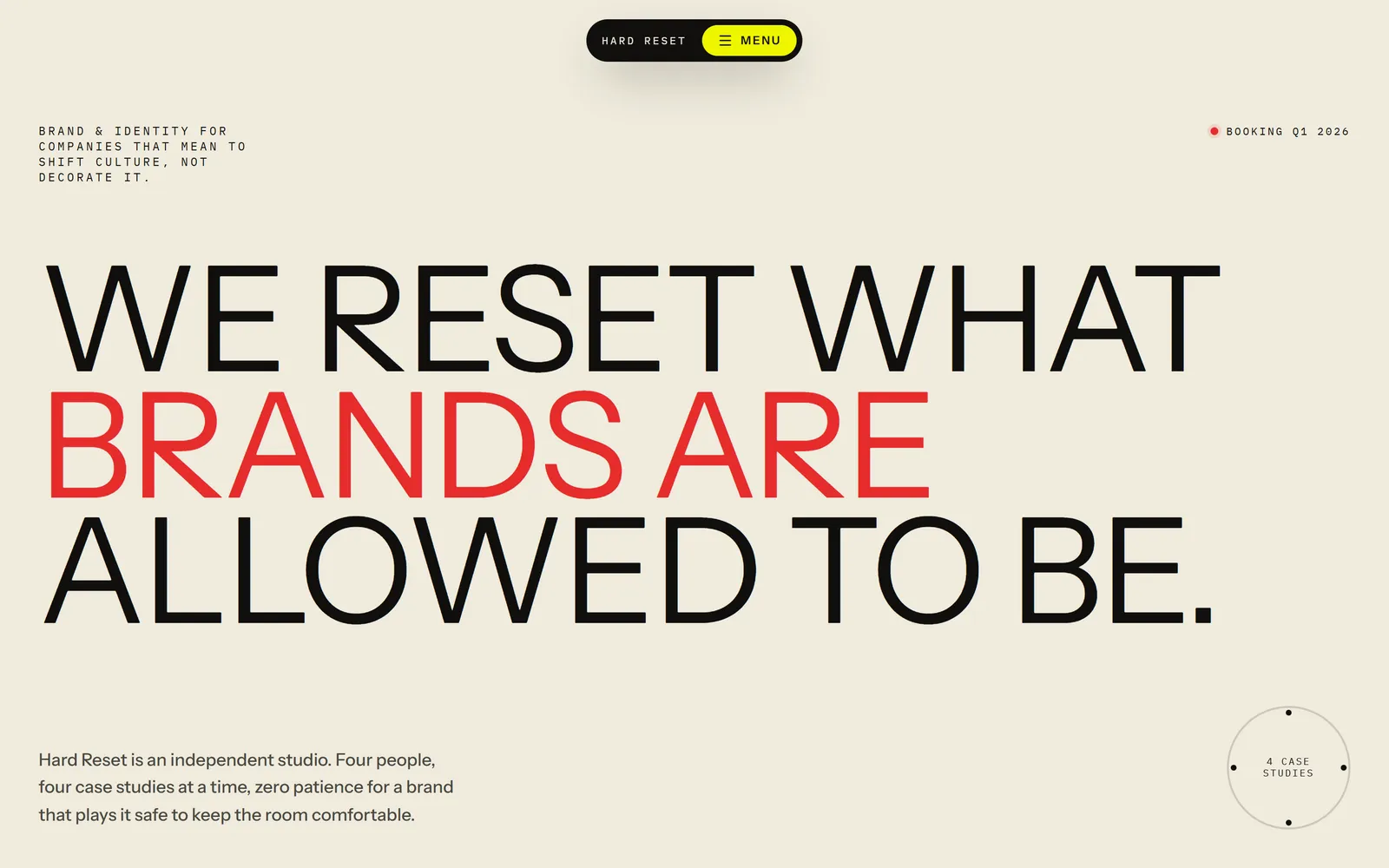
A portfolio with presence

Bold type, quiet motion, a page per case study.

Build my design portfolio with a bold typographic homepage, subtle scroll animations, a case study page for each project and a contact form.

A moodboard app

Pin images and swatches, share a board by link.

Create a collaborative moodboard app where I can pin images and colour swatches on a canvas, group them into boards and share a board by link.

A product page concept

Editorial imagery and a sticky buy panel.

Design and build a product page for a premium coffee grinder: editorial photography, a sticky buy panel, material options and detailed specs.

A type specimen site

A live tester, weights and a glyph grid.

Make a type specimen site for my new typeface with an interactive type tester, weights and styles, a glyph grid and a licensing page.

Templates

Or start from a finished one

Real apps built with Swarmz and live on the web. Open one, then make it yours.

Browse all 28 templates

Visual editing

Every tweak is real code

Click any element on your live app to change its type, fill, stroke, spacing and layout — like the properties panel you already know. Each change is written straight into the source as Tailwind classes, with no AI round-trip.

  • Typography, fill, stroke, spacing, layout
  • Pick parents and children from the page tree
  • Jump from any element to its code
More on visual editing

Included

Your eye, its hands

Questions, answered

Can I import from Figma?
Not today. You can paste screenshots or exports of your designs into the prompt and say "build this", attach your brand guidelines, or import a brand from a live website.
Are visual edits real code?
Yes. Changes you make in the properties panel are written straight into the source as Tailwind classes — nothing to export, and no waiting for the AI to redo the page.
Will it follow my design system?
Attach your brand or design system and every page follows it. You can also import the look of an existing website in one step.
Does it handle responsive layouts?
Yes. Swarmz builds responsive by default, and it can check its work in a real browser at desktop, tablet and phone sizes.
Can I add motion?
Yes. Every app ships with a motion library and Swarmz has a built-in animation skill, so scroll reveals and page transitions are a sentence away. It's all standard React, TypeScript and Tailwind.

Design something real

Describe the look — Swarmz shows you three directions and builds the one you pick.

See pricing

Free to start5 free credits every day
No credit card