


Design
See three designs before any code
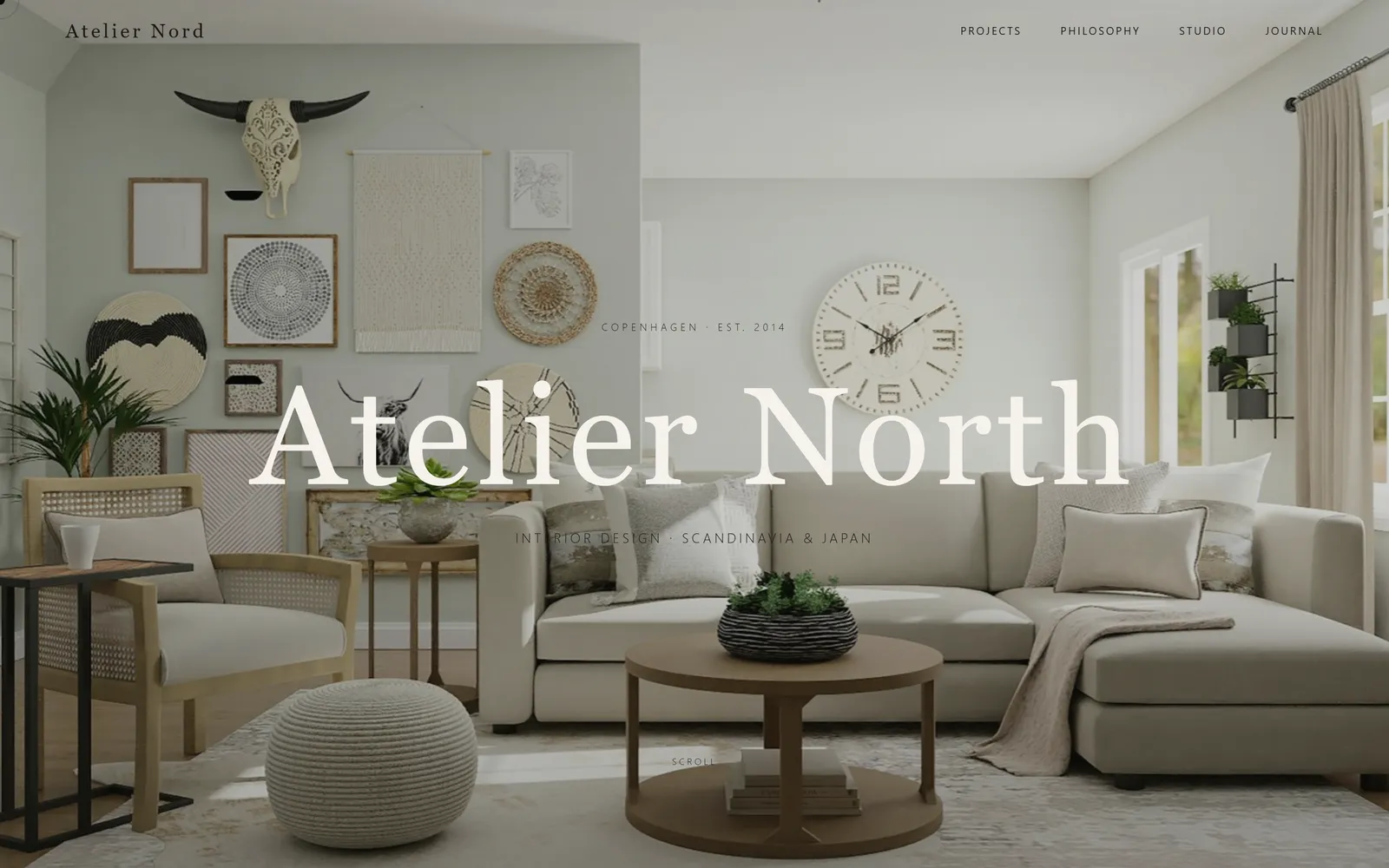
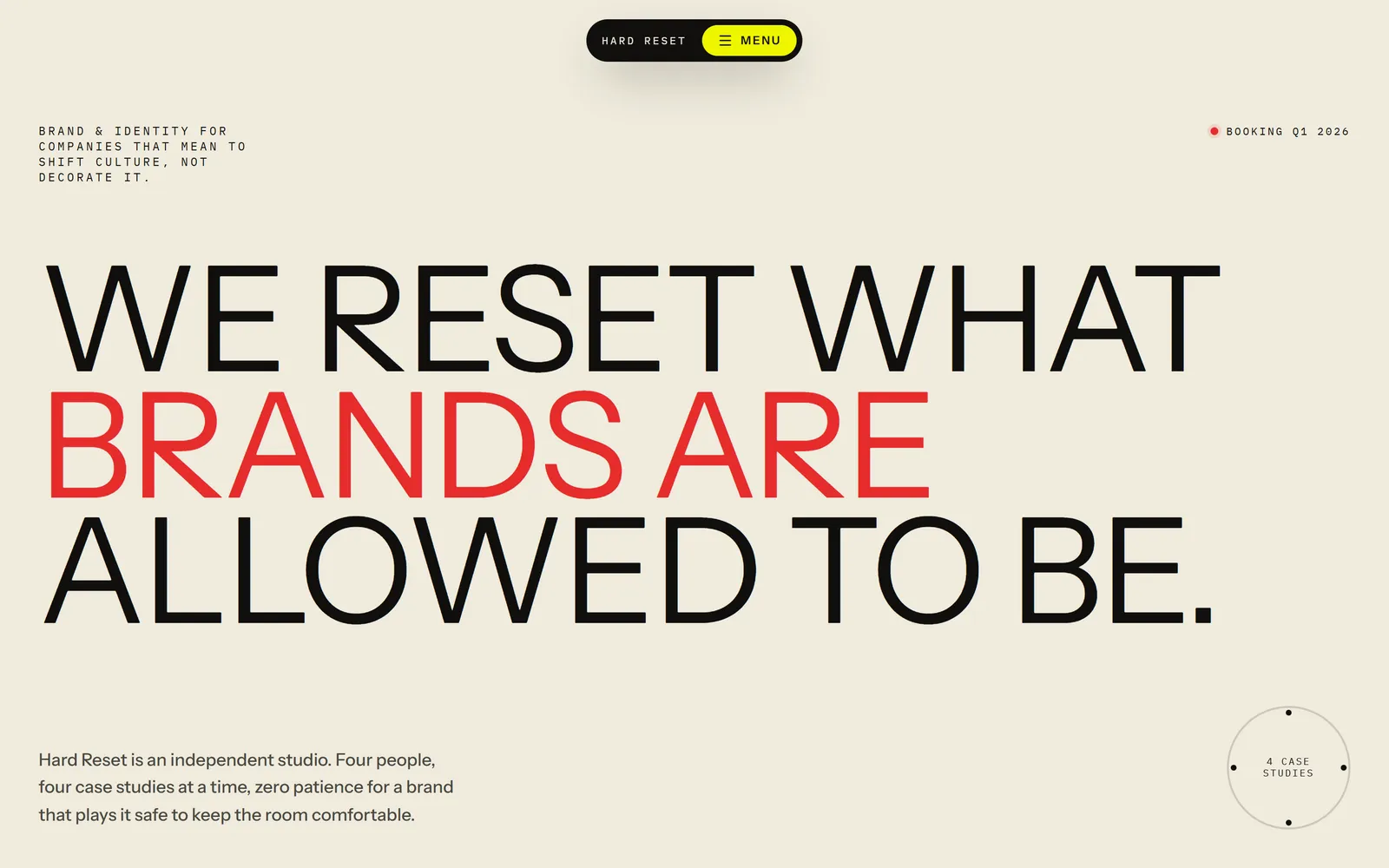
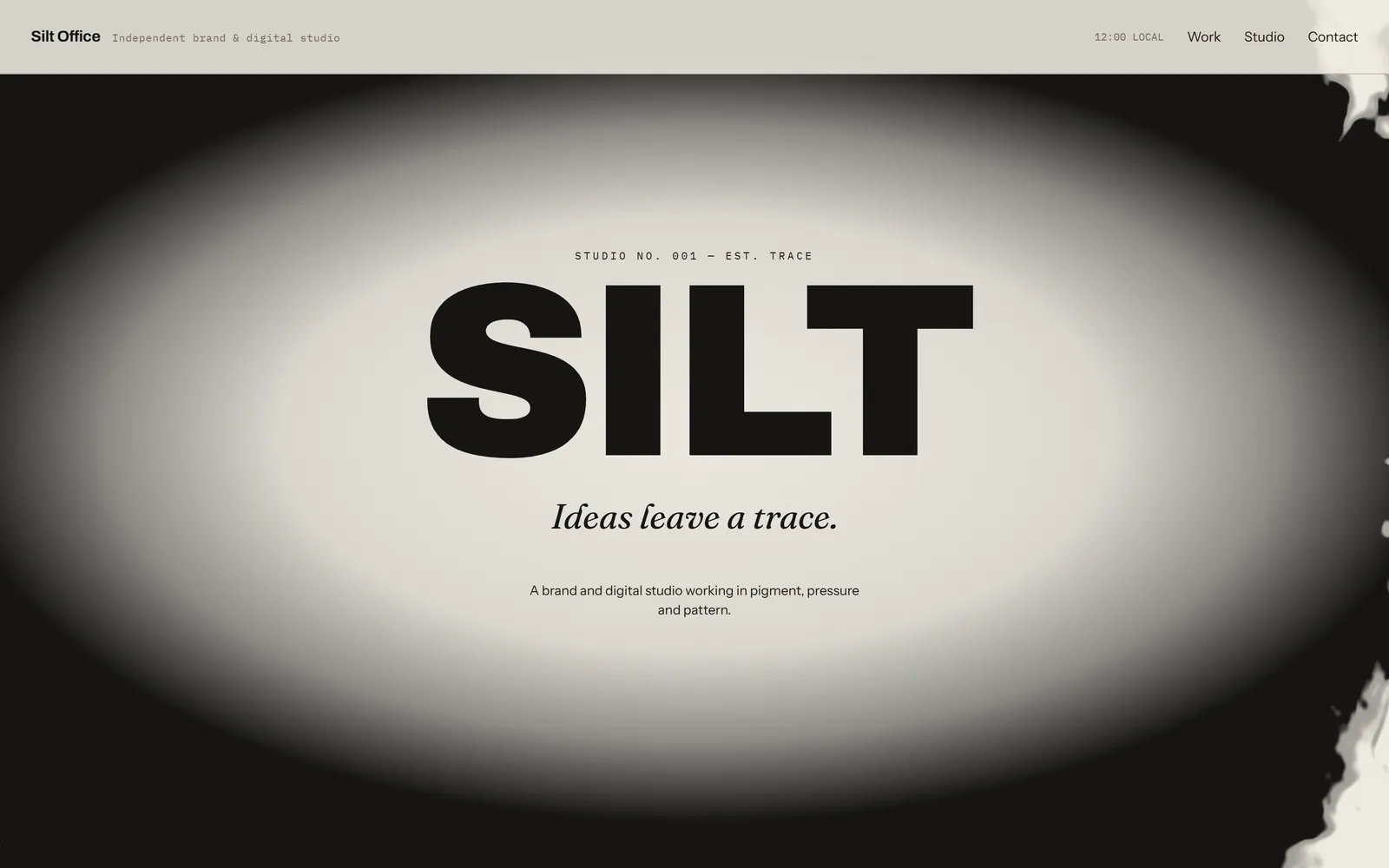
Give Swarmz a rough idea and it designs three full pages, each with its own type, layout and imagery. Pick one, tweak it or ask for three more, and it builds the one you love.
The Swarmz design directions card: three full-page concepts for a design studio site, called Warm Editorial, Loud Type and Quiet Mono, with Loud Type selected and buttons to skip or select.

Real pages, not mood boards
Full, scrollable concepts that differ in type, layout and imagery.
Your brand, imported
Colours and type from your website, in one step.
Taste, built in
Design, layout, motion and accessibility know-how, used when it counts.
Directions
Pick one, tweak it or start again
Open any direction full size and change it with a sentence: warmer colours, a bigger headline, darker hero. Not quite right? Regenerate all three. Know what you want already? Say “just build it” and skip straight to building.
- Readable on desktop and phone
- Tweak one with a single sentence
- Skip them whenever you like
Your brand
Bring the brand you already have
Point Swarmz at your website and it reads your colours, fonts and styles, then every page it builds follows them. You can also import from an npm package, a GitHub repo or a design-token file, or set up a brand kit by hand.
- Import from your website in one step
- Or from npm, GitHub or token files
- Every page stays on brand

Skills
Design skills, built in
Swarmz comes with 12 built-in skills, from frontend design and responsive layout to animation, accessibility and SEO, and it picks up the right ones on its own. Teach it your own way of working and call it with /.
- Picks the right skill for the job
- Write your own skills and reuse them
- Call any skill with /
Plan mode
Plan it first, when you want to
Switch on Plan and Swarmz asks its questions up front, then writes a plan of the screens and data. Edit it, ask for changes, and press Approve & build when it's right.
- All the questions at once, not one by one
- A plan you can edit
- Nothing is built until you approve
Built with Swarmz
Designs worth starting from
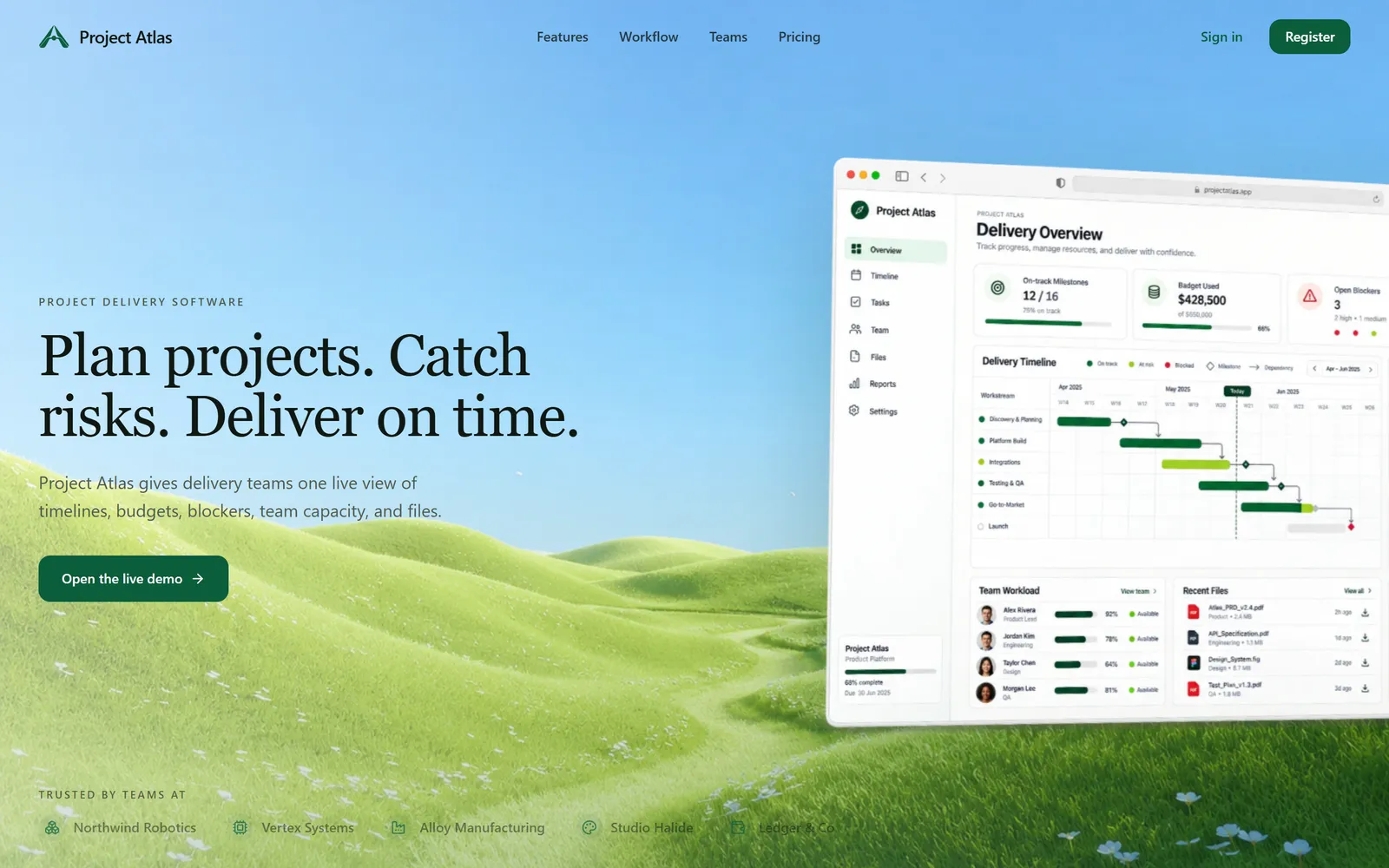
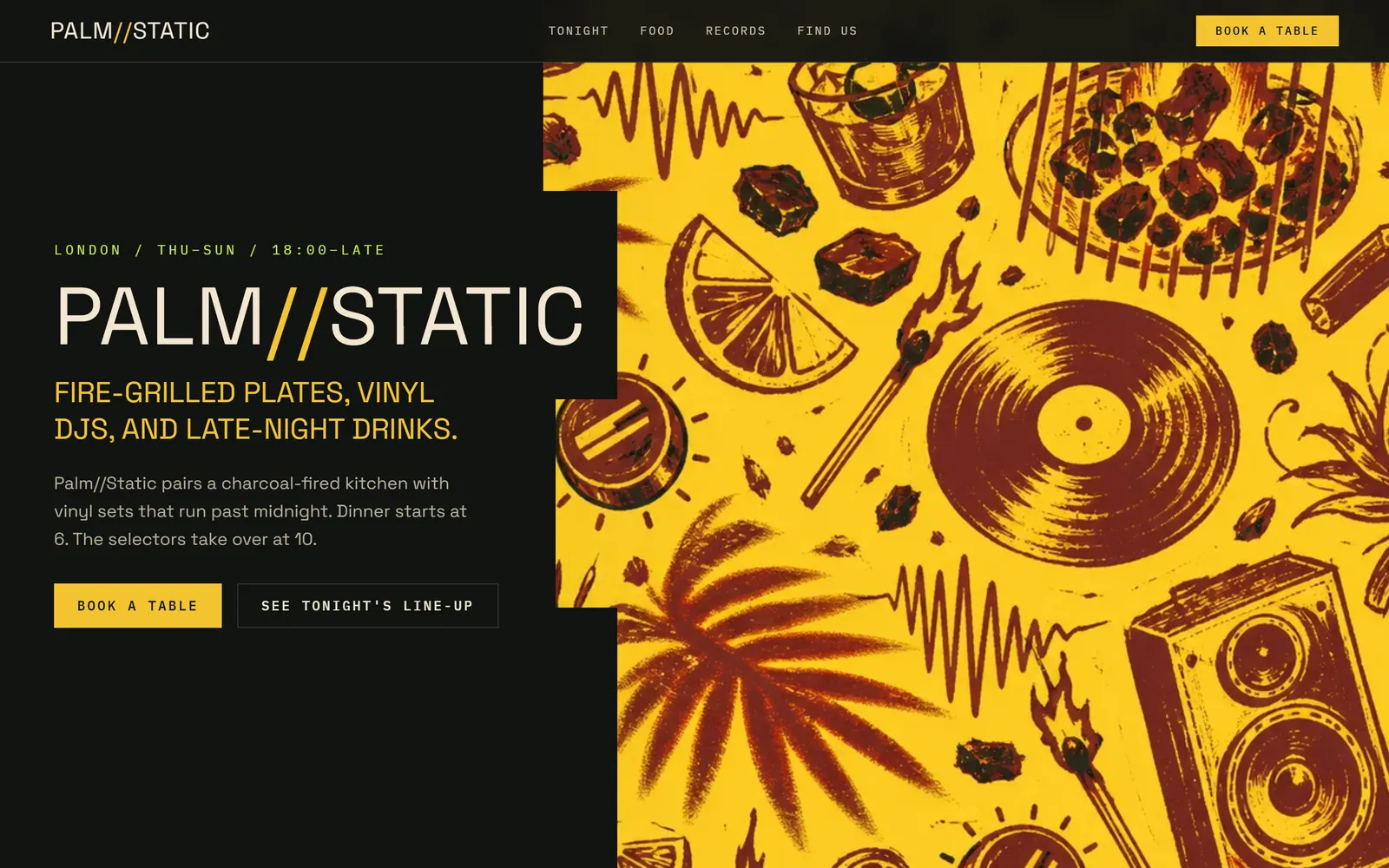
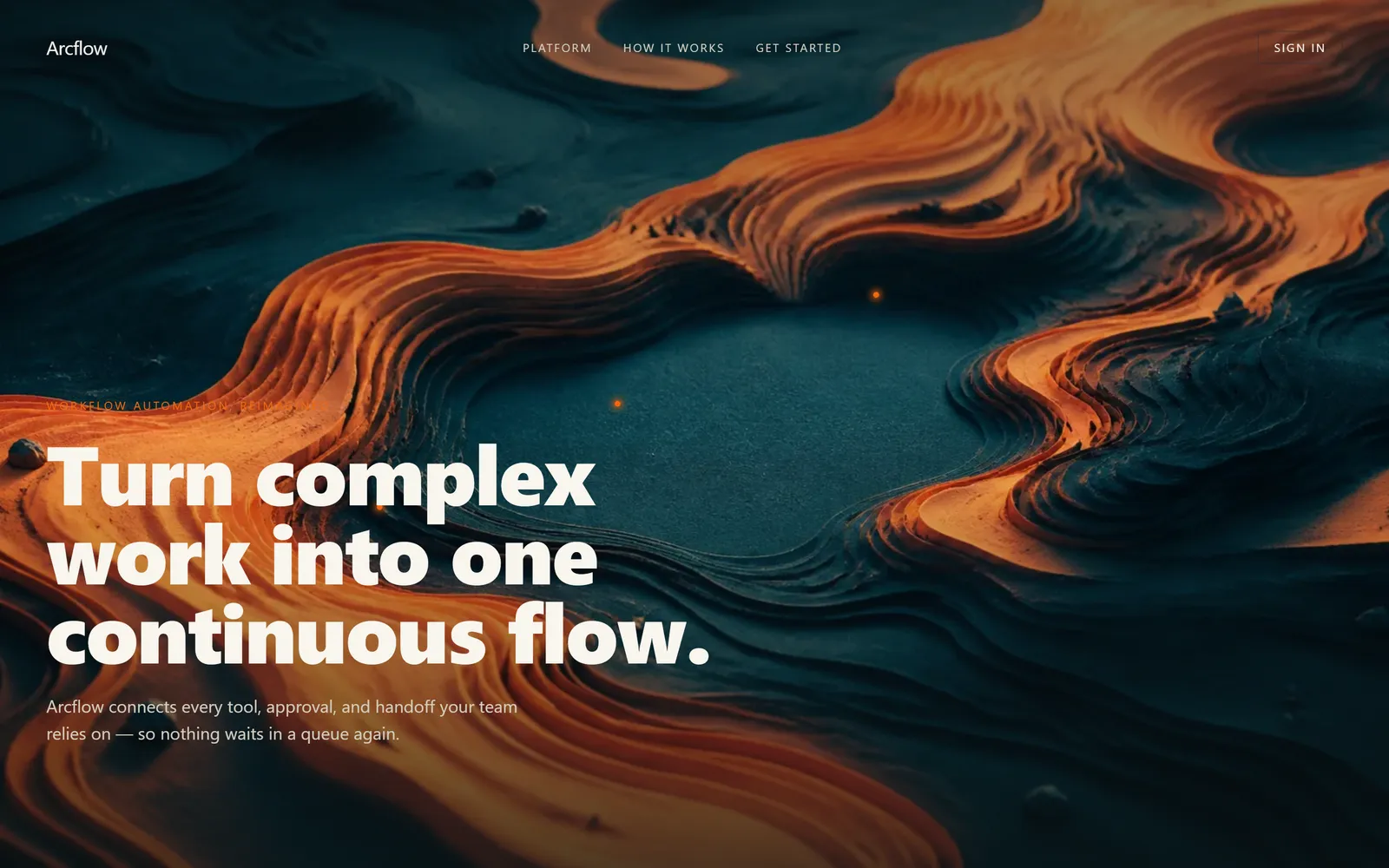
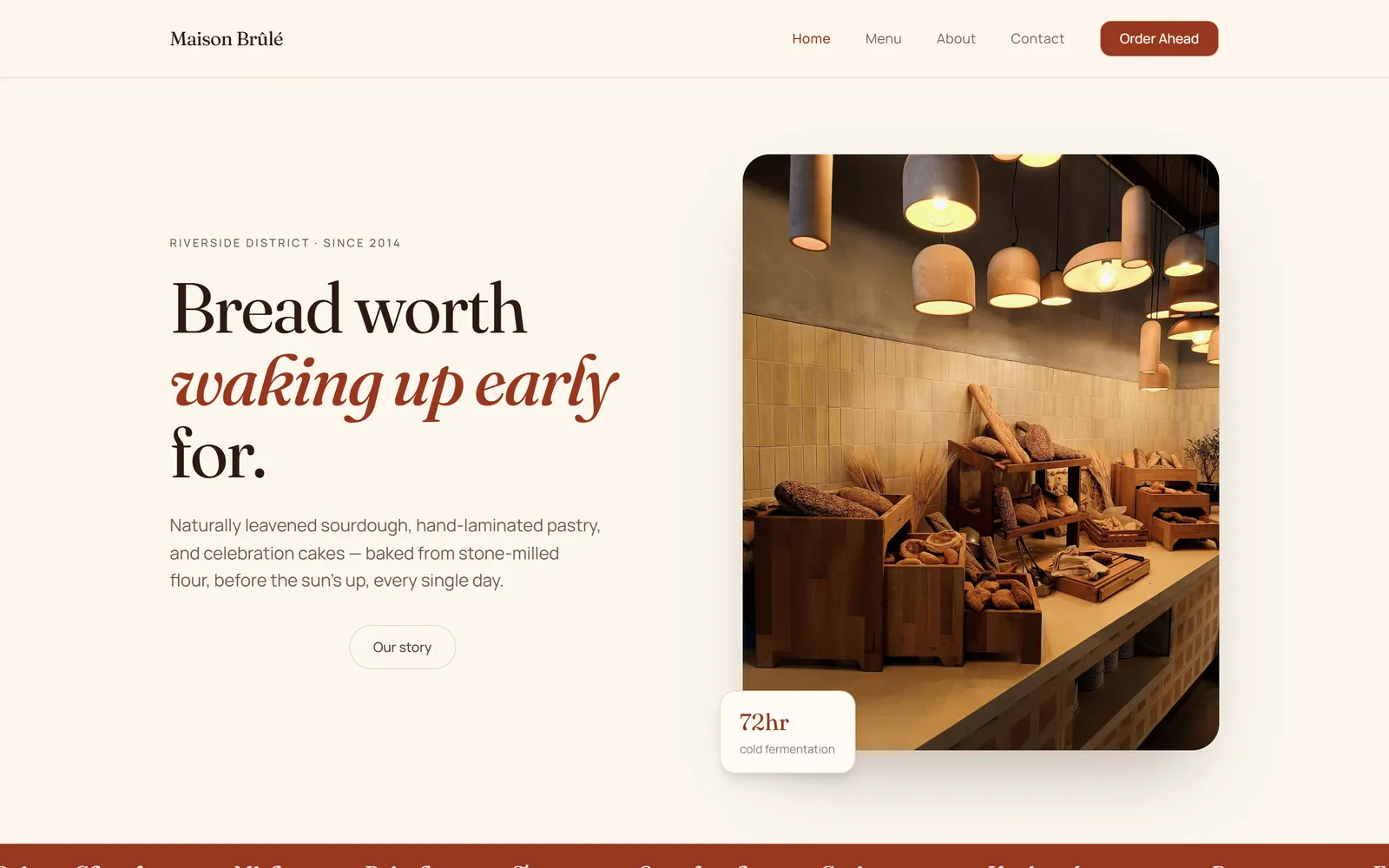
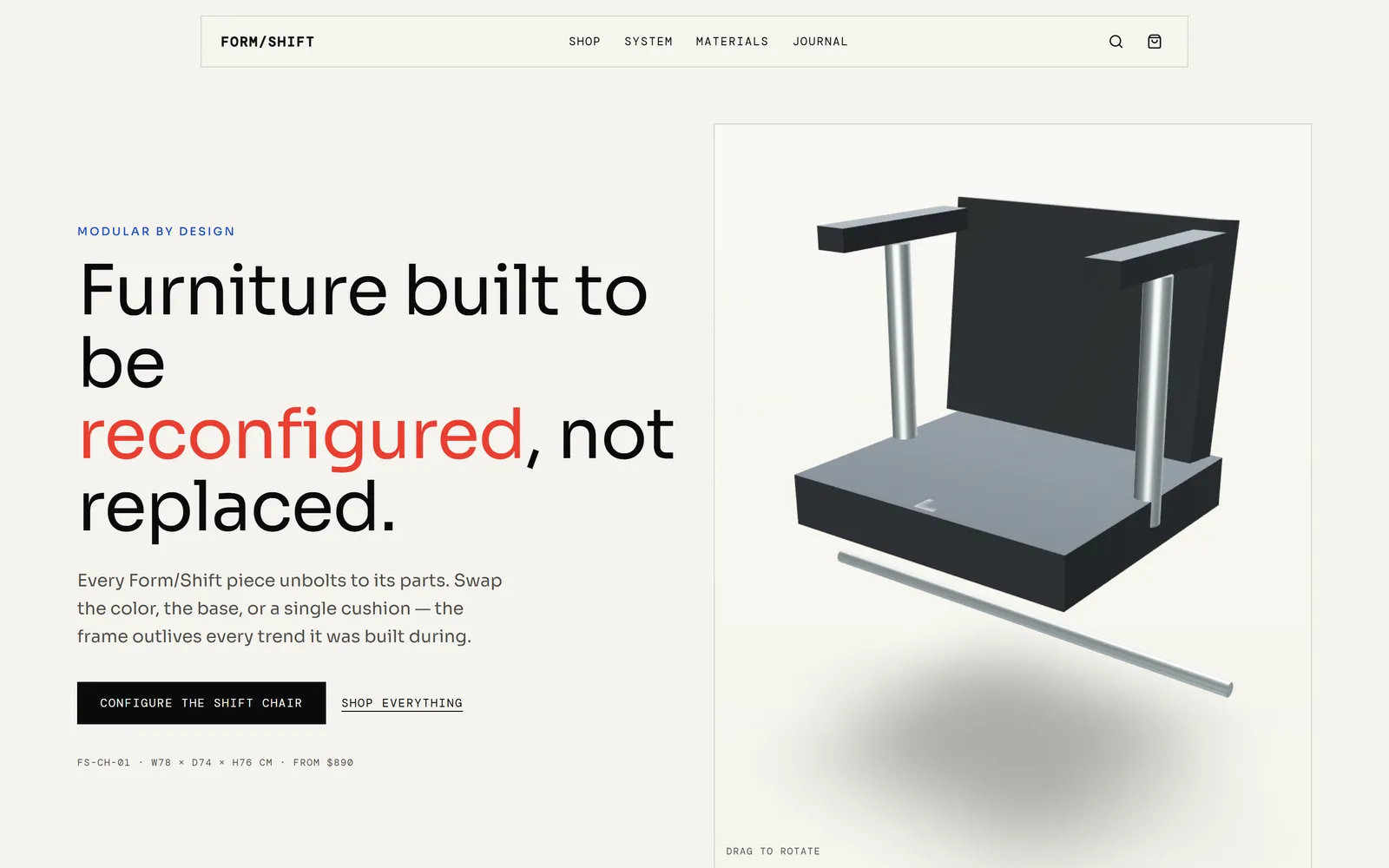
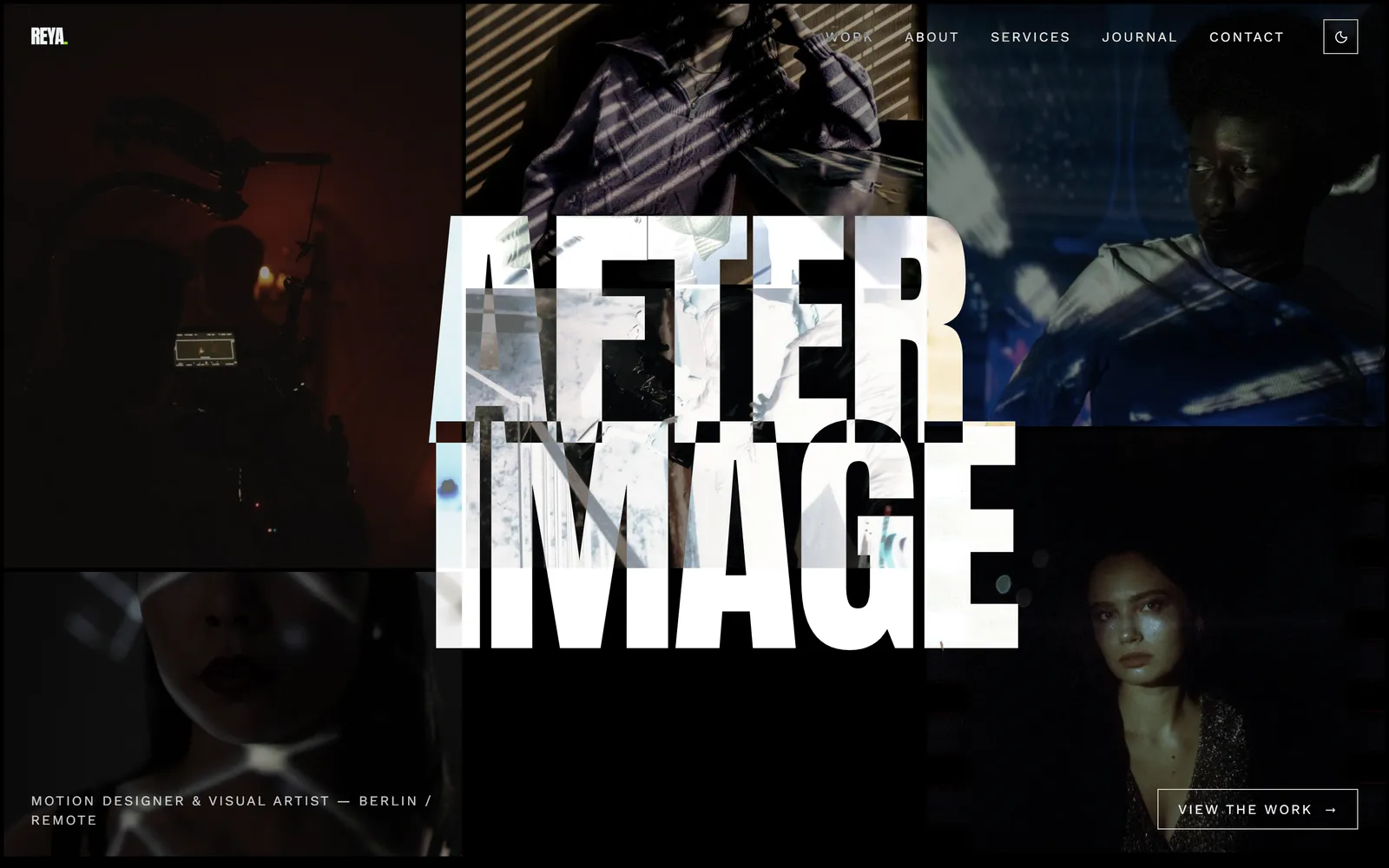
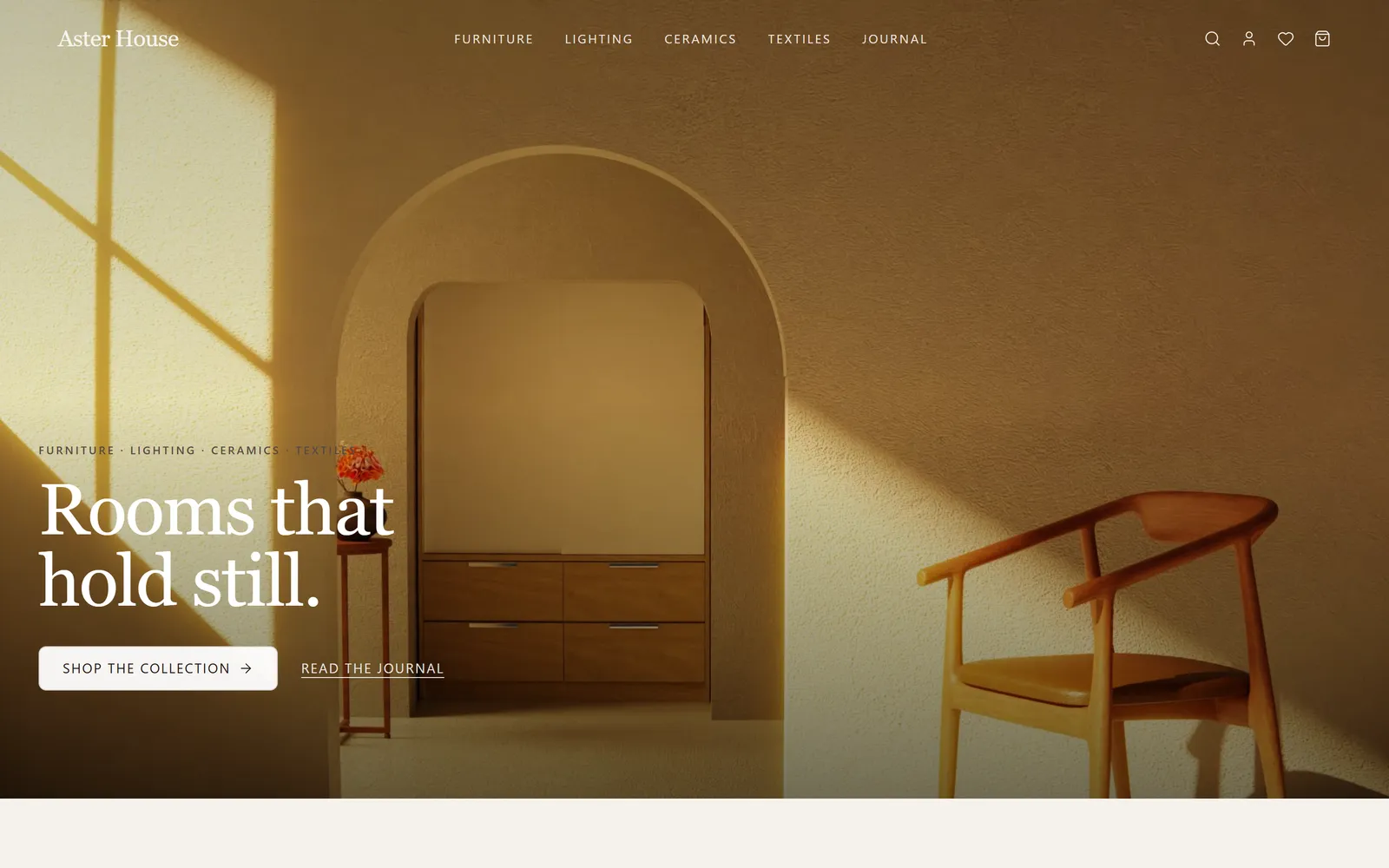
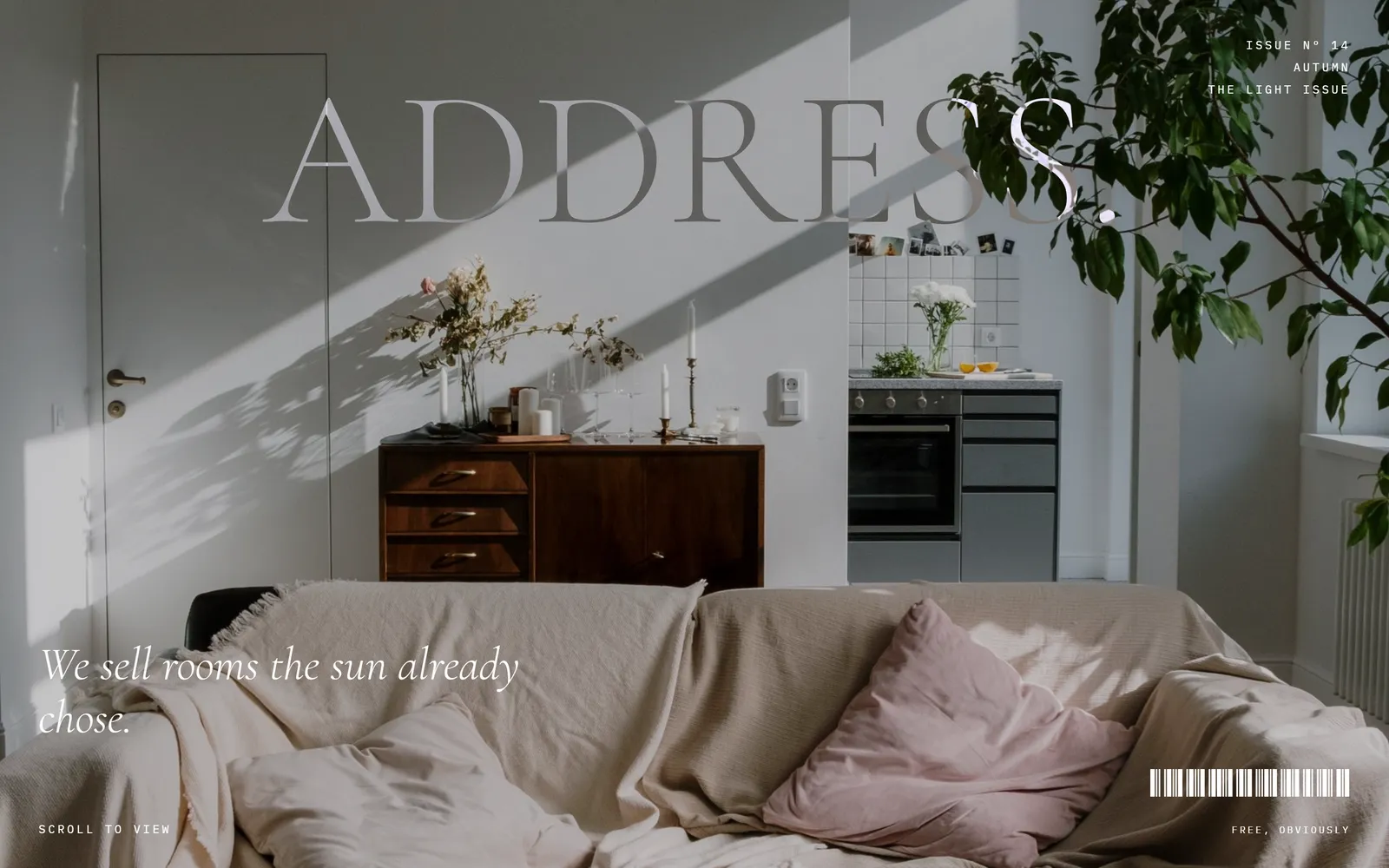
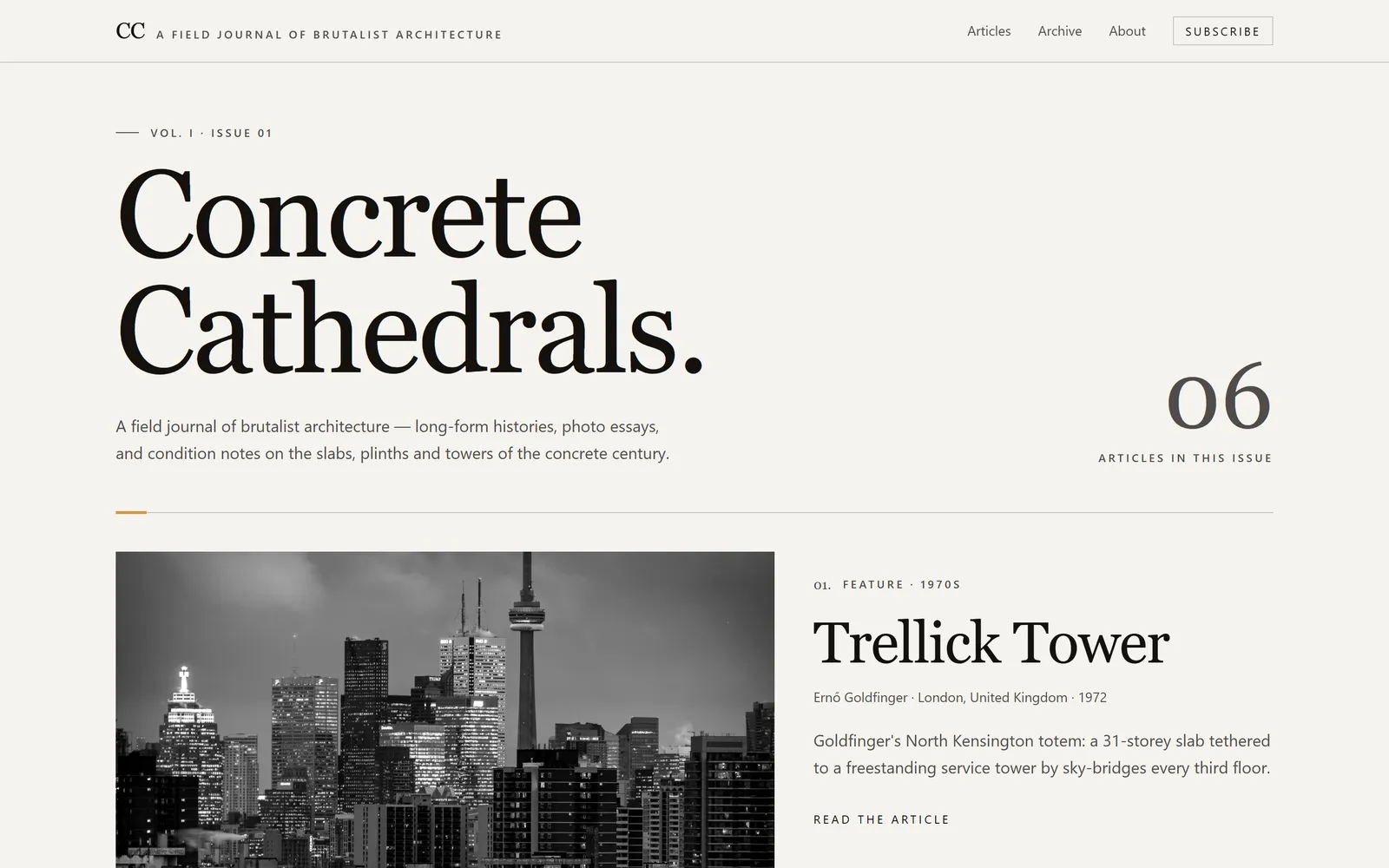
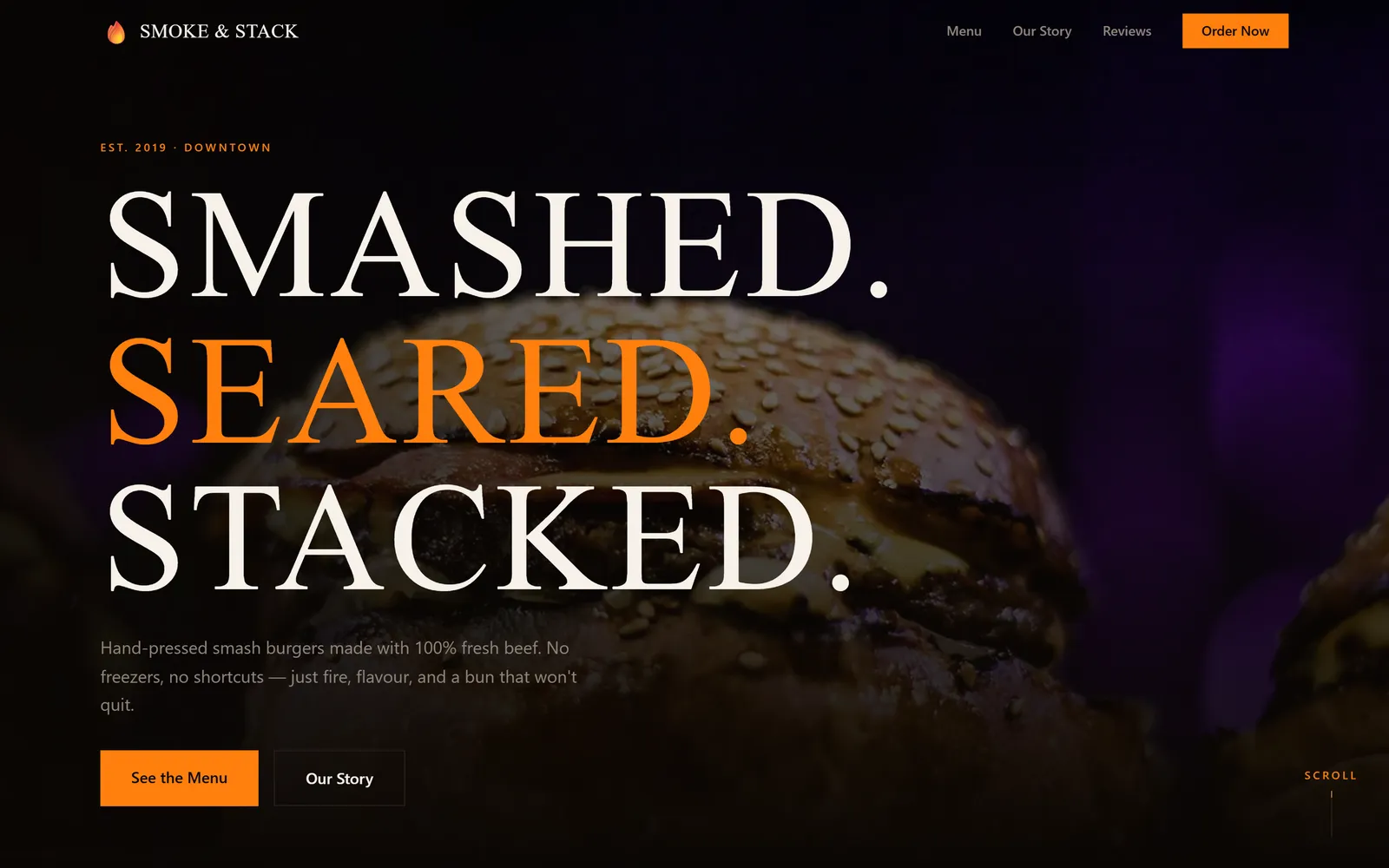
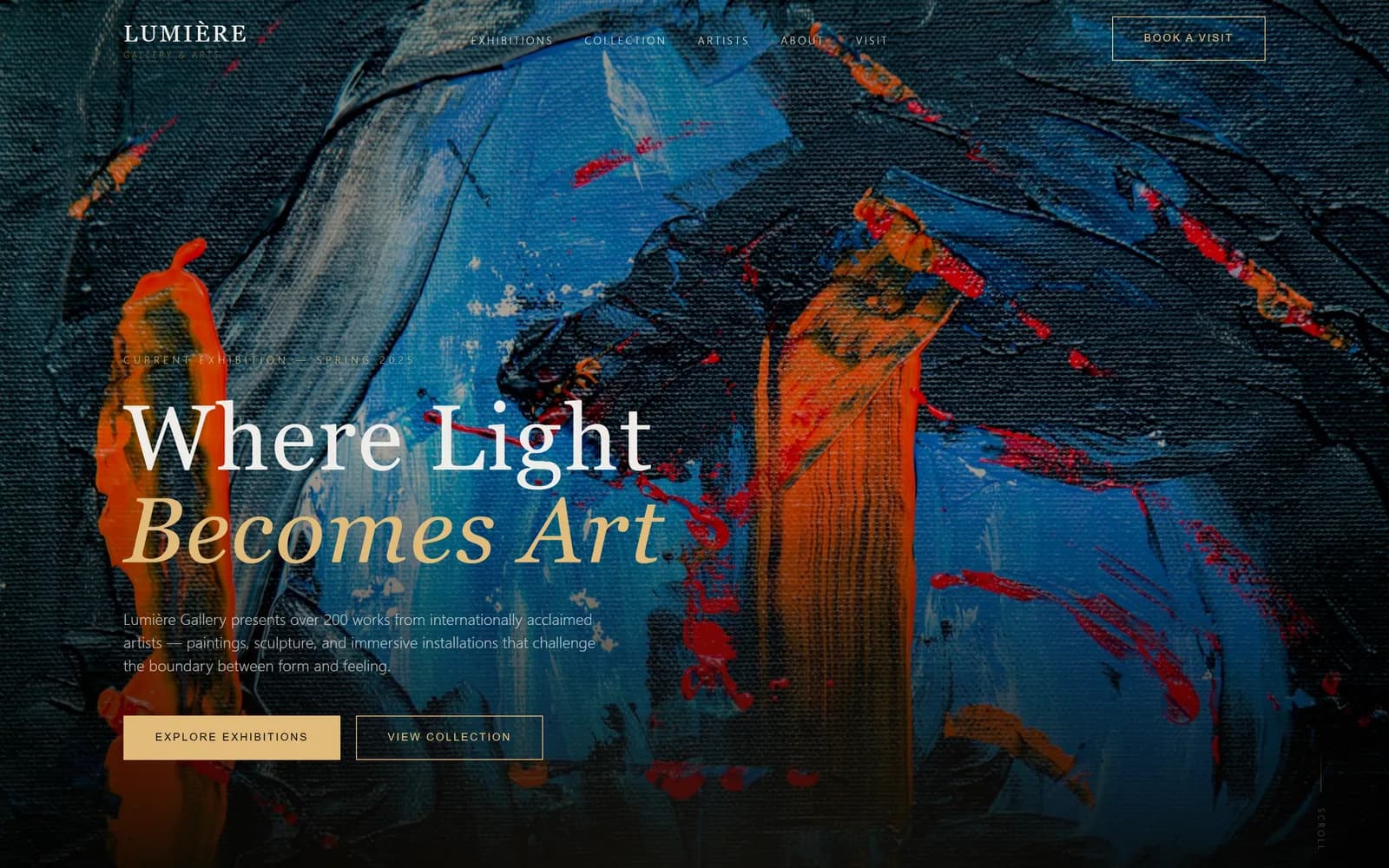
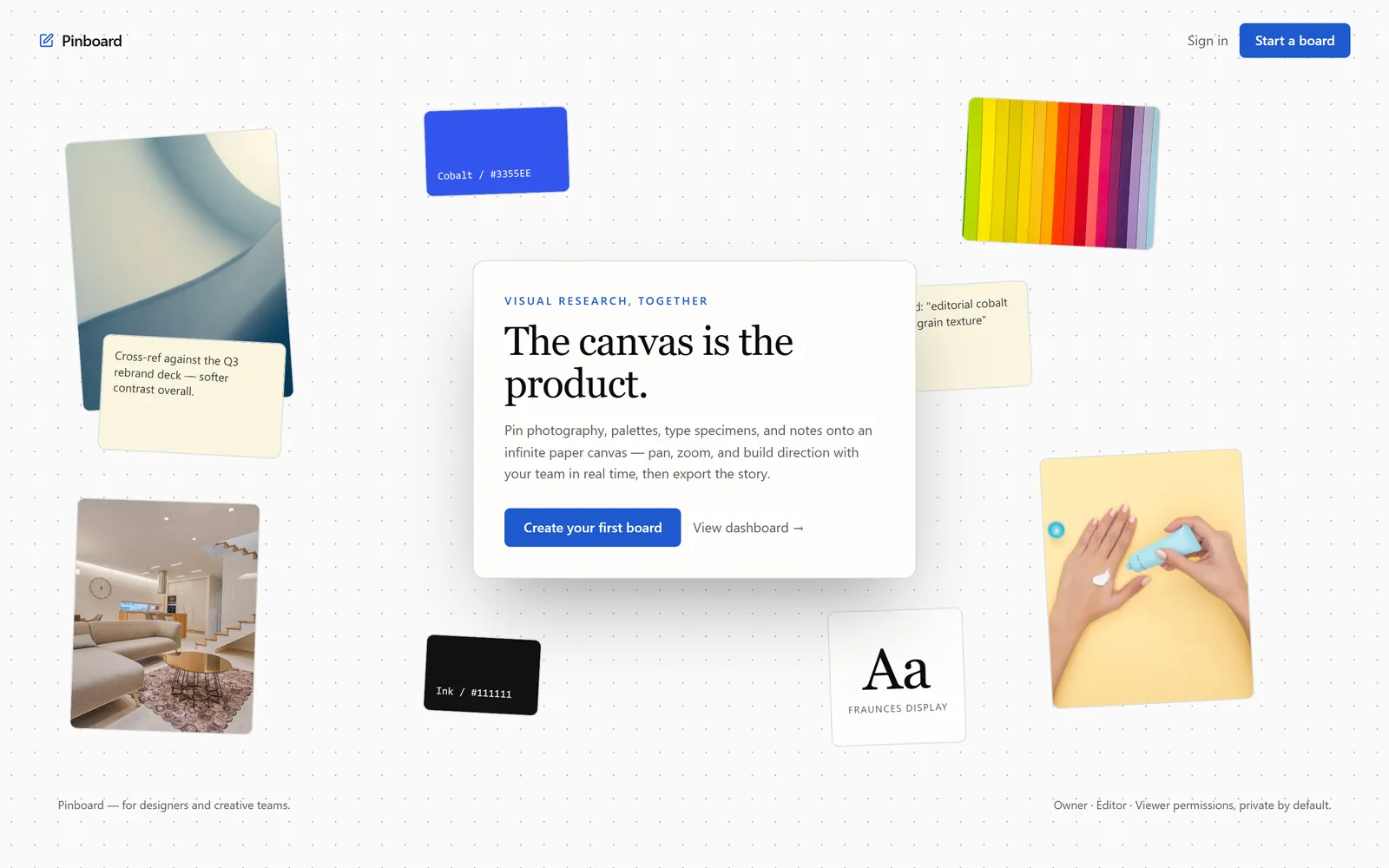
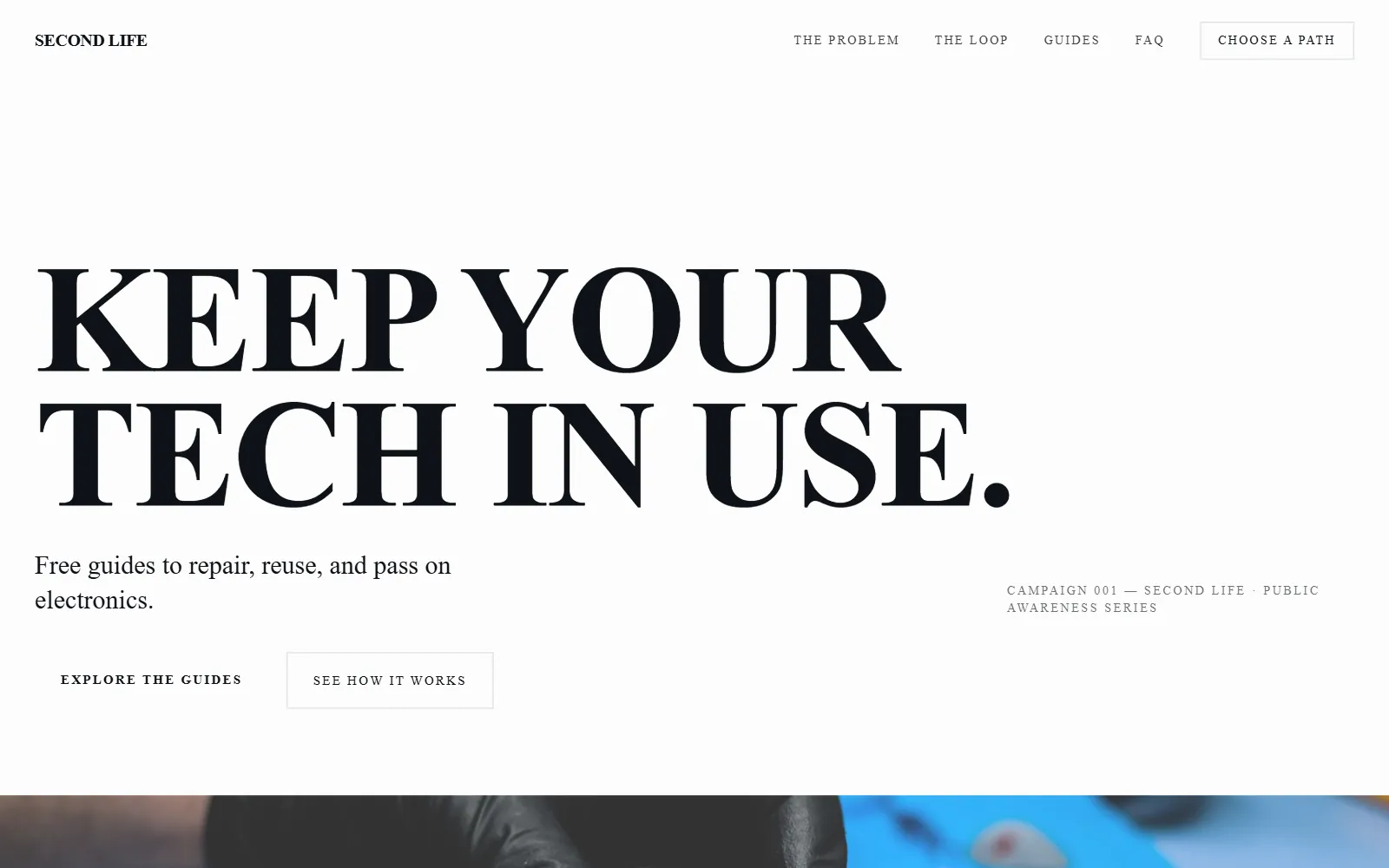
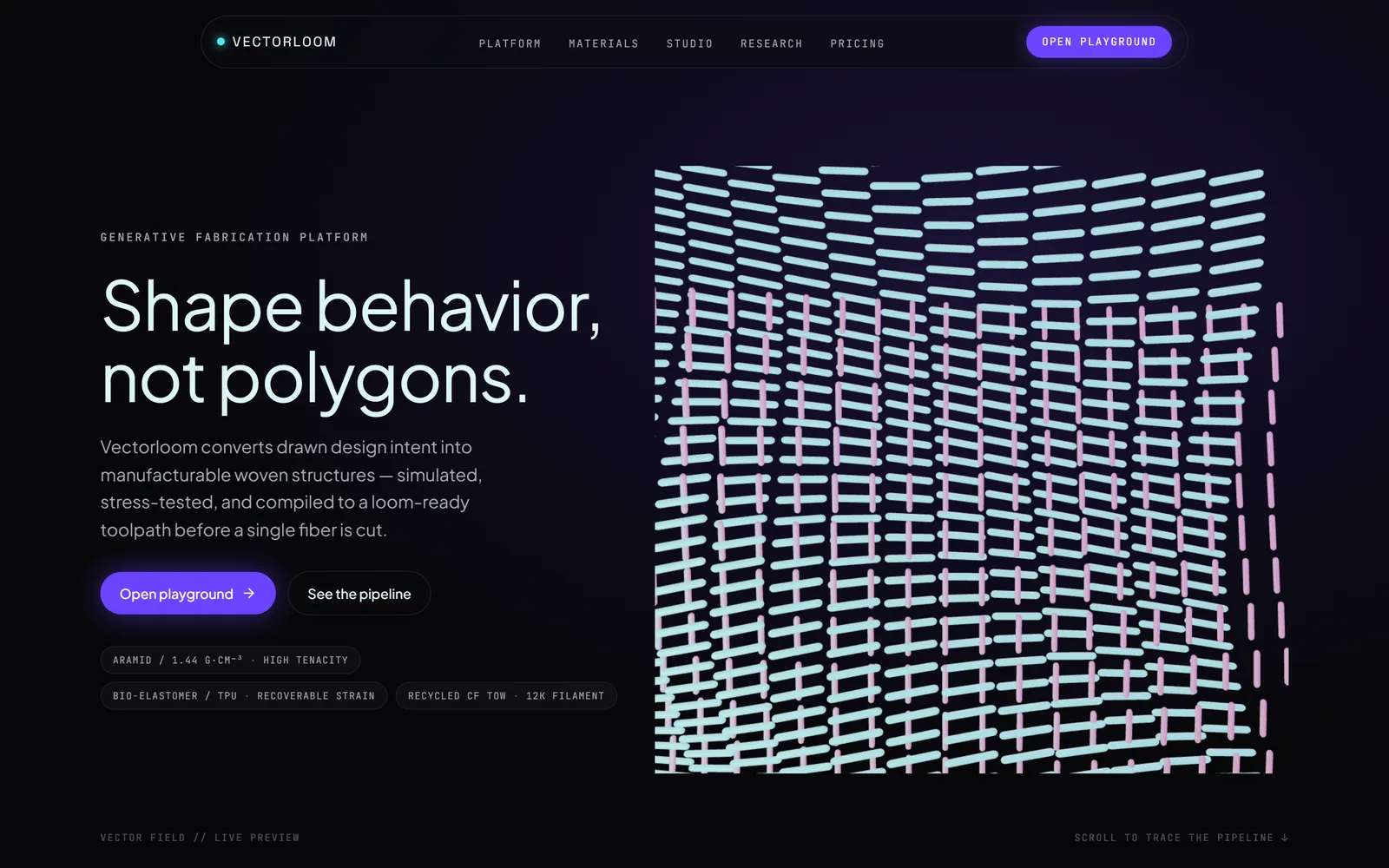
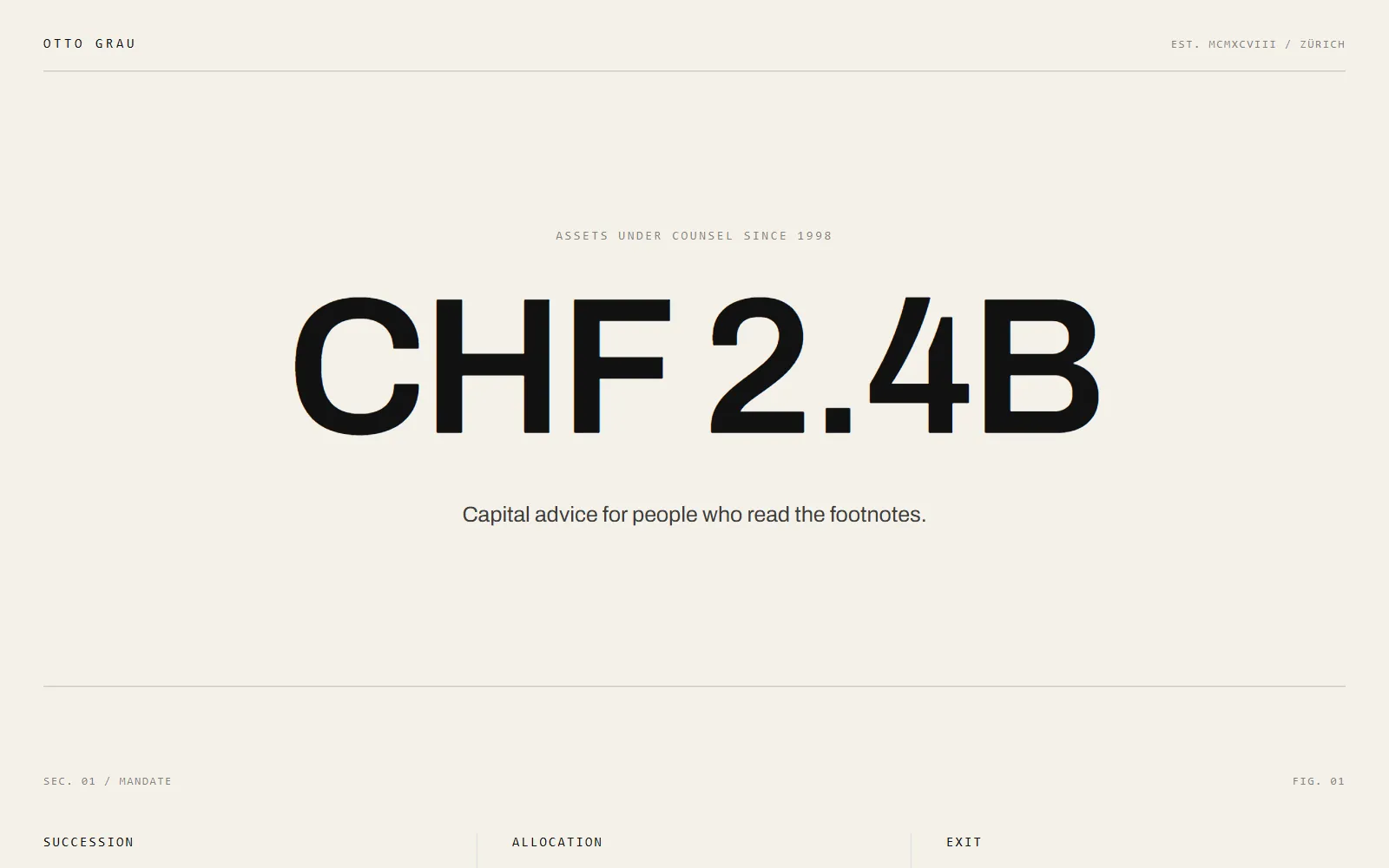
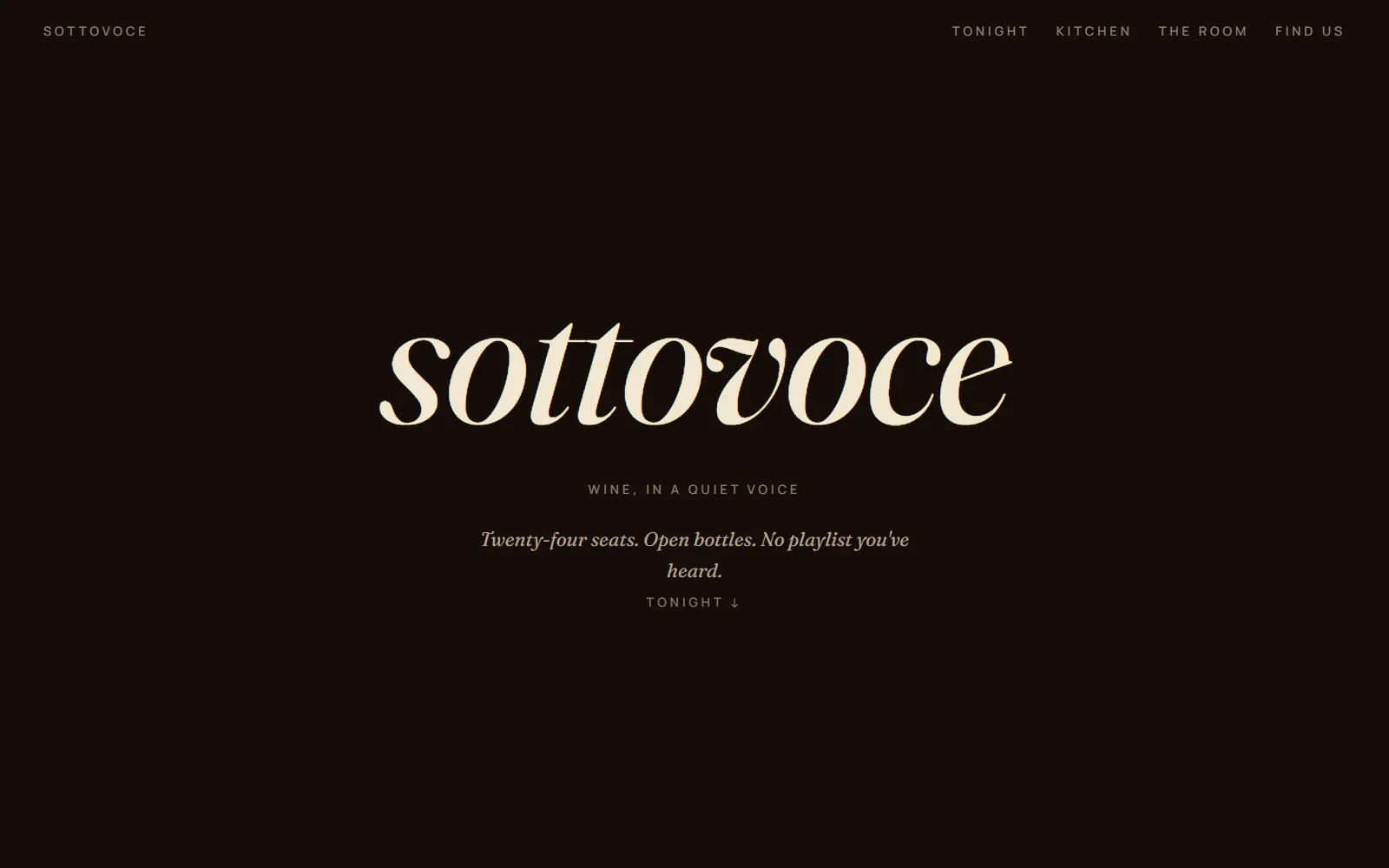
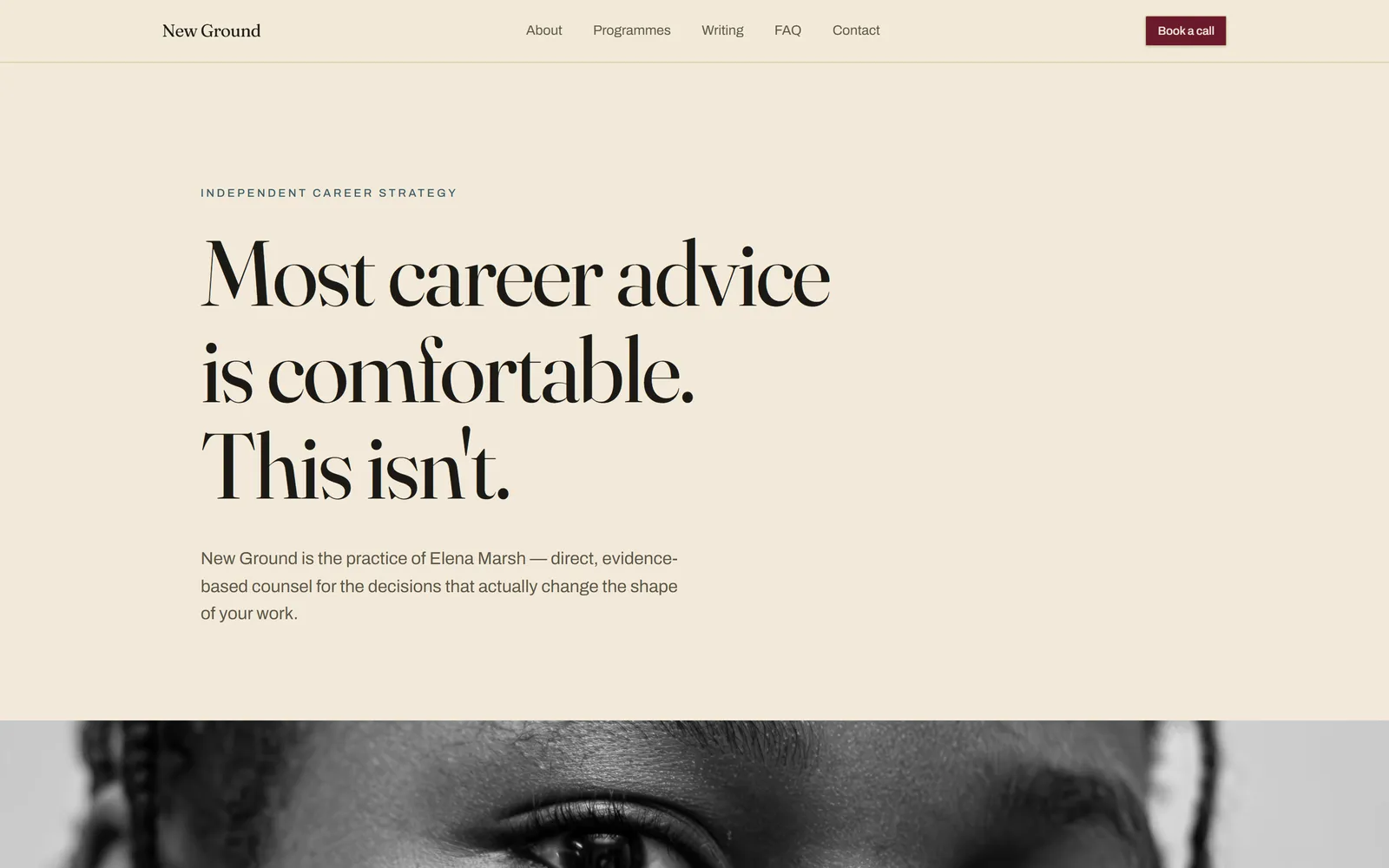
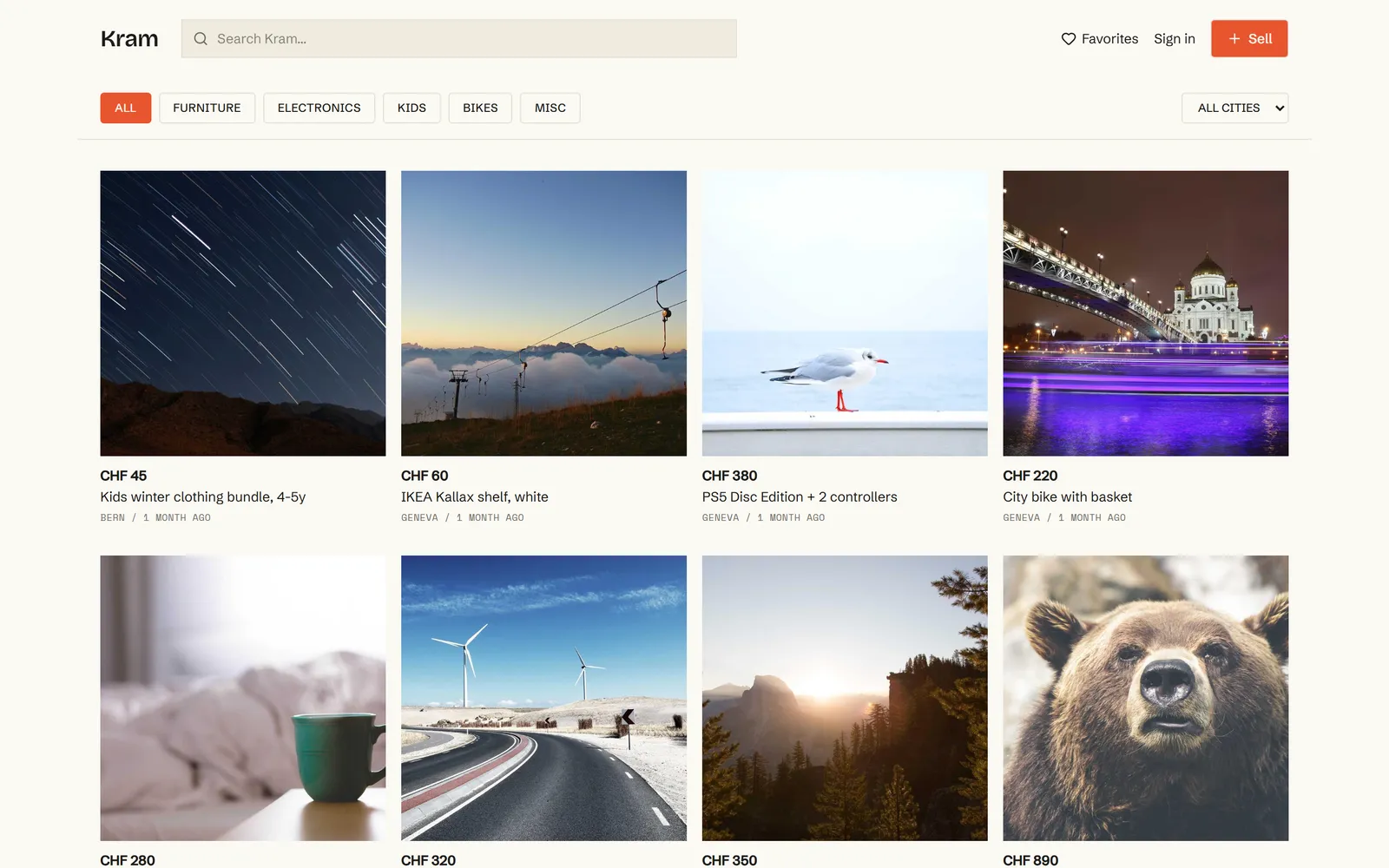
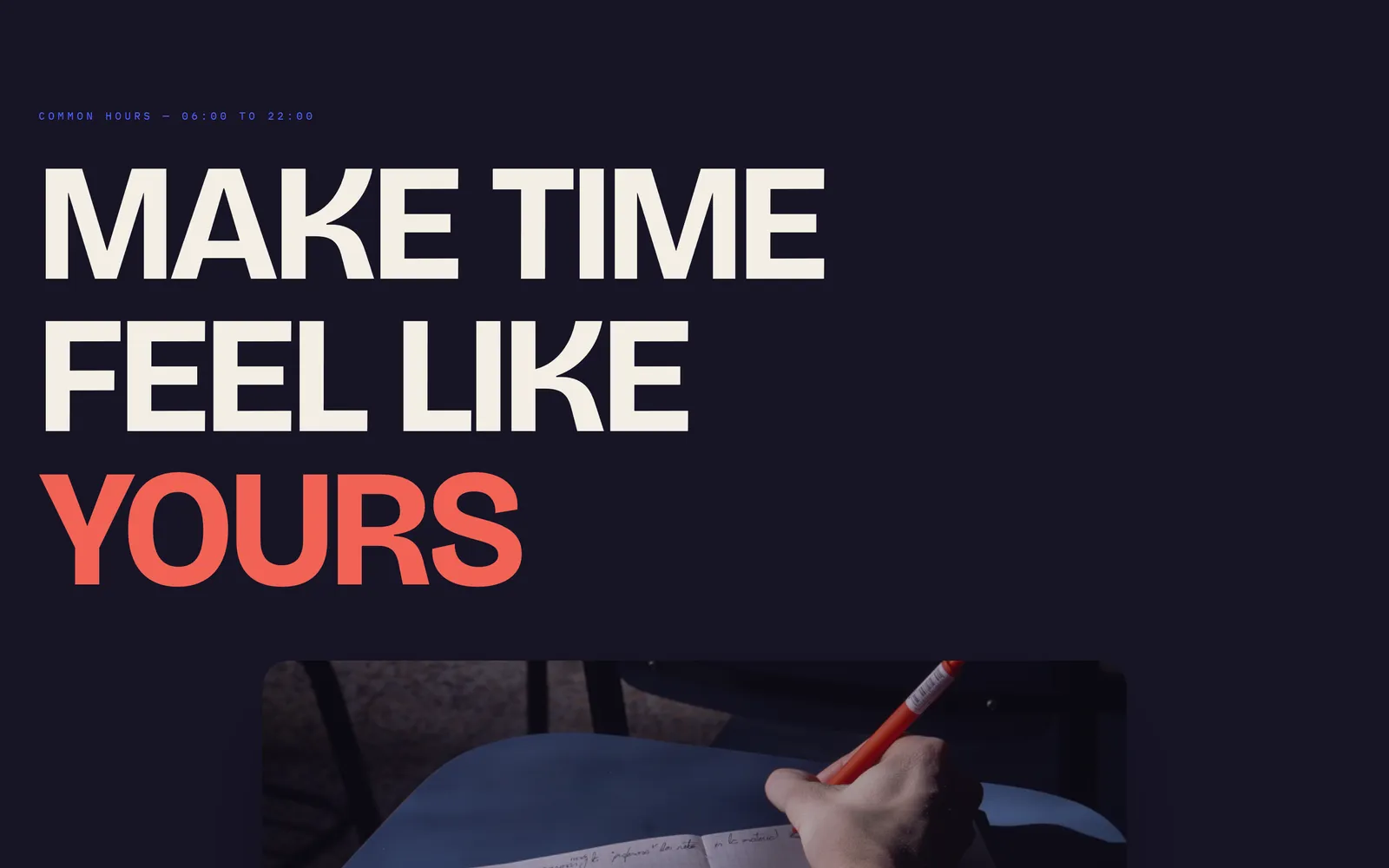
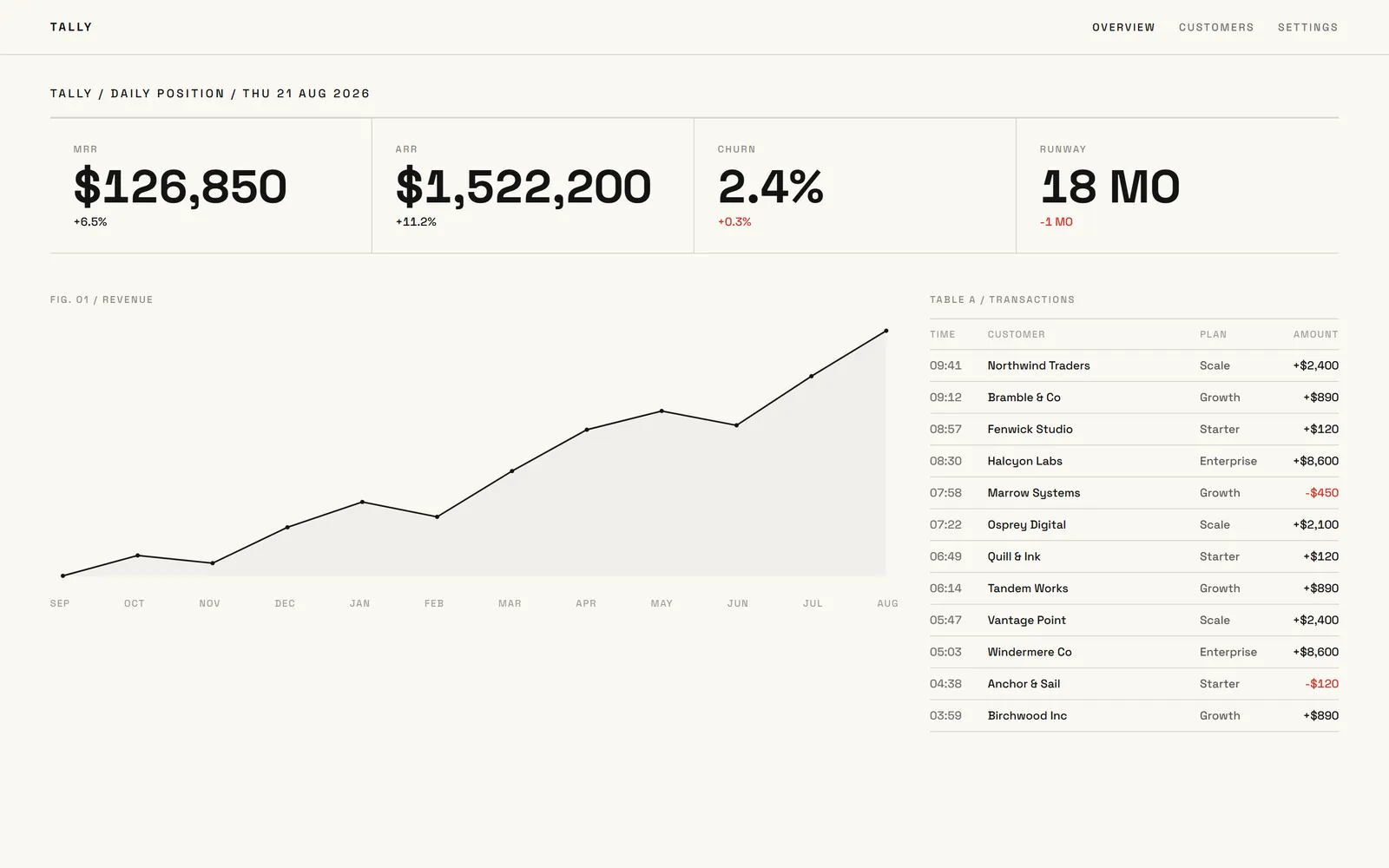
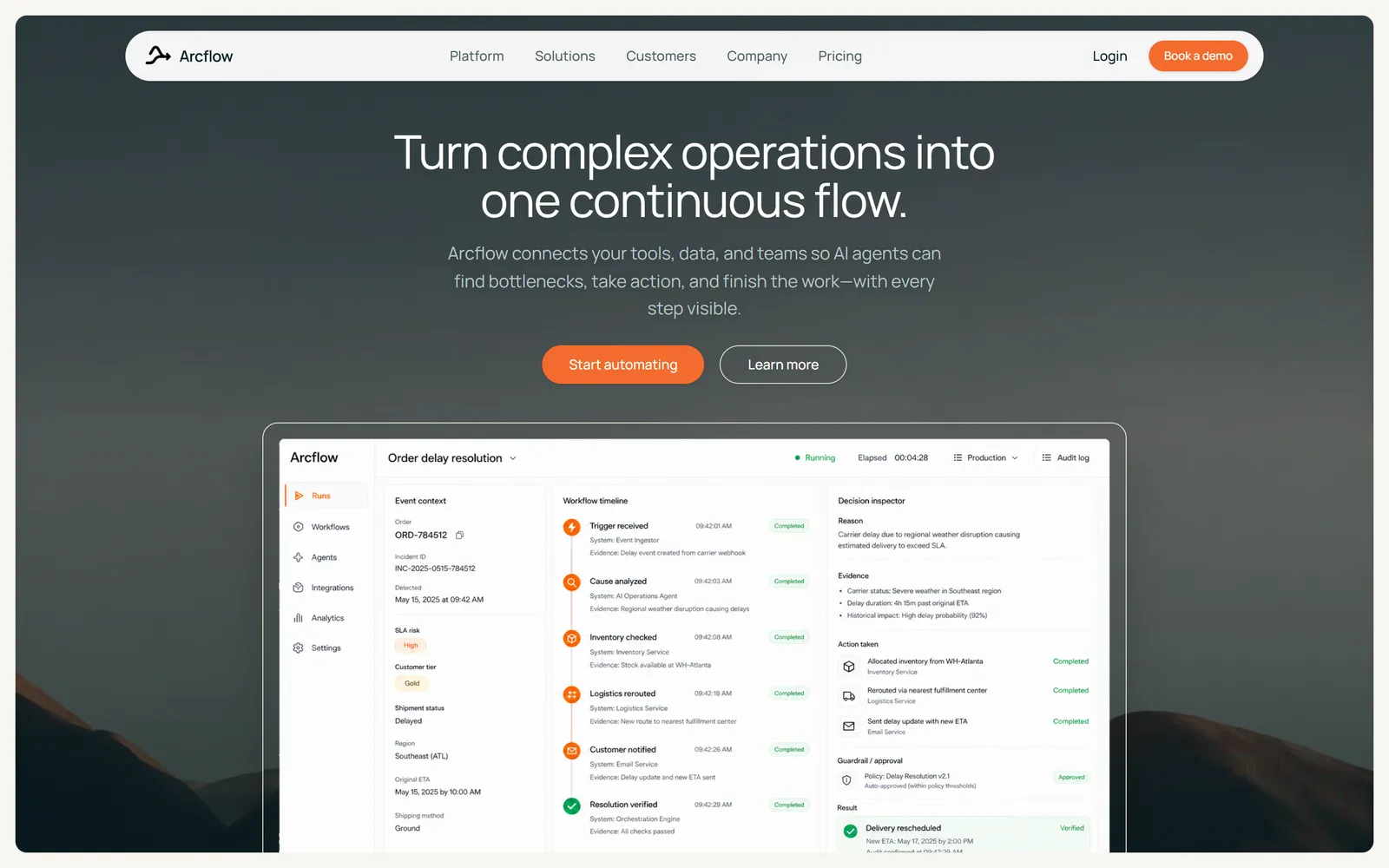
Every template was built with Swarmz and is live on the web right now. Start from one, or from a sentence.



Questions, answered
When do I get design directions?
Do design directions cost credits?
Can I use my own brand?
What are skills?
Can I plan before anything is built?
Keep exploring
Build
Visual editing
Click, draw or comment right on your live app. Every change lands in real code.


Build
Image generation
Logos, product shots and illustrations made for your brand, saved into your project.

Build
Preview control
The AI opens your live app, clicks through it like a customer and fixes what breaks.
Start with three directions
Describe your idea. Swarmz shows you three designs before it writes a line of code.