


Image generation
Every image your app needs
Describe the look and Swarmz makes original logos, product shots and illustrations with GPT Image 2.5, as one matching set. They're saved straight into your project and placed on the page.


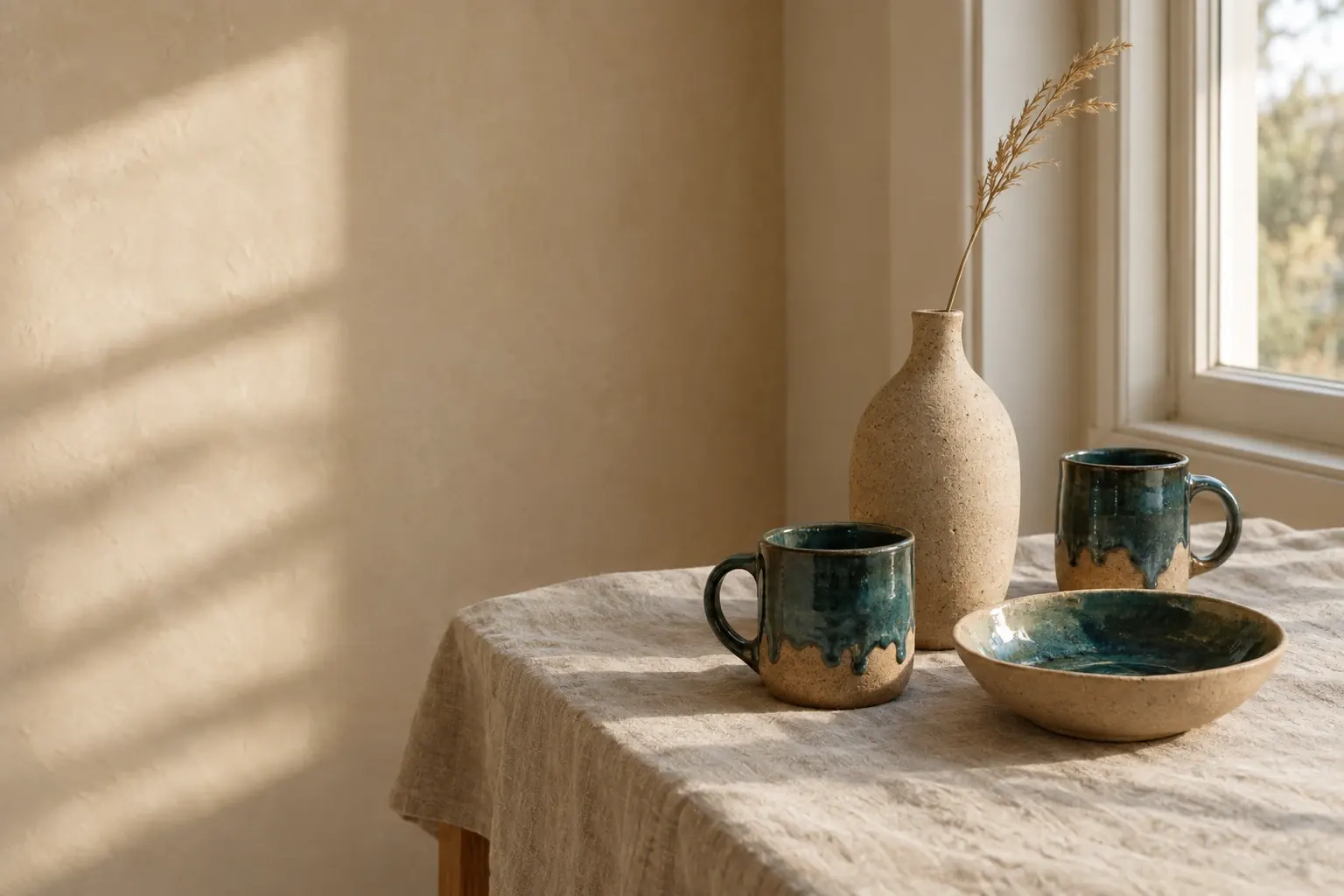
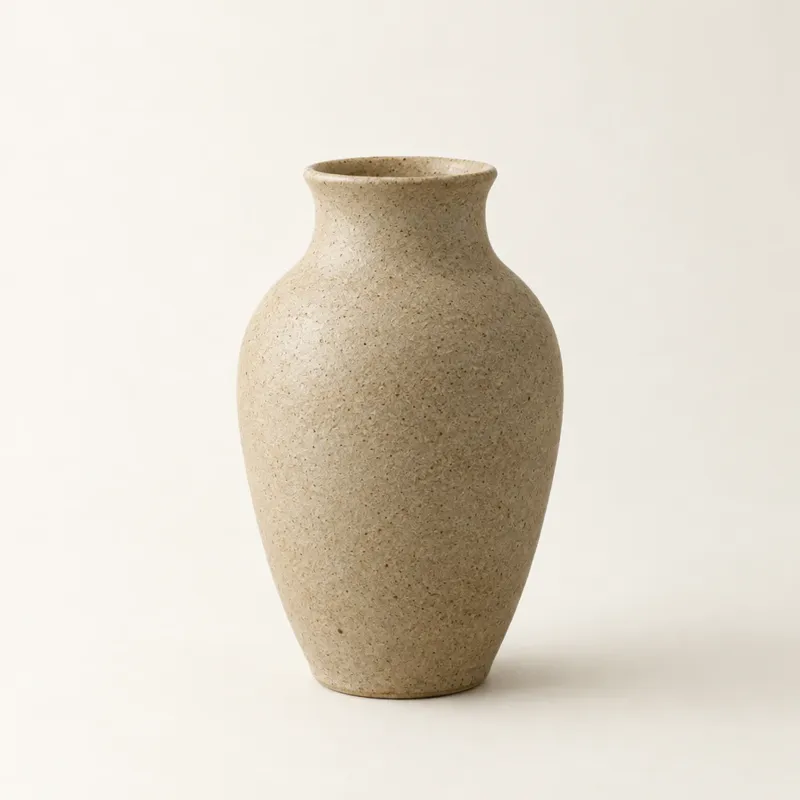
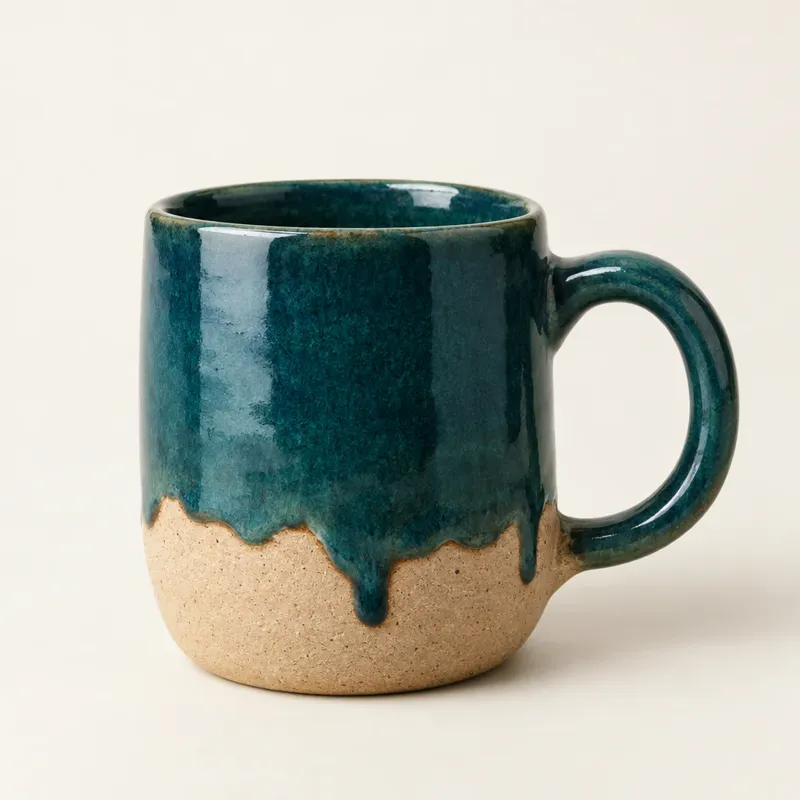
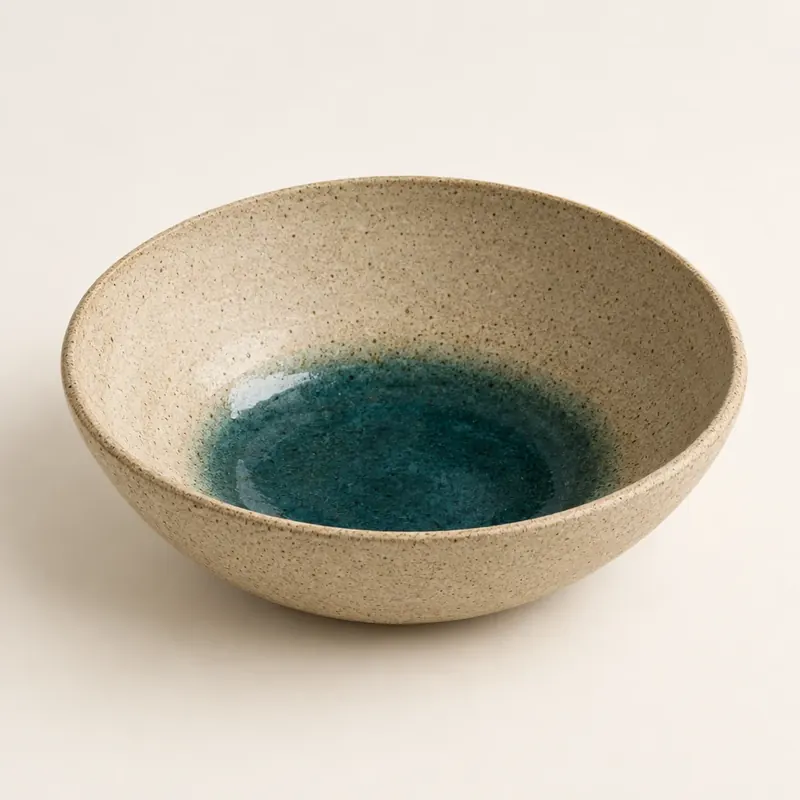
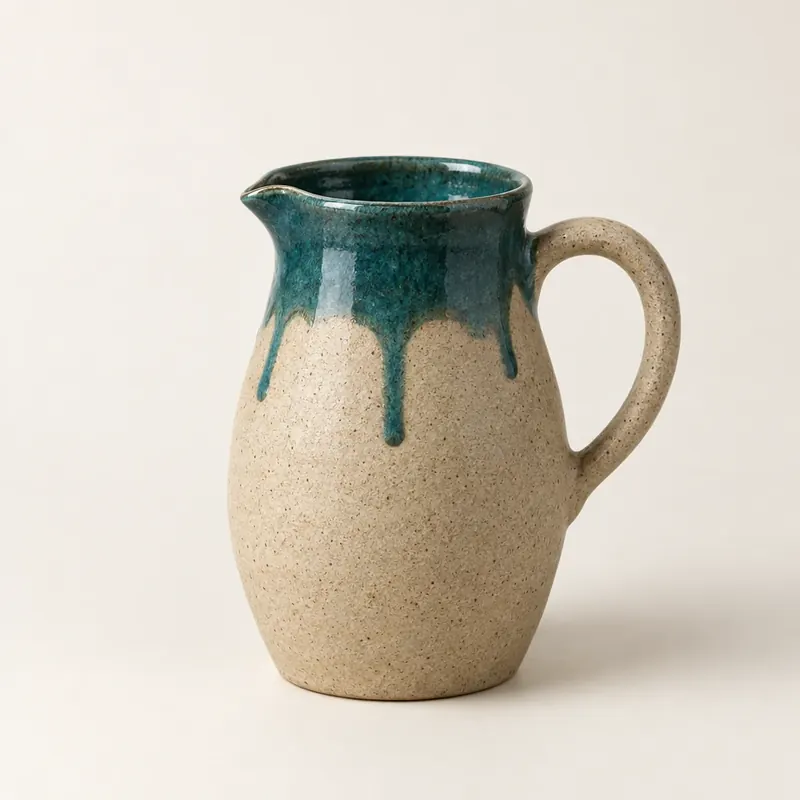
Made for your brand
One look across the set: the same light, palette and camera.
Transparent when it matters
Logos, mascots and cut-outs that sit on any background.
Saved in your code
Real files in your project, ready on every page.
On brand
A matching set, not random one-offs
Ask for your brand's images and Swarmz plans them together before it starts, so the hero, the product shots and the logo look like they came from one studio. No logo yet? It designs one.
- Logos, heroes, product shots and illustrations
- Consistent light, colour and style
- Fast by default, extra detail when you ask

Cut-outs
Clean edges on any background
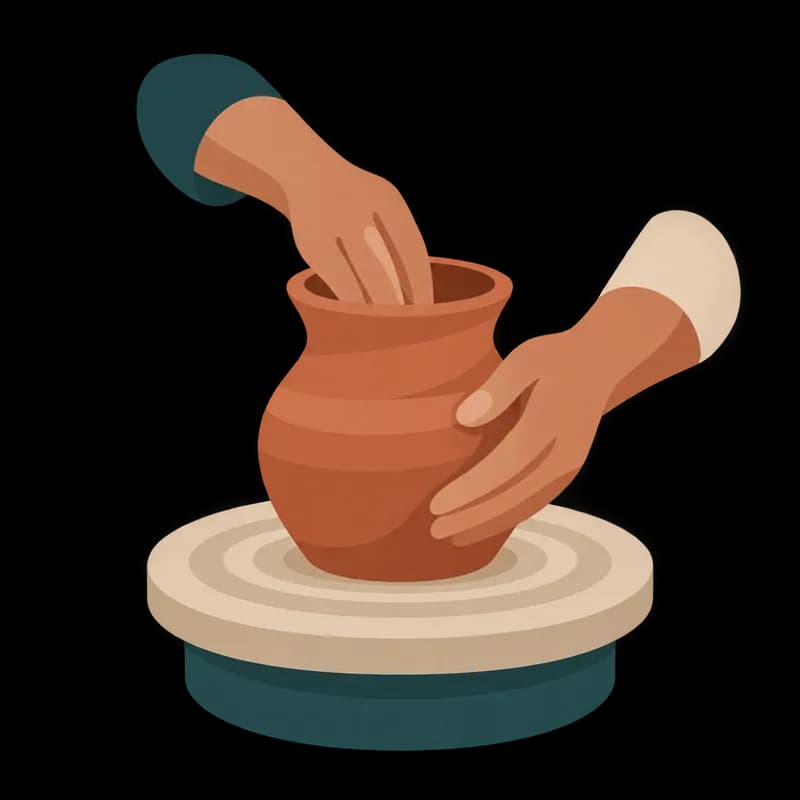
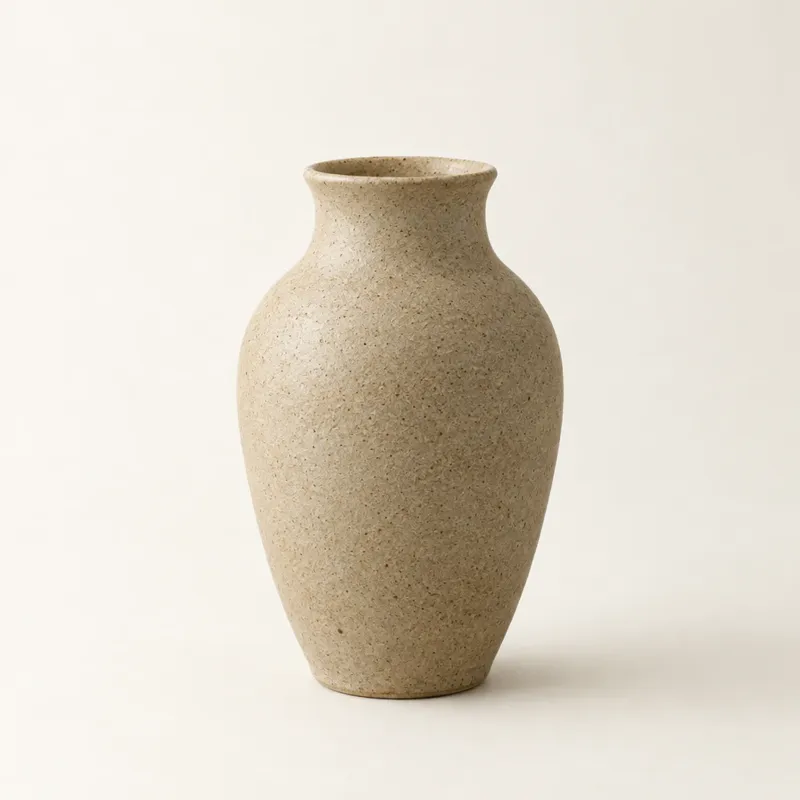
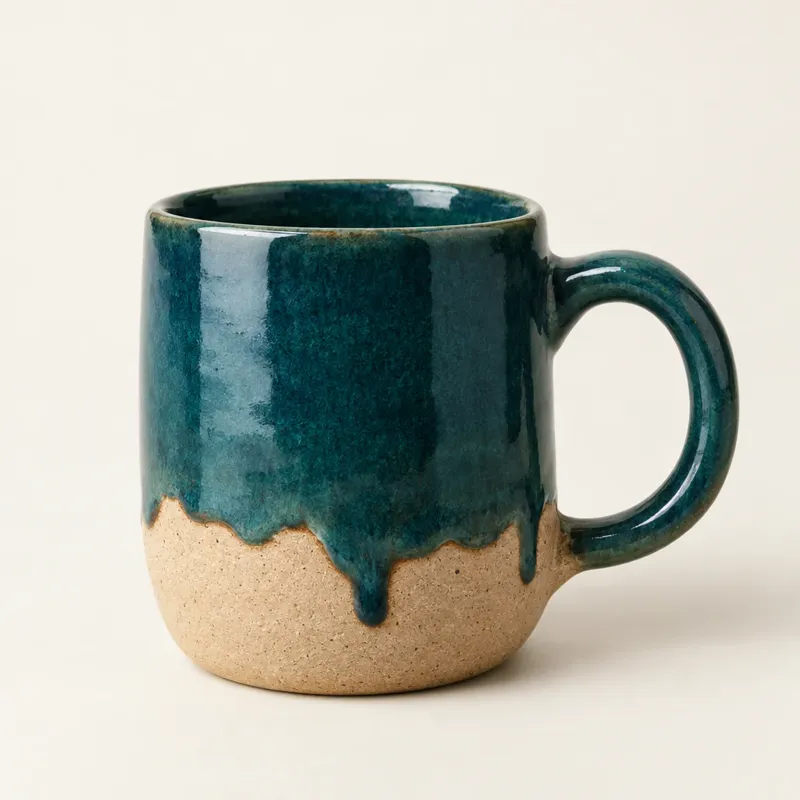
Logos, mascots and product cut-outs can come with a transparent background, so they drop onto any colour, card or photo without a white box around them.
- Transparent PNG or WebP
- Ideal for logos, icons and product shots
In your project
Saved in your app, not someone else's
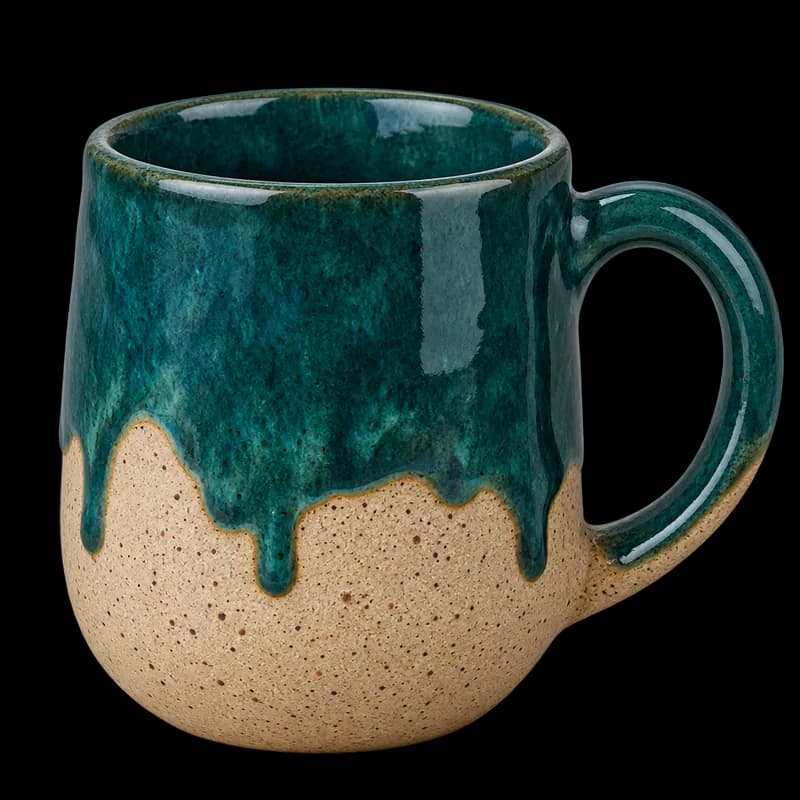
Every image is written into your project as a real file and imported where it's used. Nothing is hotlinked from another server, so no image breaks when a link goes away.
- Saved to src/assets, ready to import
- Favicons and social images go in public/
- Sync the whole project to GitHub
Stock
Real photos and video, too
Sometimes a real photo is the right call. Swarmz can pull free stock photos and short looping videos from Pexels, resize them and save them into your project.
- Photos sized for where they go
- Looping videos for hero sections
- Or bring the photos from your current site
Made, not found
Made with the model inside Swarmz
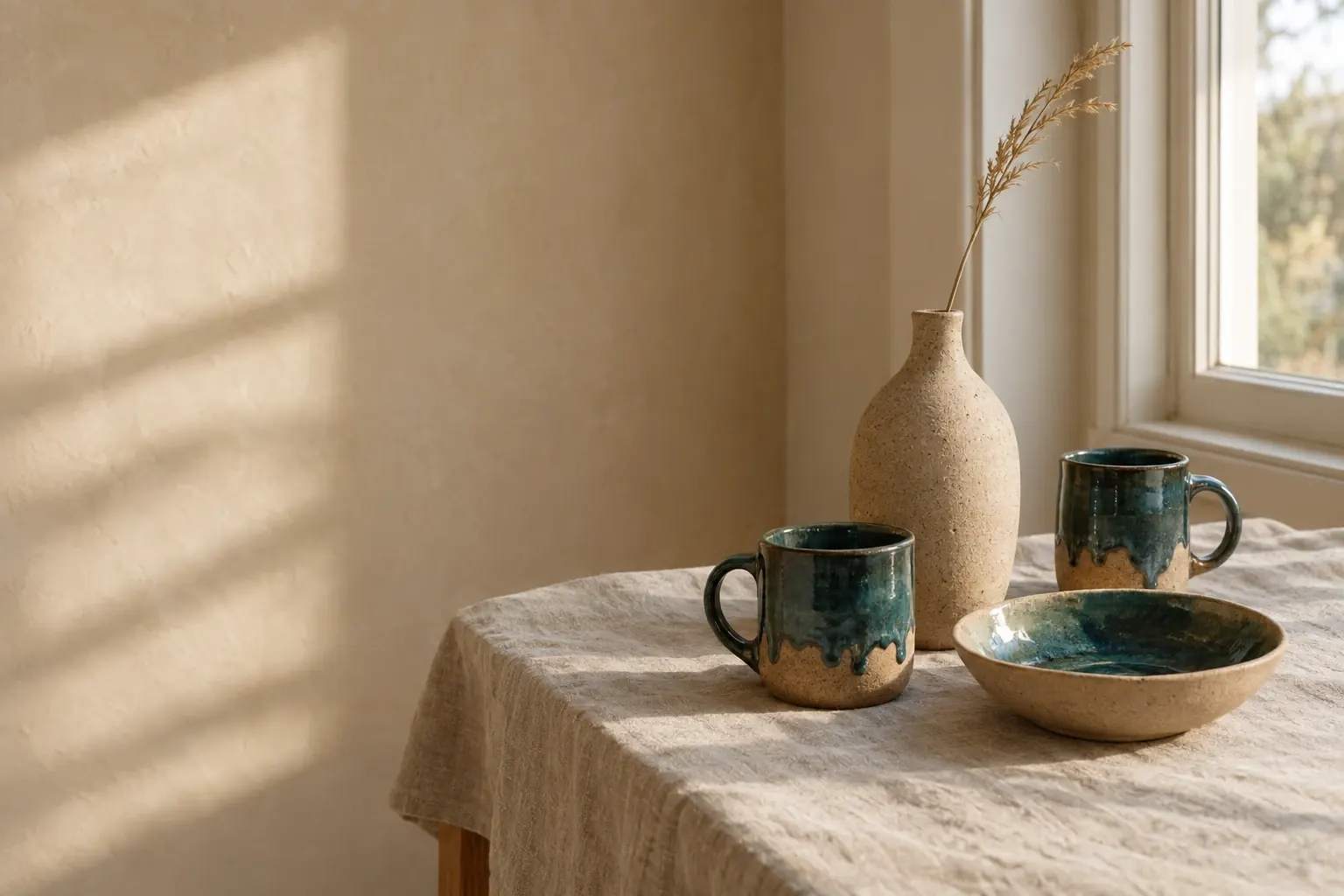
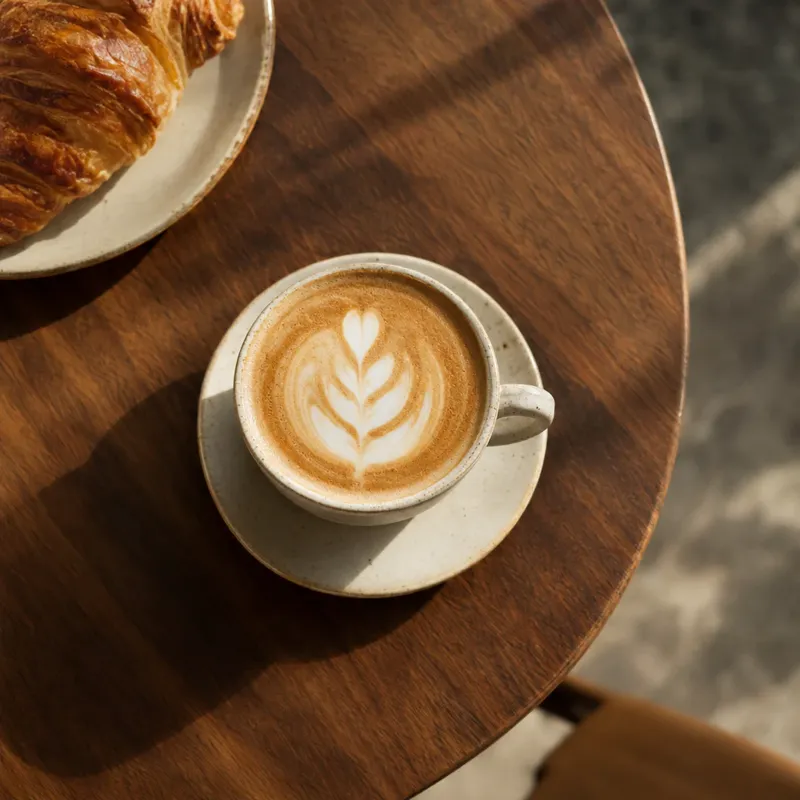
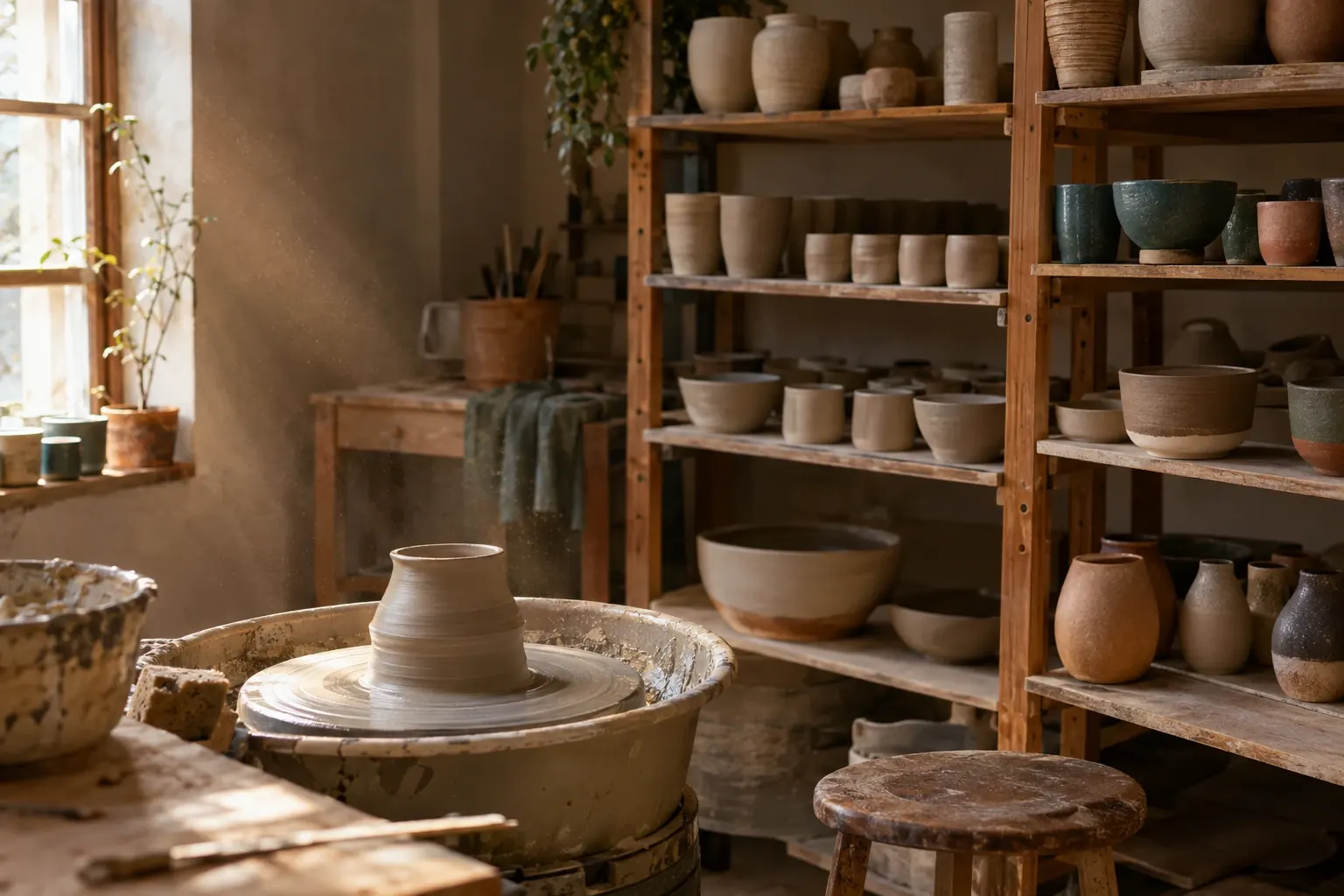
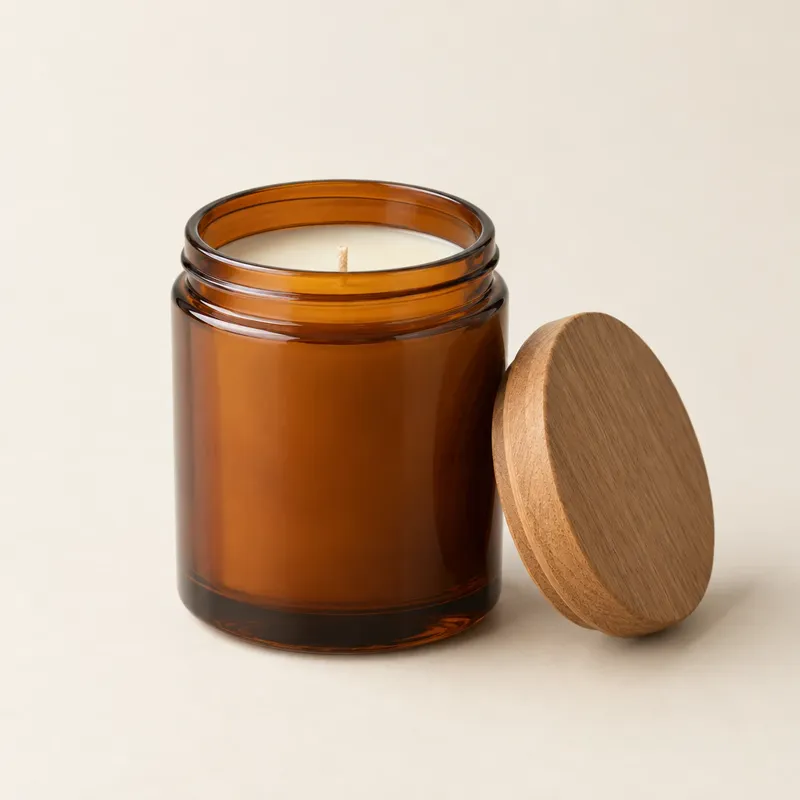
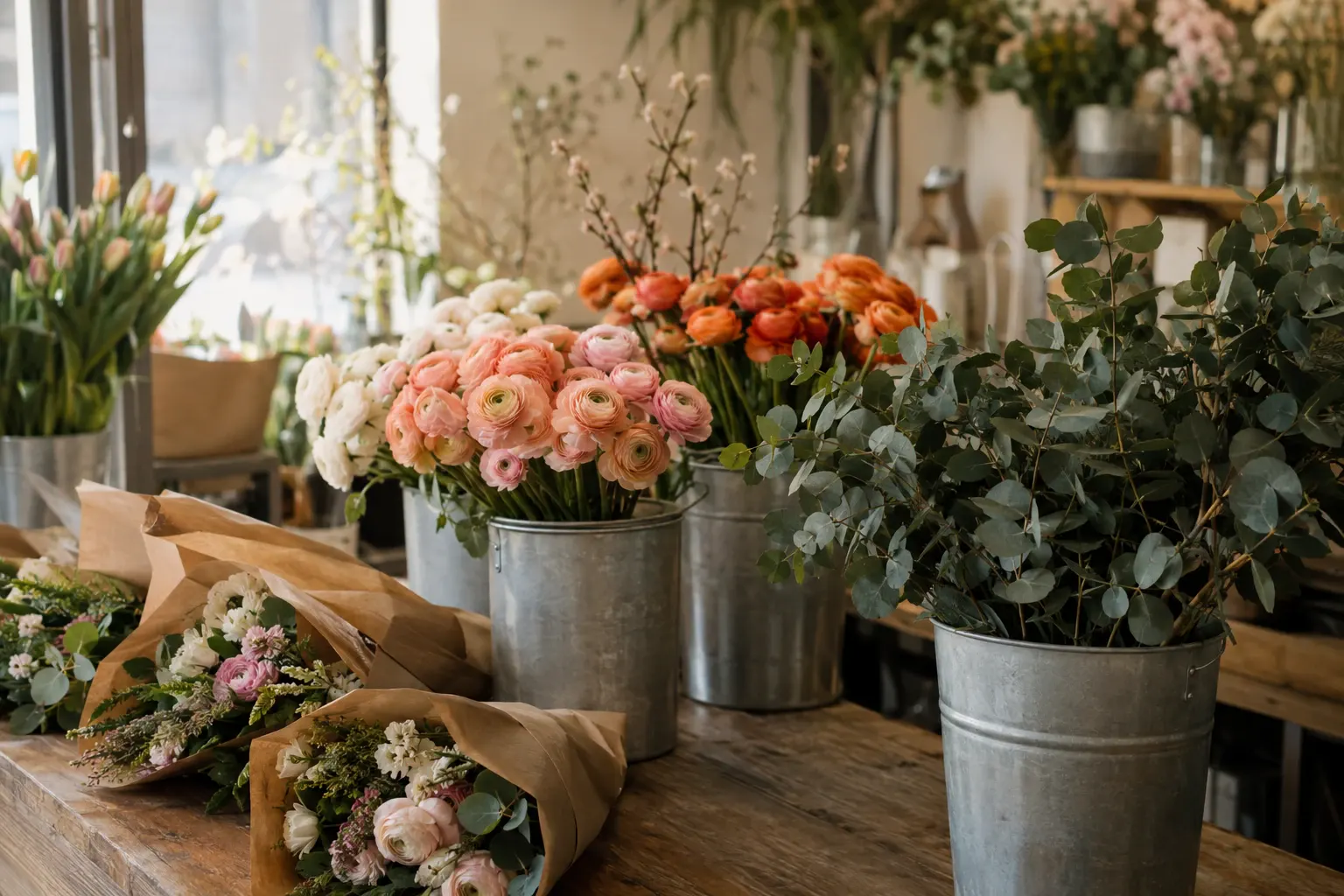
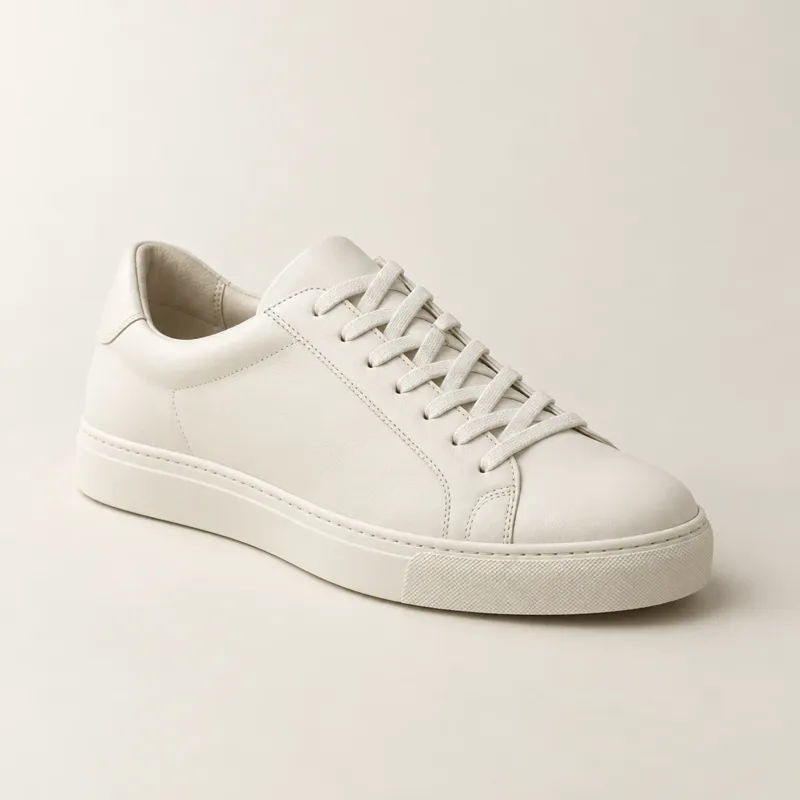
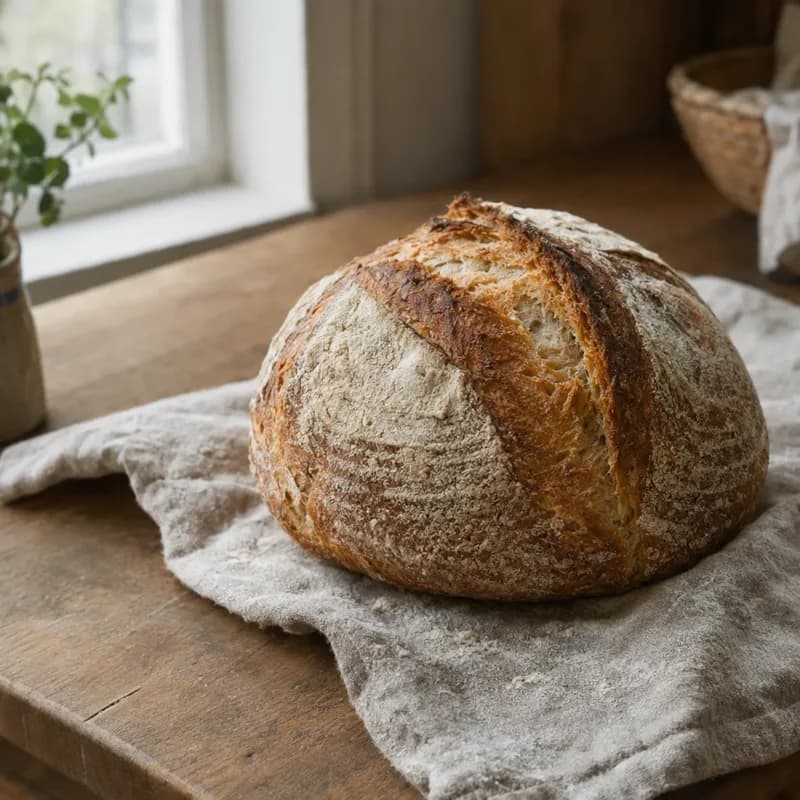
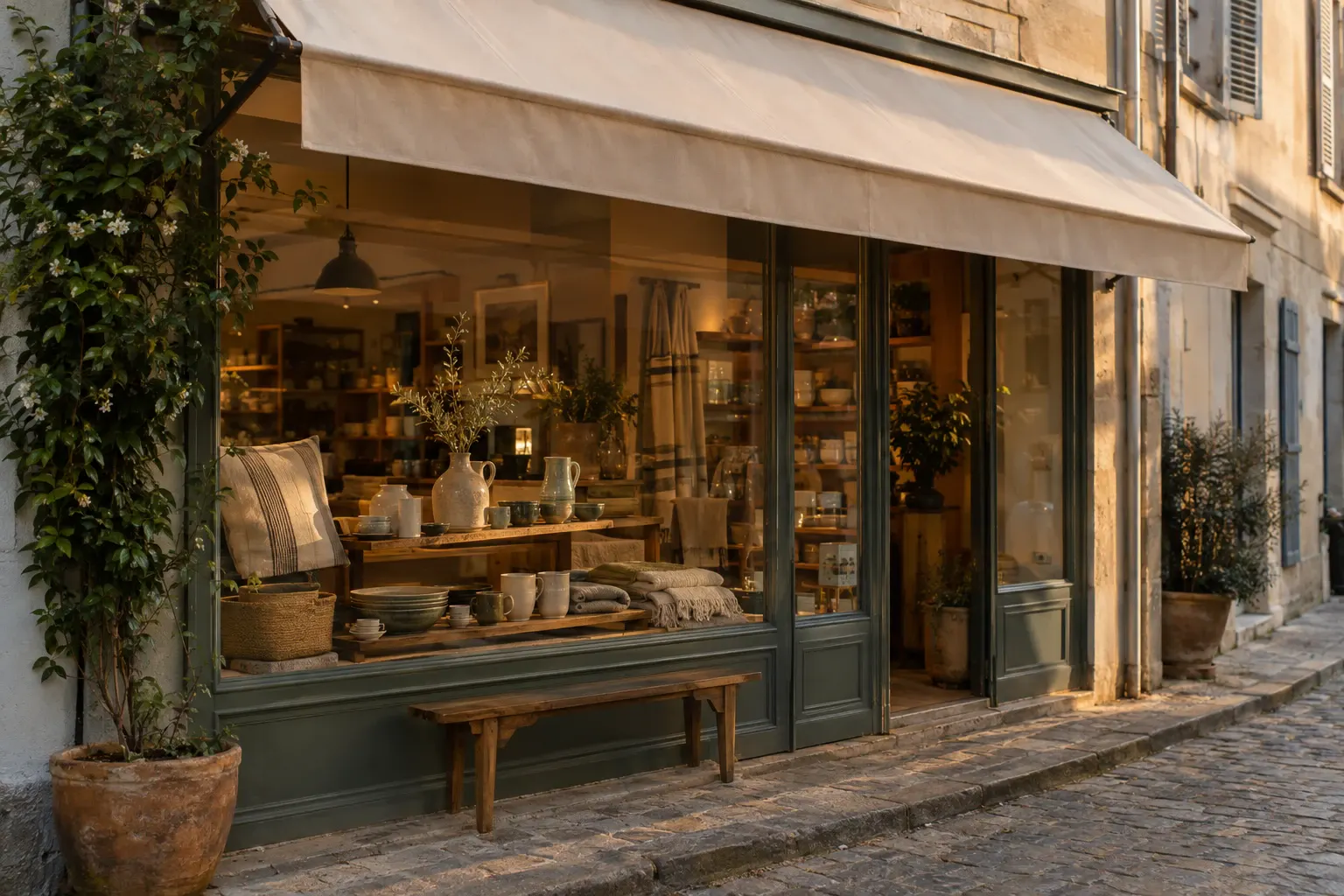
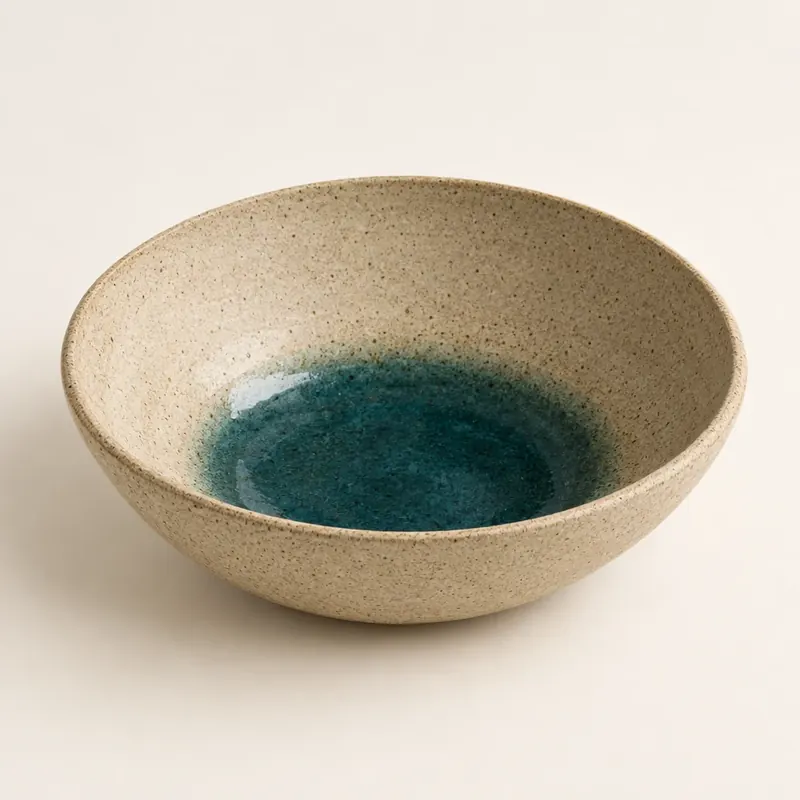
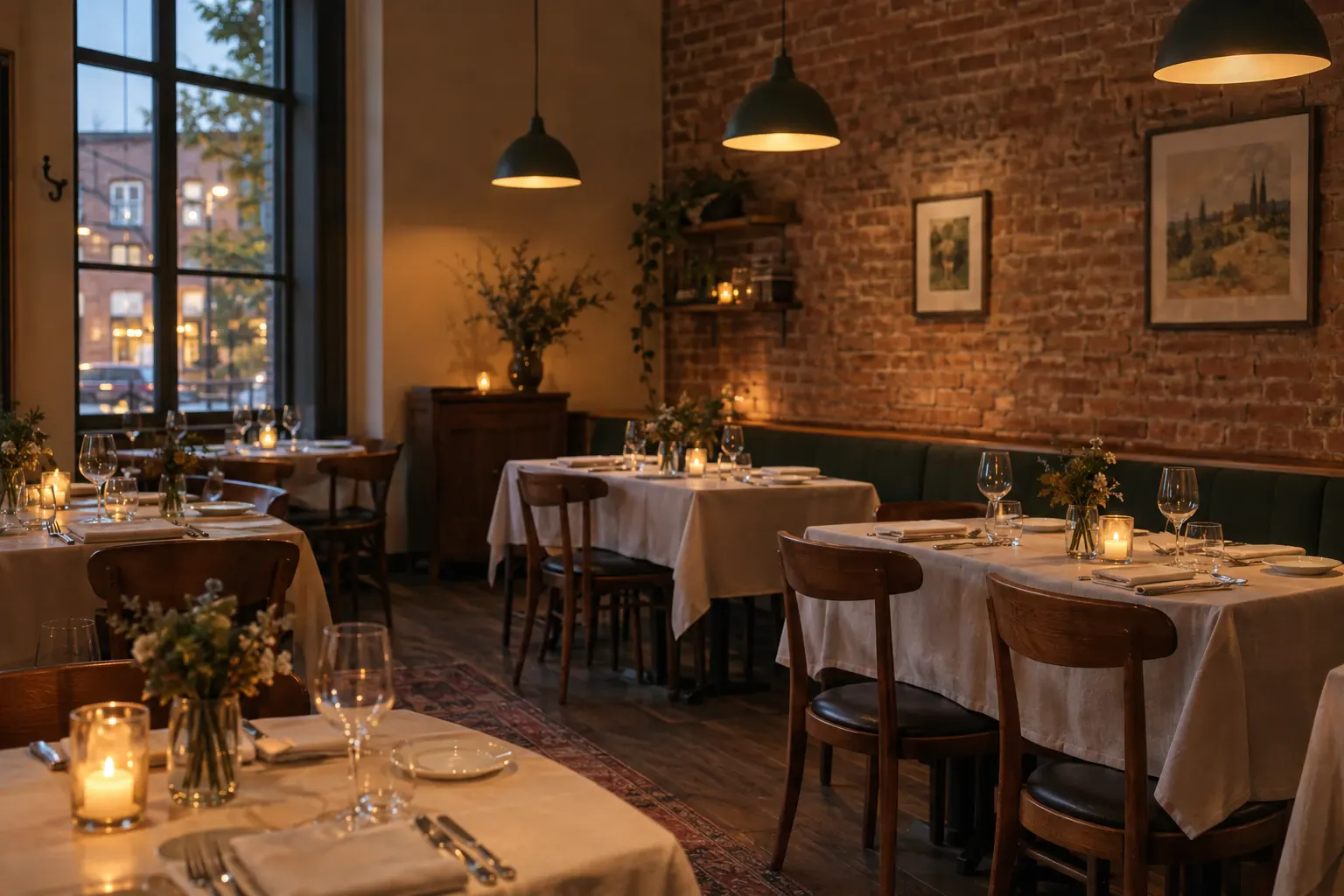
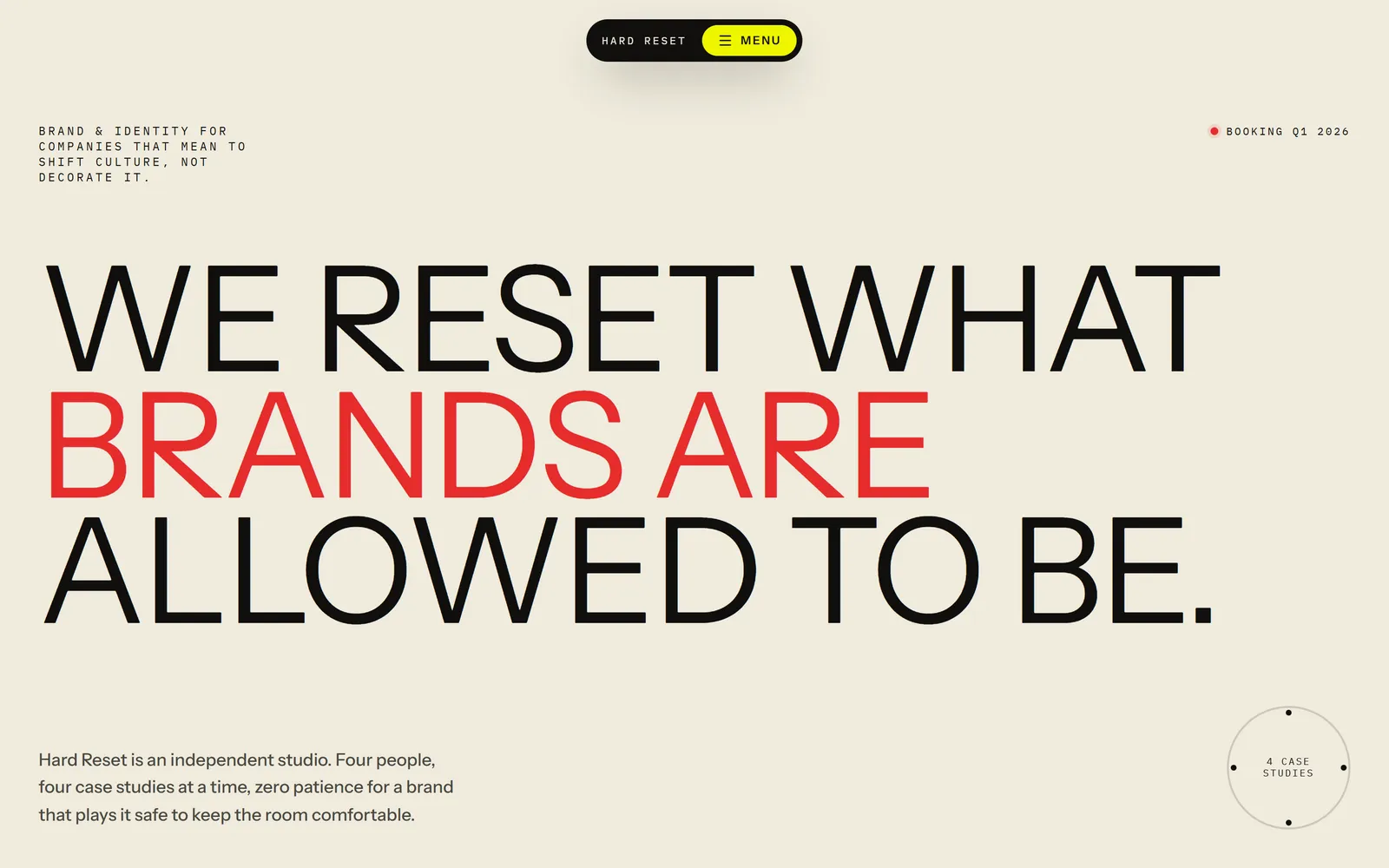
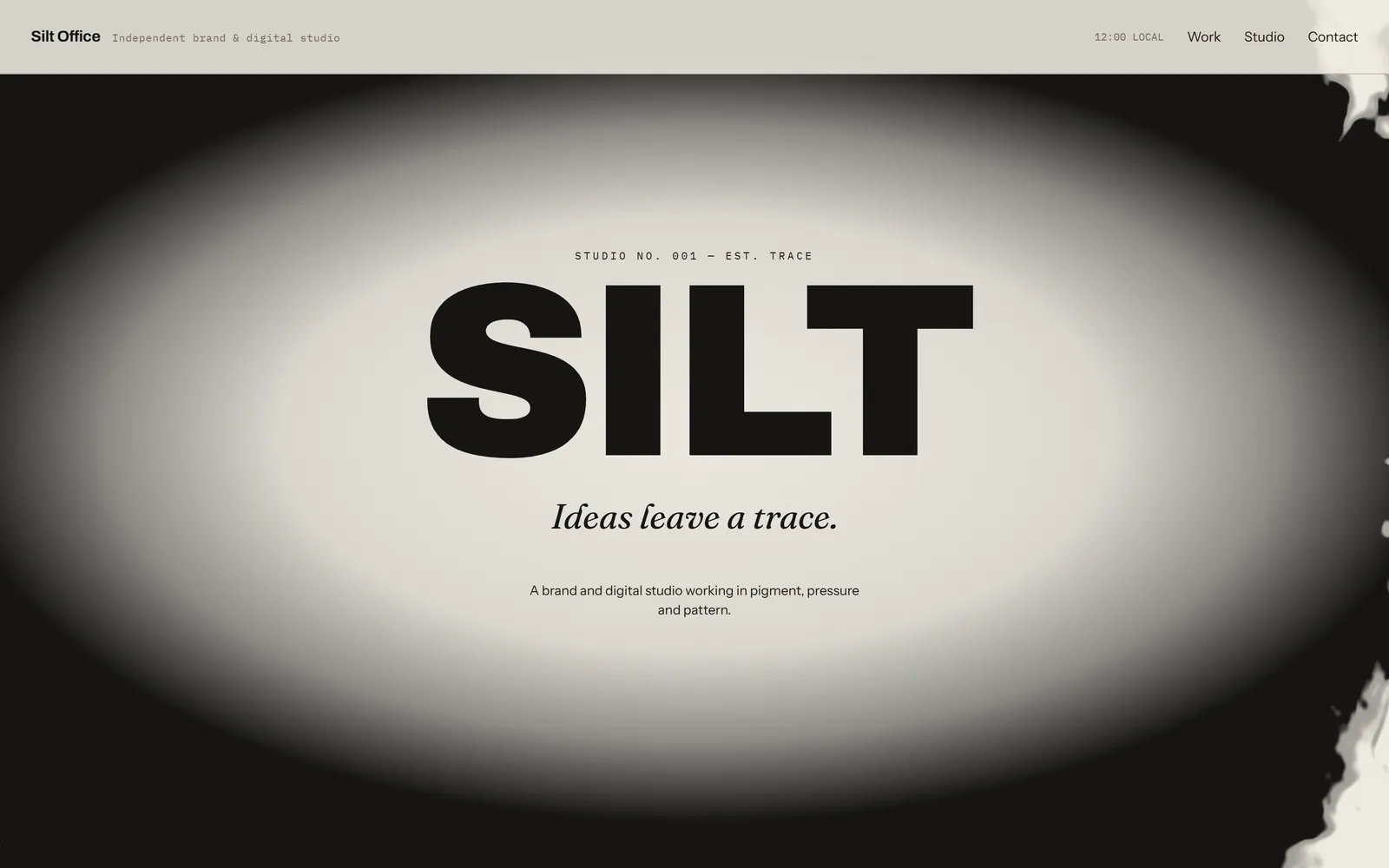
The Kiln studio, its products, logo and cut-outs, and every photo in this grid were made with GPT Image 2.5, the same model Swarmz uses inside your build.
Questions, answered
Which model makes the images?
Where do the images go?
Can it make transparent images?
Can it edit a photo I upload?
How long does it take?
Do images cost credits?
Keep exploring
Build
Design
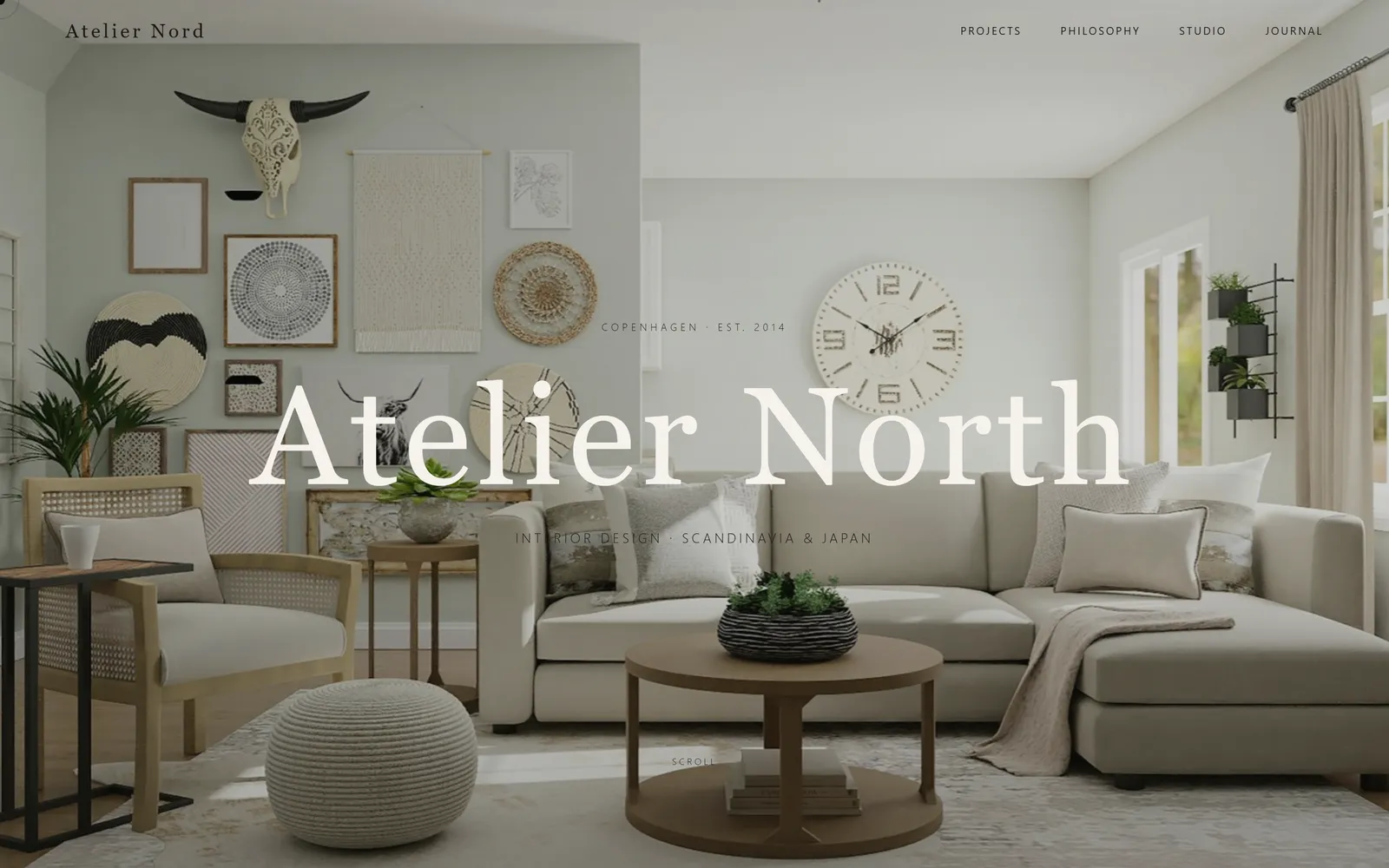
Three real design directions before any code, your brand in one step, and design skills built in.
Build
Visual editing
Click, draw or comment right on your live app. Every change lands in real code.
Build
Preview control
The AI opens your live app, clicks through it like a customer and fixes what breaks.
Give your brand its pictures
Describe the look you want. Swarmz makes the images and puts them in place.