Dashboard

Online stores

Your online store, ready to sell

Describe what you sell. Swarmz builds the storefront, the cart, the checkout and an admin for your orders — in your brand, on your own domain.

Browse store templates

A complete storefront

Catalogue, product pages, a cart drawer and checkout, designed around your brand.

An admin to run it

Orders, products, inventory, customers and discount codes in one place.

Paid your way

Take cards with Swarmz Payments, or connect your own Stripe account.

Start with an idea

Pick one. Press start

Each idea is a real prompt. Press start and Swarmz builds it as soon as you've signed up — or copy it and make it your own.

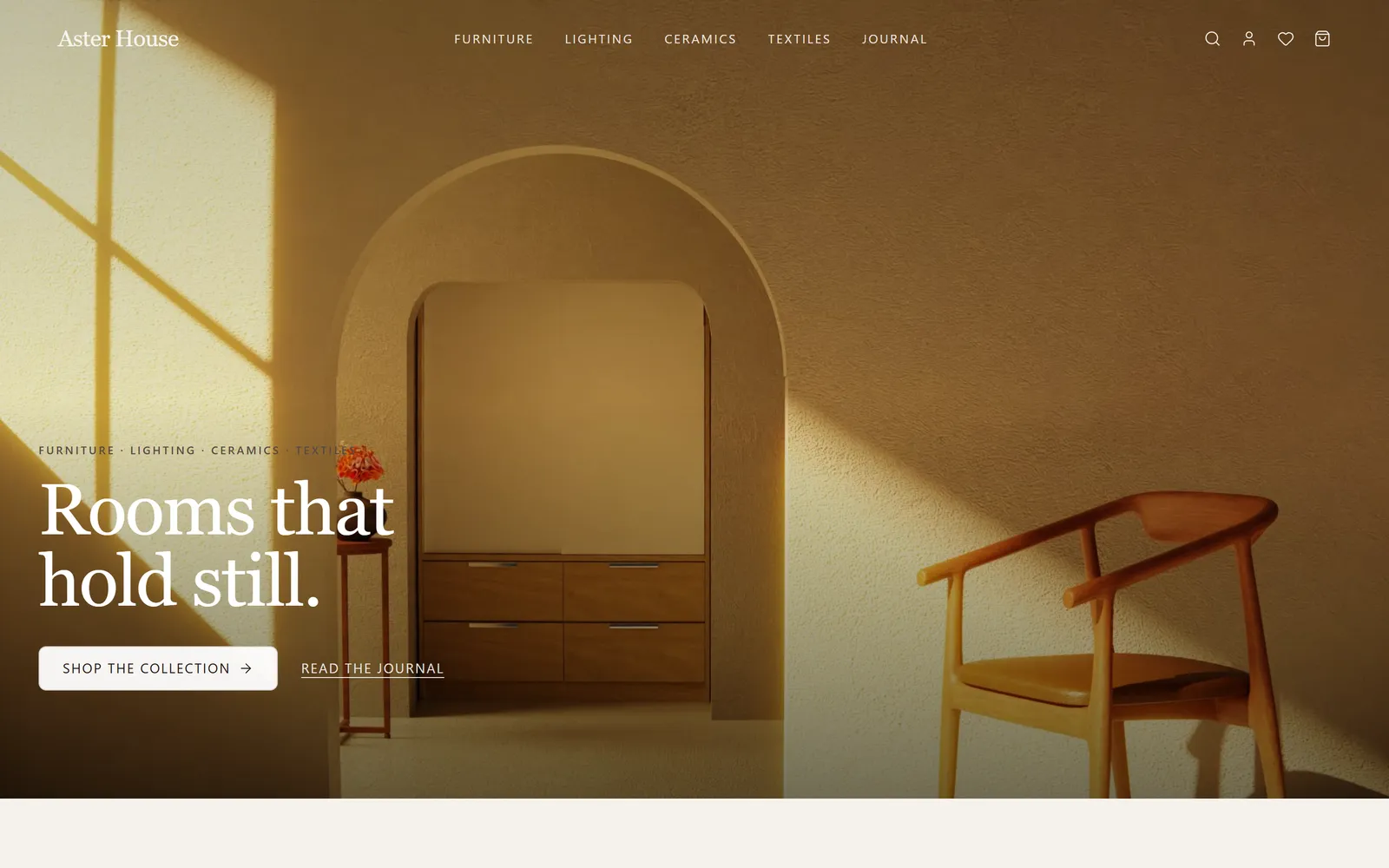
A ceramics studio shop

Small-batch pieces, a clear catalogue and an order admin.

Build an online store for my ceramics studio with a product catalogue, product pages with photos, a cart, checkout and an admin where I can manage orders.

A single-product launch

One hero product, told beautifully, with a quick checkout.

Create a single-product store for a hand-forged chef's knife: a cinematic product page, specs, a care guide, customer reviews and a fast checkout.

A clothing label

Collections, sizes and discount codes for launch day.

Build a store for my clothing label with collections, size selection, a cart drawer, discount codes and an admin for products and stock levels.

Digital downloads

Sell presets, templates or guides, delivered after checkout.

Make a shop that sells my photo presets as digital downloads, with a page for each pack, checkout and a download page after purchase.

Templates

Or start from a finished one

Real apps built with Swarmz and live on the web. Open one, then make it yours.

Browse all 28 templates

Store admin

Run the whole shop from one place

Every store comes with an admin behind your sign-in. Check every order, edit products and stock, look up customers and create discount codes — without touching a line of code.

  • Orders, products and inventory
  • Customers and discount codes
  • Sales at a glance in analytics
Explore the store features

Included

Everything a shop needs, built in

Questions, answered

What do I get out of the box?
A storefront with a catalogue, product pages, a cart and checkout, an order confirmation page (with download links for digital products), and a store admin for orders, products, inventory, customers, discounts and analytics.
Can I take real card payments?
Yes. Swarmz Payments runs on Stripe: set up your business, try everything in test mode, then switch to live and get paid out to your bank. You're the merchant, so the sales and the customers are yours. You can also connect your own Stripe account instead.
Do I need a payment provider before I start?
No. Until card payments are switched on, checkout takes orders as requests, so you can build and try the whole store first. Turn on Swarmz Payments or add your own Stripe key when you're ready to charge.
Can I use my own domain?
Yes, on Pro and above, with SSL set up for you. Every store also gets a free swarmz.cloud address from day one.
What does it cost?
Building is free to start, with 5 credits every day and no card. Pro starts at $25 a month and adds your own domain and removes the Swarmz badge. Card payments carry processing fees.

Open your store

Describe what you sell — Swarmz builds the shop, the checkout and the admin.

See pricing

Free to start5 free credits every day
No credit card