


Visual editing
Click anything. Change it
Restyle text, colour and spacing right on your live app, like in a design tool, and the change is written into your code. Or draw on it, leave a comment, and let the AI do the rest.



Click to restyle
Type, colour, spacing and layout, written straight into your code.
Draw or comment
Circle it, cross it out or pin a note. The AI knows what you mean.
Nothing is ever lost
Every change is a version you can preview and restore.
Visual edits
A design tool that writes the code
Select any element and change its font, size, colour, spacing or layout from the panel. Press Apply and the change is written into your code as clean Tailwind classes. No prompt needed.
- Layout, spacing, fill, stroke and typography
- Edit text right where it sits
- Jump straight to the line in the code
Draw
Circle it. Cross it out
Switch to Draw and sketch on your app. Circle or box something to select it, cross it out to remove it, or draw a line to move it, then say what you want. The AI knows exactly which element you meant.
- Circle or box to select
- Cross out to delete
- Draw a line to move
Comments
Notes on the live app
Pin a comment to any element, reply in a thread and resolve it when it's done. One click sends a comment to the chat, and the AI makes the change.
- Every thread keeps a snapshot of the element
- Reply, resolve or send to chat
Version history
Every change is a restore point
Each change saves a version. Preview any of them live, see exactly what changed in the code, bookmark the good ones and restore in one click. You always know which version is live.
- Preview any version live
- See the code changes
- Bookmark, rename and restore
Questions, answered
Do I need to know CSS or Tailwind?
What's the difference between Visual edit and Draw?
Can I use it on my phone?
Who can comment?
Can I edit the code by hand too?
Keep exploring
Build
Design
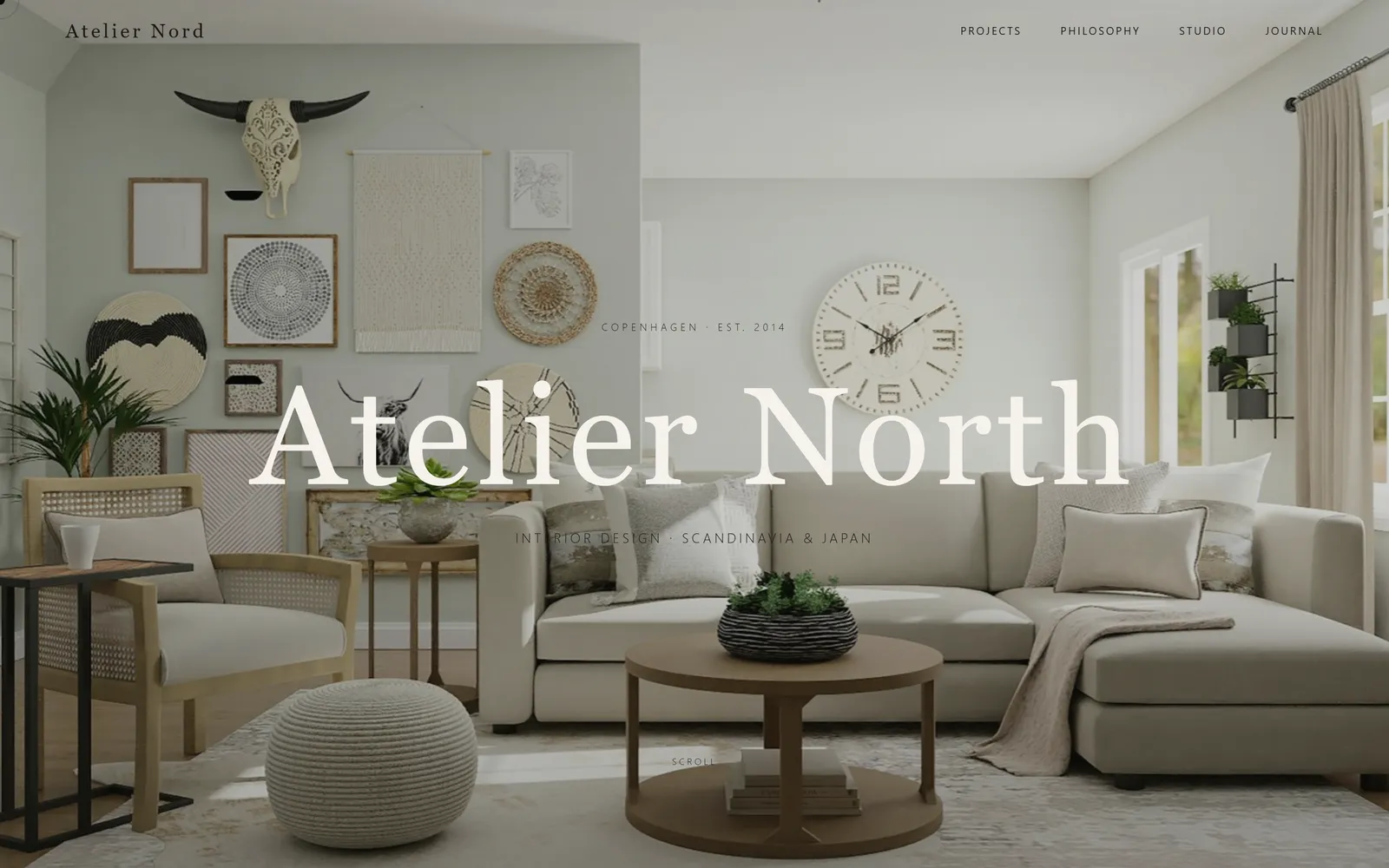
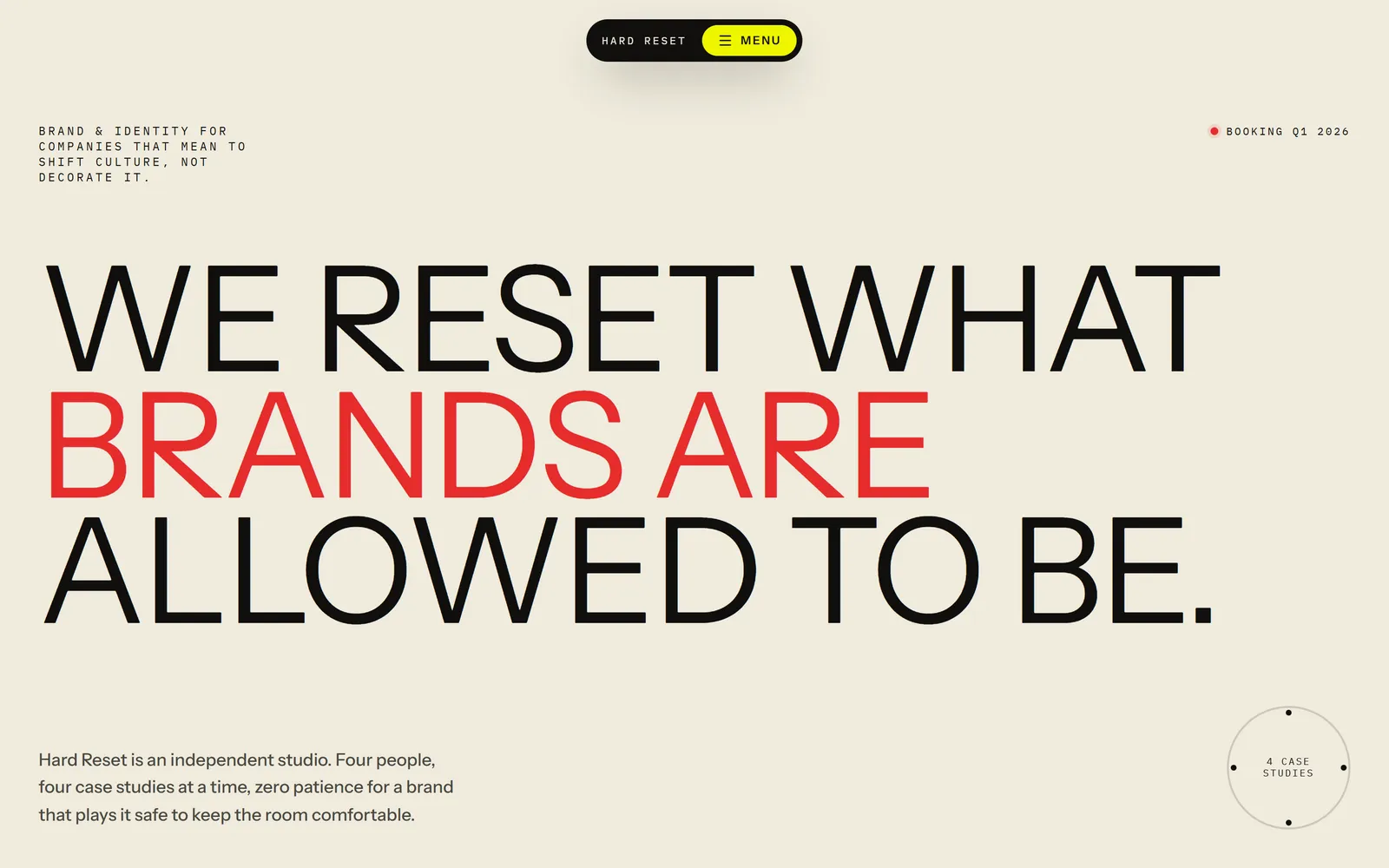
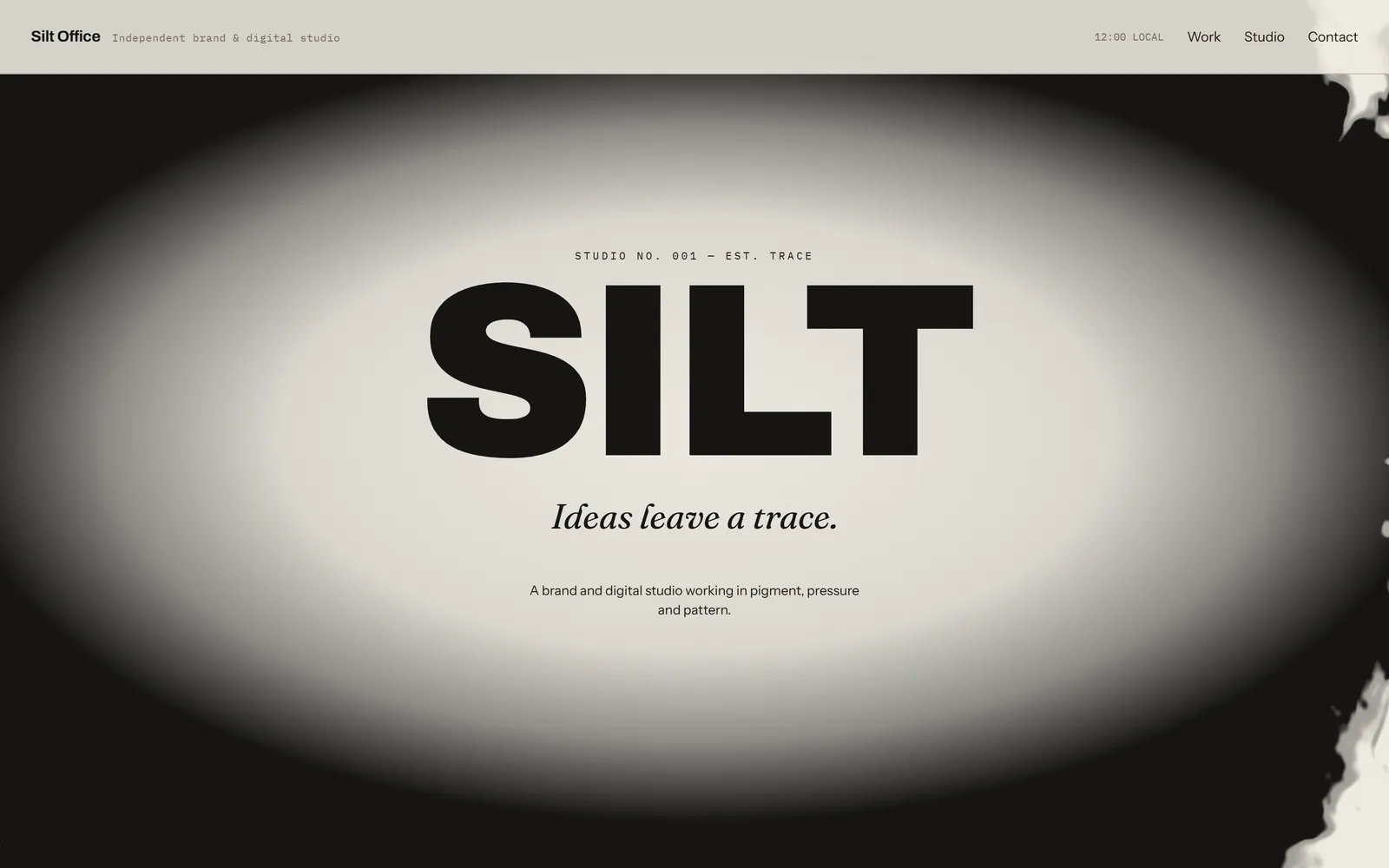
Three real design directions before any code, your brand in one step, and design skills built in.
Build
Preview control
The AI opens your live app, clicks through it like a customer and fixes what breaks.
Build
Image generation
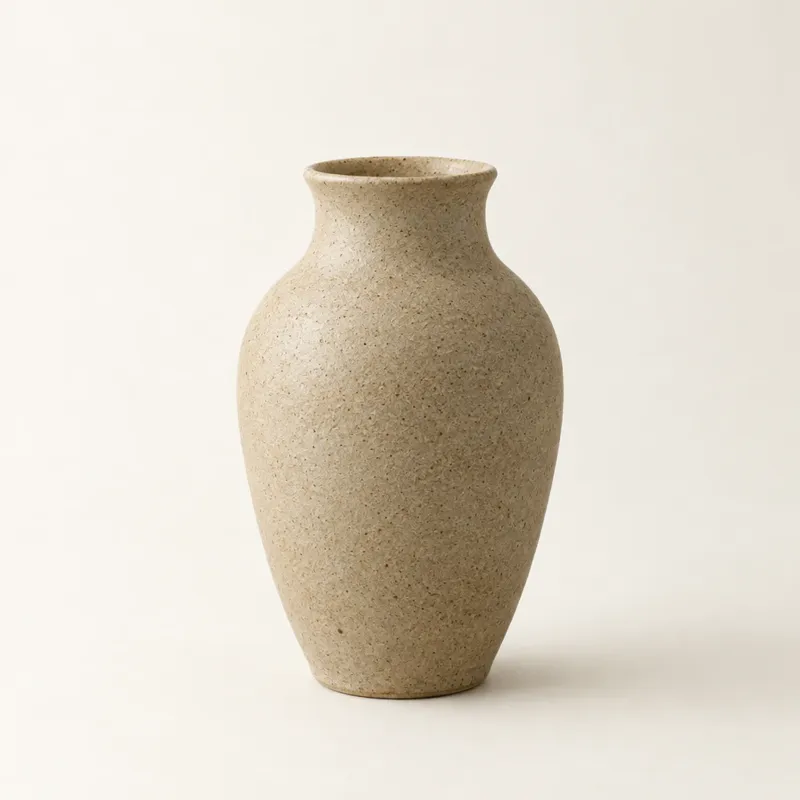
Logos, product shots and illustrations made for your brand, saved into your project.


Make it exactly right
Start with a sentence, then click, draw and comment until it's yours.