


Brand assets
Use the swarm
Logos, icons, colour and a few rules for using the Swarmz brand in docs, decks, partner sites and press.
26 files · SVG and PNG · 2.5 MB zip


Full lockup
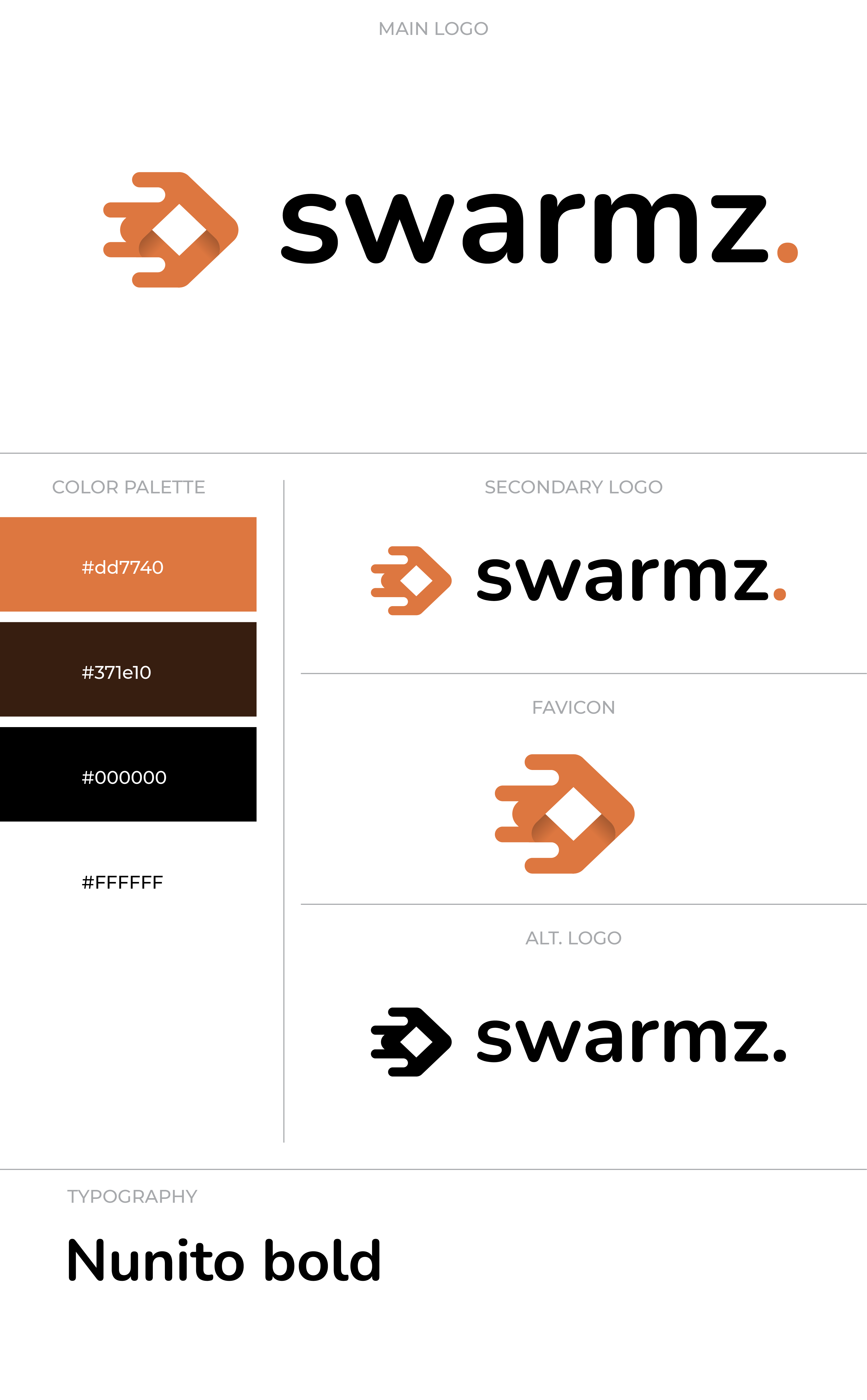
Icon and wordmark
The canonical Swarmz mark. Use it for nav bars, deck title slides, partner badges and any first impression. Pick the light or dark version for where it sits.





Icon
The mark on its own
For when space is tight or the name is already on the page. Full colour for hero moments, flat white or black everywhere else.



Wordmark
Just “swarmz.” for tight rows
Use the wordmark alone only when the icon would repeat something nearby — a row of connector logos, for example.





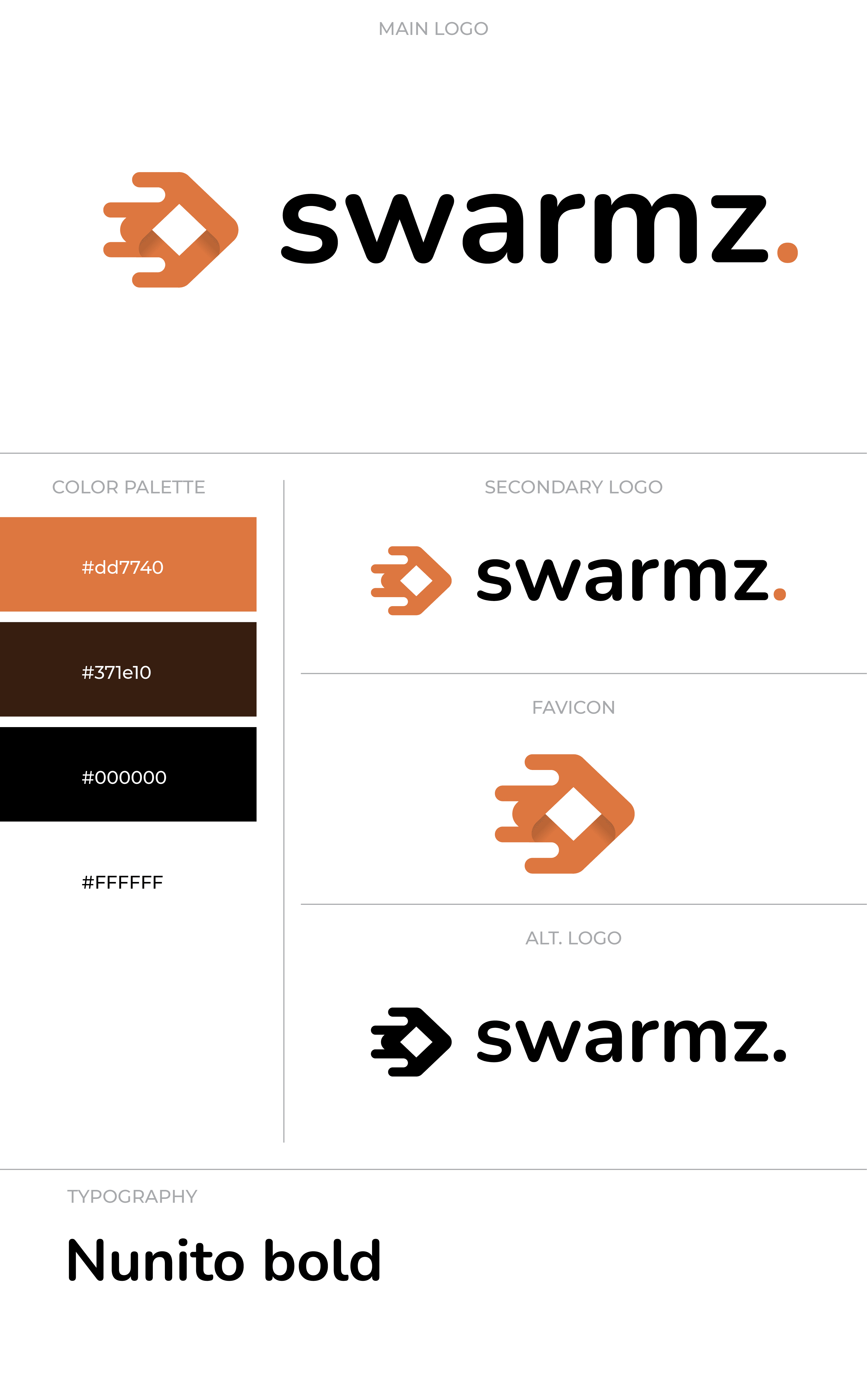


















Colour
Burnt orange, near black, cream
The orange is non-negotiable. Click any swatch to copy its hex.
Usage
A few hard rules
The construction sheet covers the geometry. These are the everyday do's and don'ts for decks, docs, partner sites and posts.
Do
- Use the icon at 24 × 24 px or larger so the swarm stays legible.
- Keep clear space equal to the dot’s diameter on every side.
- Pair the white wordmark with dark backgrounds, the black one with light.
- Use the orange dot as the accent on any monochrome wordmark.
Don't
- Recolour the orange. #DD7740 only — no tints, gradients or neon variants.
- Rotate, skew or stretch the mark. Keep its proportions exact.
- Add drop shadows, glows or strokes around the mark.
- Retype the wordmark in another font. Always use the SVG or PNG.
Using the brand
Can I use the Swarmz logo on my own site?
Which file format should I use?
Can I make a custom version for my use?
Do you have social media assets?
Can I put the logo on merchandise?
Need a format we don’t have?
Tell us where the mark is going and we’ll send the right file.