Dashboard

Bookings & services

Let customers book you online

Classes, appointments, tables or tours. Swarmz builds the schedule, the booking flow and the sign-in — and takes payment when you want it to.

Browse templates

Your schedule, online

Classes, slots or tables that customers can book any time.

Accounts for regulars

Customers sign in with Google, Apple or email to manage bookings.

Paid up front

Take deposits or full payment with Swarmz Payments.

Start with an idea

Pick one. Press start

Each idea is a real prompt. Press start and Swarmz builds it as soon as you've signed up — or copy it and make it your own.

A yoga studio timetable

See the schedule, book a spot, cancel in a tap.

Build a booking app for my yoga studio where clients can see the class schedule, sign in, book a spot and cancel.

A hair salon

Services, stylists and open time slots.

Create an appointment booking site for my hair salon with services and prices, stylist profiles, available time slots and a booking confirmation page.

Restaurant tables

Date, time and party size, plus an admin view.

Make a table booking page for my restaurant: pick a date, time and party size, leave a note, and see all bookings in an admin view.

Paid workshops

Upcoming dates, seats left and a waiting list.

Build a site for my pottery workshops with upcoming dates, seats left, online booking with payment and a waiting list when a class is full.

Templates

Or start from a finished one

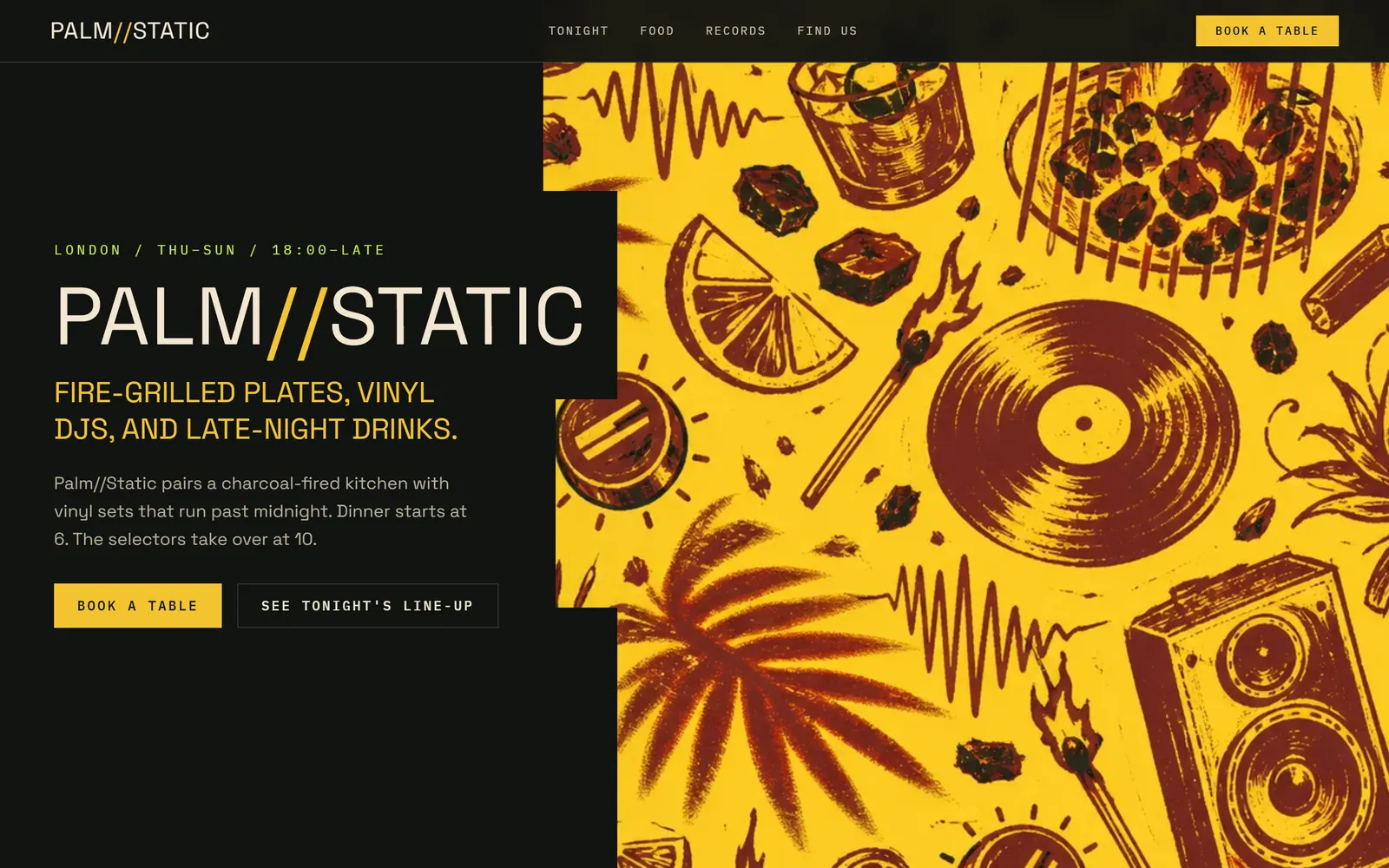
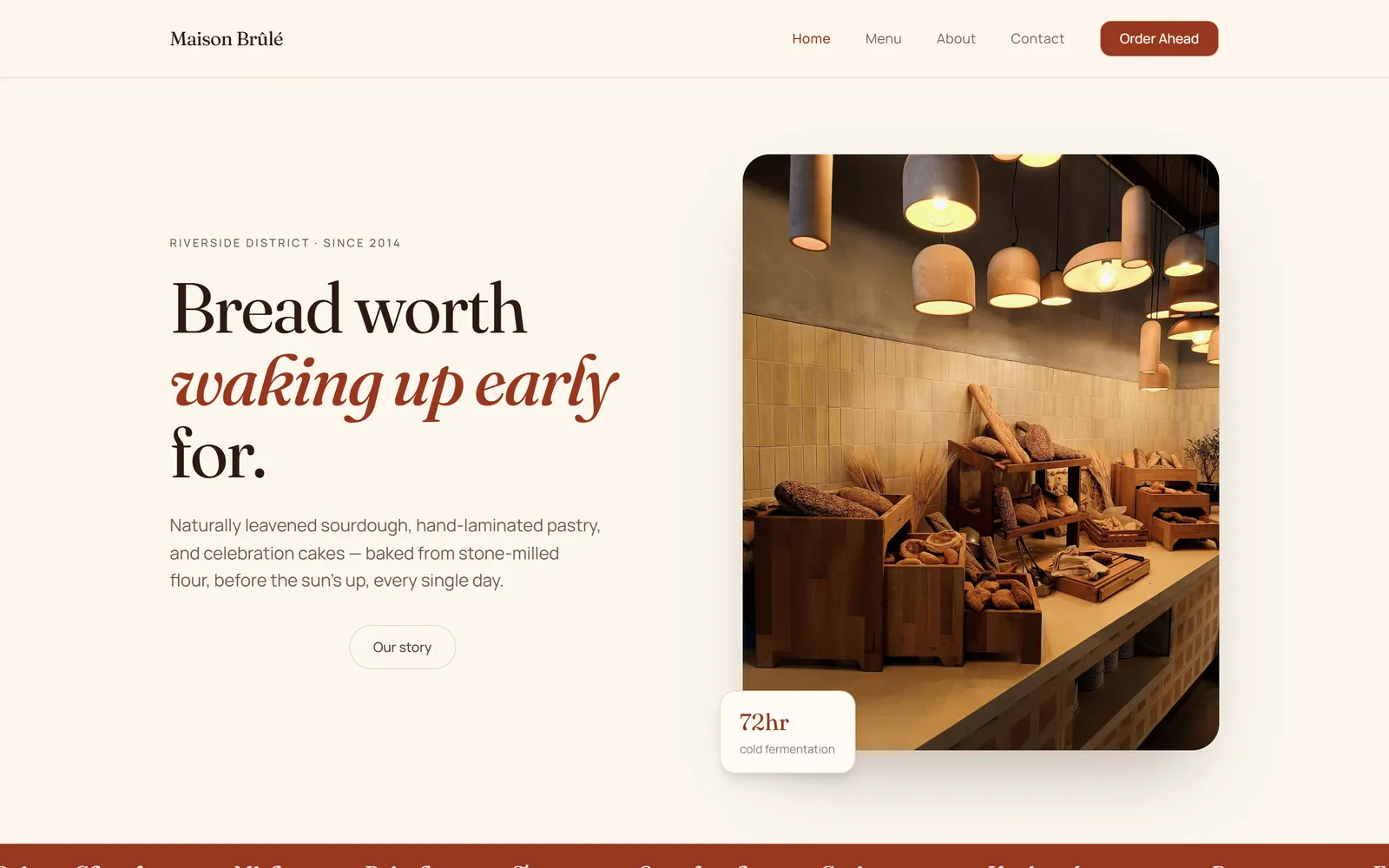
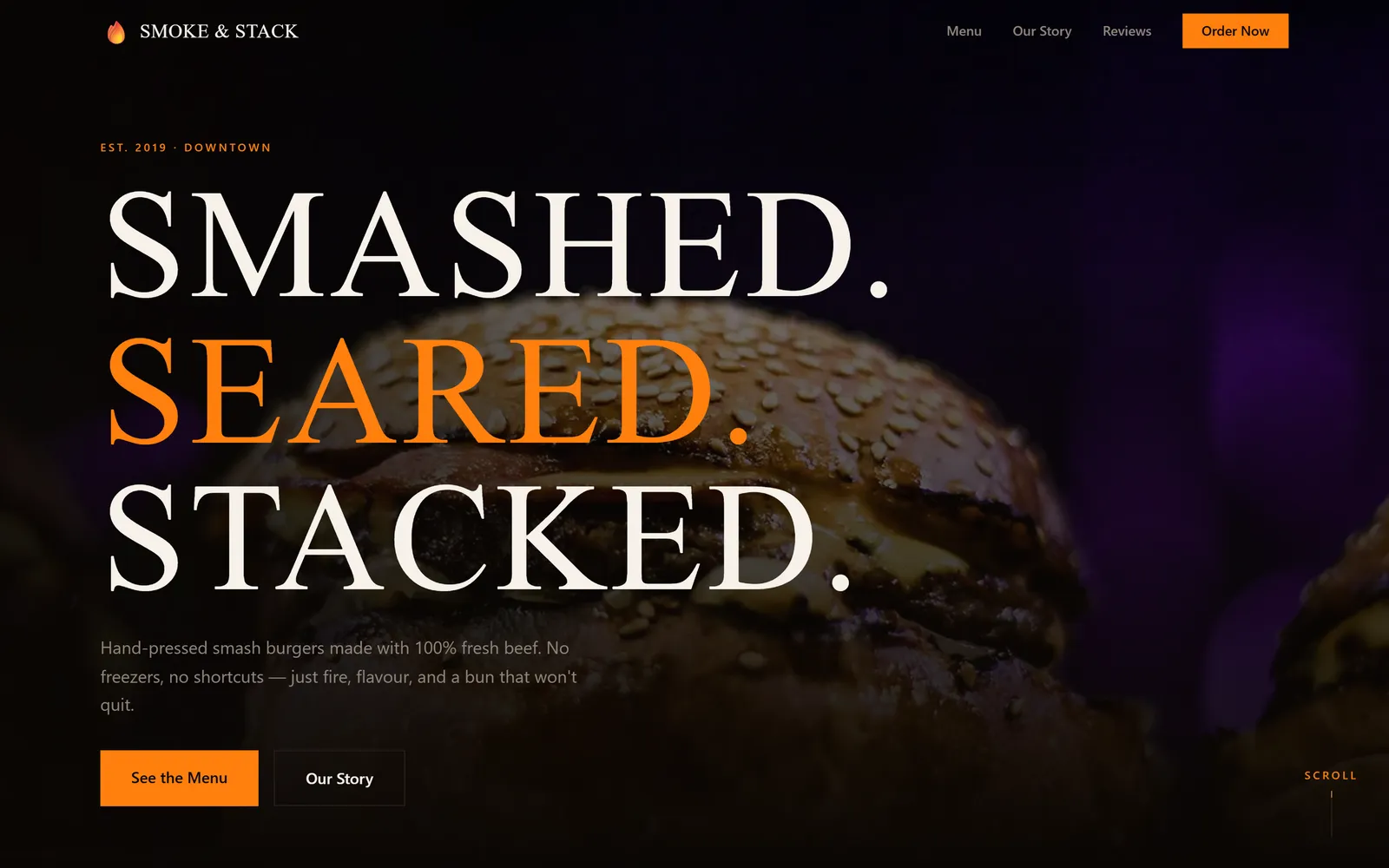
Real apps built with Swarmz and live on the web. Open one, then make it yours.

Browse all 28 templates

Questions, answered

Can customers pay when they book?
Yes. Swarmz Payments takes card payments on Stripe — a deposit or the full price — with test and live modes. You can also connect your own Stripe account, or skip payment and let people pay on the day.
Can I send confirmation emails?
Yes, through your own email service. Connect Resend or any SMTP provider and Swarmz adds the emails to your booking flow.
Do customers need an account?
It's up to you. Guests can book with just their name and email, or customers can sign in with Google, Apple or email to see and cancel their bookings.
Can I see and manage every booking?
Yes. Ask for an admin view and Swarmz builds it behind your own sign-in. You can also browse every booking in the Cloud tab and export it to CSV.
Will it work on phones?
Yes. Swarmz builds responsive web apps and can test them on desktop, tablet and phone sizes. It builds for the web, not native app-store apps.

Start taking bookings

Describe your business — Swarmz builds the schedule, the booking flow and the payments.

See pricing

Free to start5 free credits every day
No credit card