


Online stores
A whole store from one sentence
Describe what you sell. Swarmz builds the storefront, product pages, cart and checkout — plus the admin you'll run it from. Switch on Swarmz Payments to take cards.







Built around your products
Catalogue, product pages, cart and checkout, styled for your brand.
An admin that's included
Orders, products, inventory, customers and discounts in one place.
Payments when you're ready
Take orders from day one. Switch on Swarmz Payments to charge cards.
Build
Describe the store you want
Tell Swarmz what you sell and how it should feel. It builds the pages, the cart and checkout, the database behind them and your admin — in one go.
- Products, prices and photos in place
- Physical and digital products
- Change anything by asking

Storefront
Pages built to sell
Clean product grids, product pages with options and stock levels, and a slide-out cart that keeps people shopping.
- Sizes, options and quantities
- Sale prices and badges
- Looks right on phones too
Checkout
Checkout that's ready for real money
Checkout starts by collecting orders, so you can launch straight away. Switch on Swarmz Payments — or add your own Stripe key — and the same checkout takes cards.
- An order confirmation page
- Download links for digital products
- Card payments through Stripe
Admin
Run it all from one admin
Every store comes with a private admin: orders with payment and fulfilment status, products and stock, customers and discount codes.
- Filter orders by status
- Stock counts on every product
- Discount codes and automatic offers
Store templates
Or start from a store that's live
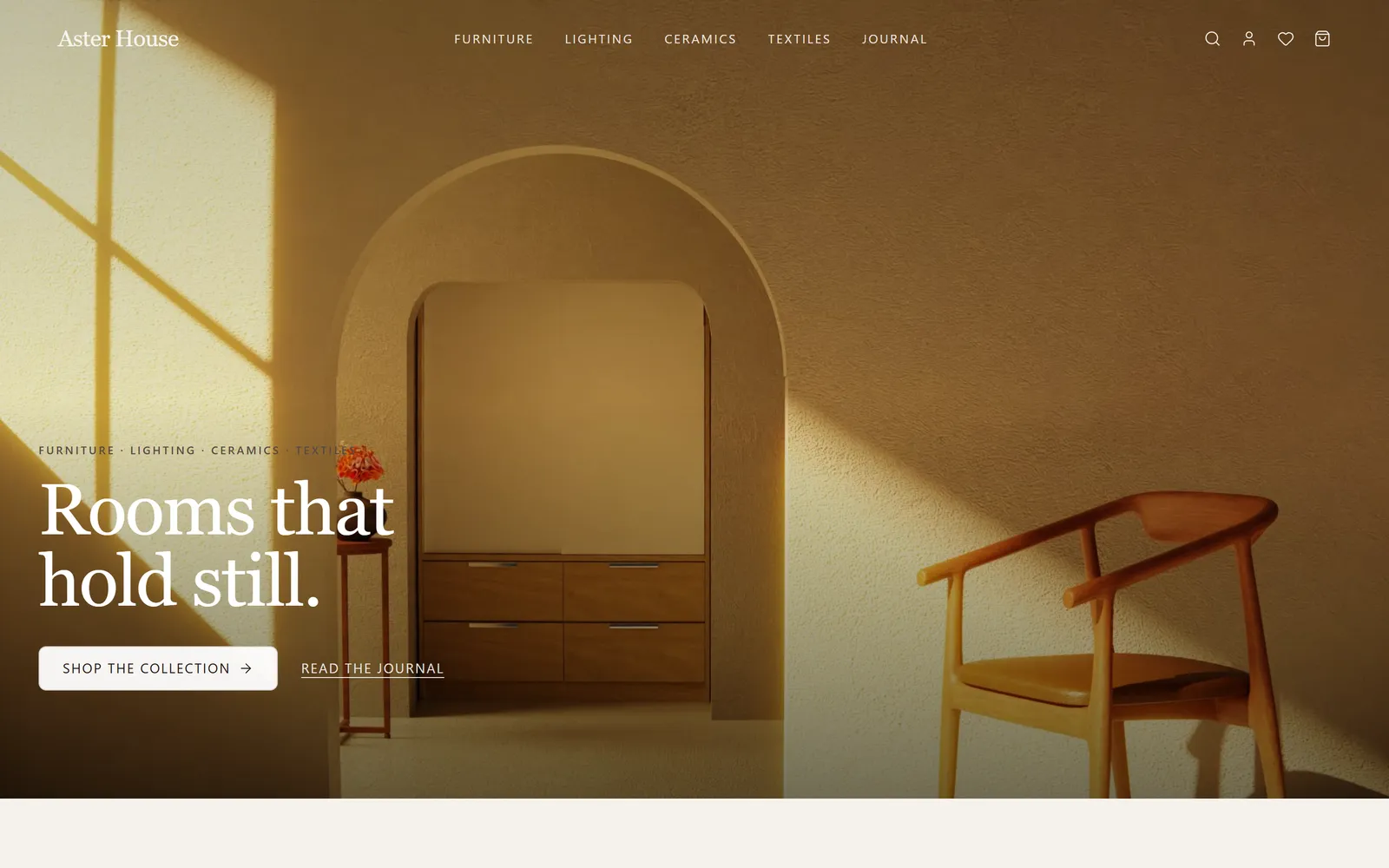
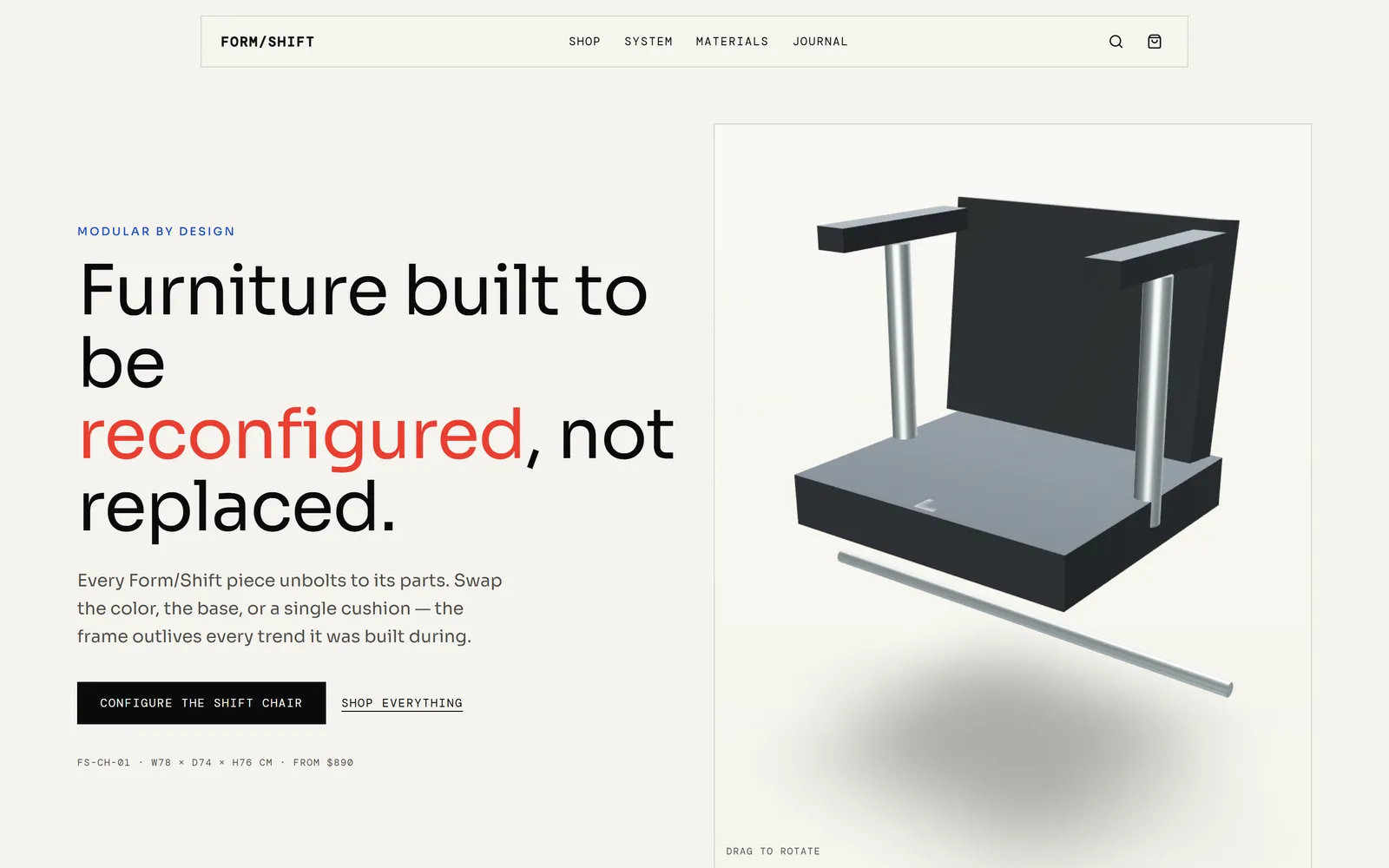
Every one of these was built with Swarmz. Pick one, make it yours.


Questions, answered
What comes with a Swarmz store?
How do customers pay?
Can I sell digital products?
Where does my store's data live?
Can my store use my own domain?
Keep exploring
Launch & run
Swarmz Payments
Checkout, subscriptions, invoices and payment links on Stripe — paid out to your bank.
Launch & run
Hosting & domains
One click to a live site on the global edge, with SSL — and your own domain on Pro.
Launch & run
Analytics
Visitors, sources, errors, session replays and speed checks — on from the moment you publish.
Open your store
Tell Swarmz what you sell — it builds the shop, the checkout and the admin while you watch.