Dashboard

For developers

Skip the boilerplate, keep the code

Swarmz sets up auth, the database and hosting, then writes the features. You get standard React and TypeScript in your own GitHub — and an agent that tests its work before it says done.

How Kernel 1 works

Standard, portable code

React, TypeScript and Tailwind you can take anywhere.

Two-way GitHub sync

Push, pull and auto-sync with a private repository.

Checked before done

Style, types, preview and runtime errors, every run.

Start with an idea

Pick one. Press start

Each idea is a real prompt. Press start and Swarmz builds it as soon as you've signed up — or copy it and make it your own.

An admin panel for your API

Tables, filters and validated edit forms.

Build an admin panel for our REST API: GitHub sign-in, a table view per resource with search and filters, and edit forms with validation.

A public status page

Current status, incidents and an admin to post updates.

Create a public status page for our services with current status, incident history and an email subscribe form, plus an admin to post updates.

API documentation

Guides, code samples and search.

Build a documentation site for our API with a sidebar, versioned guides, code samples with copy buttons and a search box.

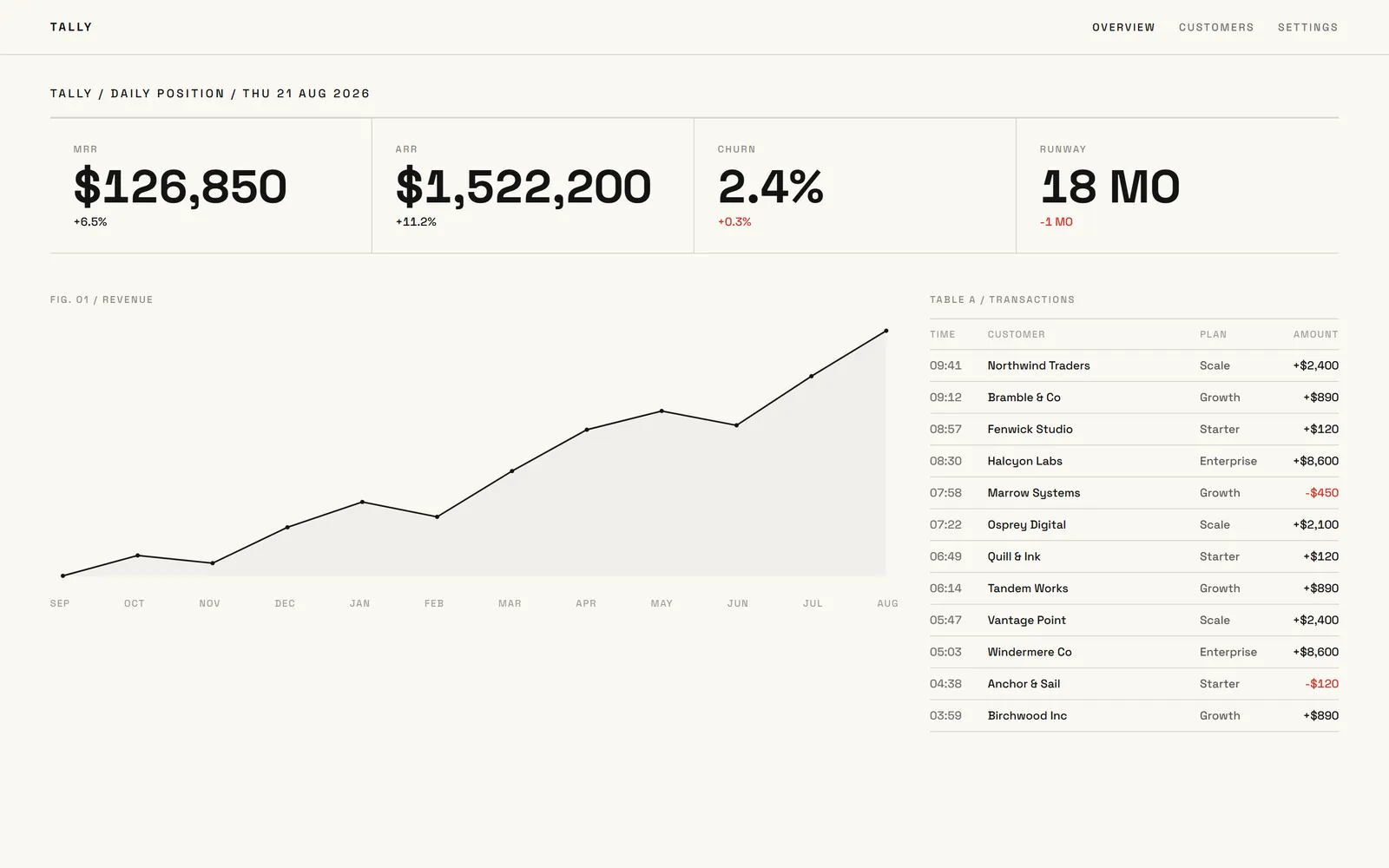
A Stripe metrics dashboard

MRR, churn and failed payments by week.

Build a dashboard that reads our Stripe data and shows MRR, new subscriptions, churn and failed payments by week.

Templates

Or start from a finished one

Real apps built with Swarmz and live on the web. Open one, then make it yours.

Browse all 28 templates

Kernel 1

An agent that checks its own work

Every run ends with a completion gate: code style, types, your live preview and runtime errors. If something fails, Swarmz fixes it — up to two repair attempts — and tells you plainly if anything is still blocked.

  • Drives your preview in a real browser
  • Desktop, tablet and phone viewports
  • Every change is a git commit
Meet Kernel 1

Included

The parts you'd rather not rebuild

Questions, answered

What stack does it use?
React 19 and TypeScript on TanStack Start (server rendering with pre-rendered pages), Tailwind CSS 4, shadcn/ui components and Supabase for the backend.
Can I edit the code by hand?
Yes, on paid plans: open any file in the built-in code editor or use the terminal. On Free the code is read-only in the editor — or sync to GitHub and work locally.
How does GitHub sync work?
Connect GitHub, create a private repository and push. Changes you make in Swarmz sync automatically, and pushes to the repository come back into the project.
Can I use my own Supabase project?
Yes. Connect an existing Supabase project from the Cloud tab and Swarmz builds against it. Otherwise Swarmz Cloud creates a dedicated one per app.
Can I import an existing repository?
Not today. Projects start from a prompt or a template; from there the code syncs both ways with GitHub.

Start from working code

Describe the app — Swarmz sets up the stack and writes the first version in React, TypeScript and Tailwind.

See pricing

Free to start5 free credits every day
No credit card