
Per i designer
Dal designalcodice
in unsolo passo
Basta consegnare specifiche e sperare che vada bene. Descrivi la tua idea o carica i tuoi design: ottieni codice pixel-perfect, pronto per la produzione.
Per i designer
Progetta il comportamento, non solo le schermate
Costruisci il flusso di prodotto vero, inclusi gli stati che la maggior parte dei prototipi salta.
Prototipa la logica, non il layout
Un frame di Figma può mostrare com'è fatta una schermata. Non può mostrare cosa succede quando il form fallisce, la richiesta va in timeout o l'utente è alla seconda visita. Swarmz esegue il tuo design come vero React, con stato, route e un database dietro. Clicca il pulsante e succede qualcosa di reale.
- Form con validazione e invio funzionanti
- Route che cambiano in base allo stato di autenticazione
- Dati che restano tra una sessione e l'altra
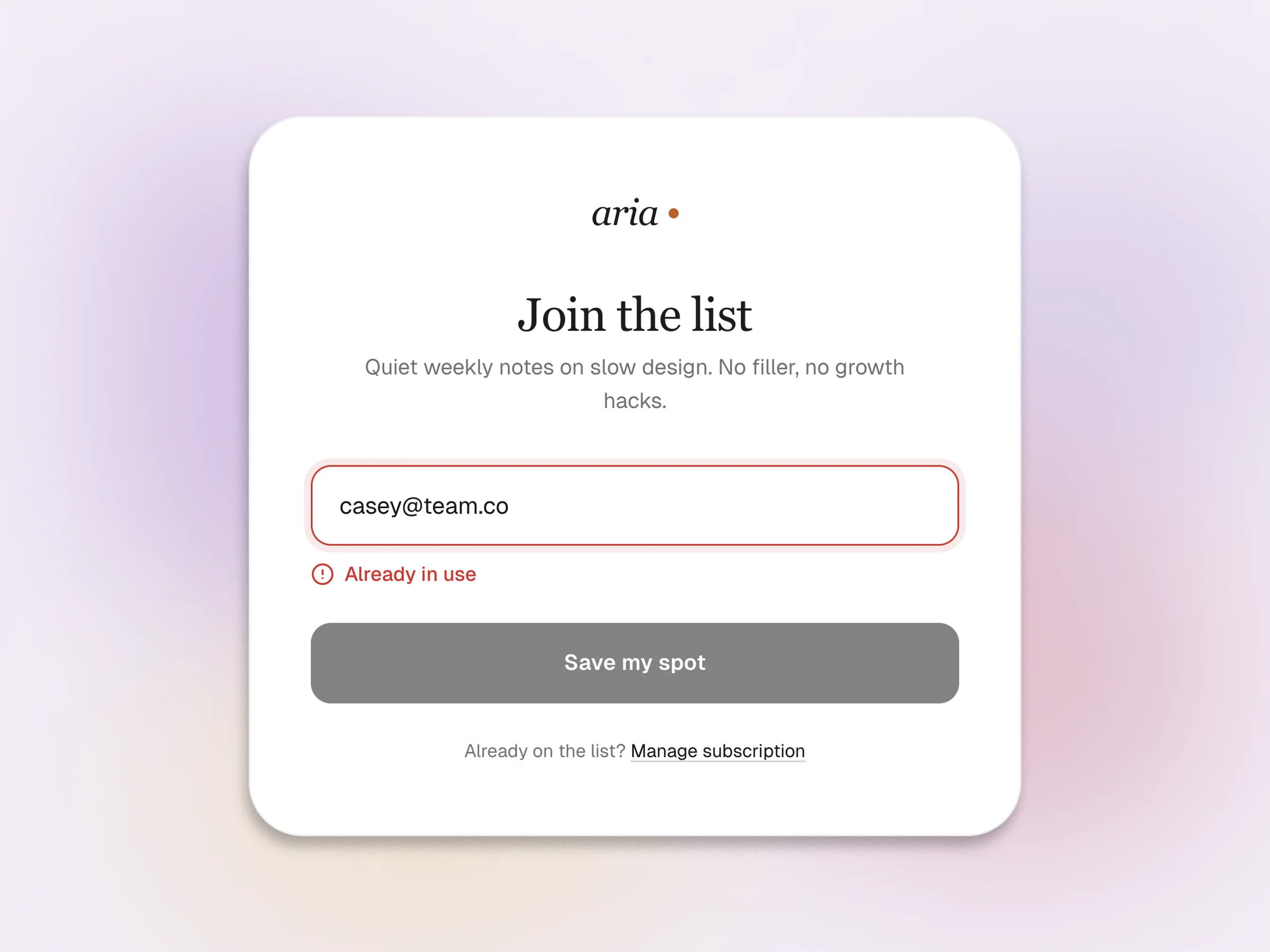
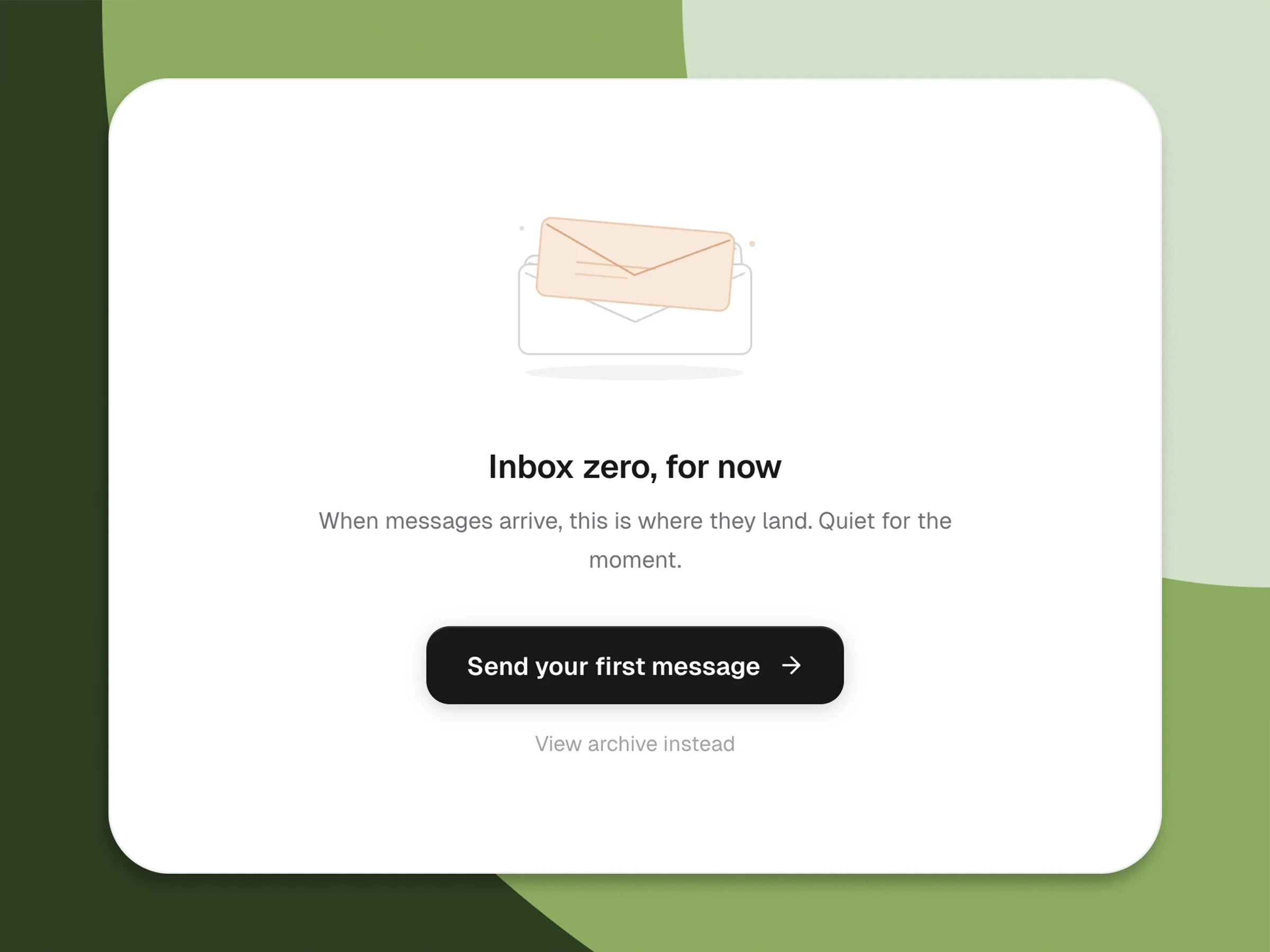
Progetta prima i casi che vanno storti
La maggior parte dei prototipi dà per scontato che tutto funzioni. I prodotti veri si rompono in decine di piccoli modi, ed è lì che perdi gli utenti. Progetta la casella vuota, il 403, la sincronizzazione a metà, la modalità offline, lo skeleton di caricamento da otto secondi. In Swarmz passi da uno stato all'altro semplicemente chiedendolo, e vedi il layout adattarsi senza ridisegnare nulla.
- Stati di caricamento, vuoto, errore e successo da un solo prompt
- Errori di rete reali e comportamento di retry
- Skeleton coerenti con il tuo layout finale
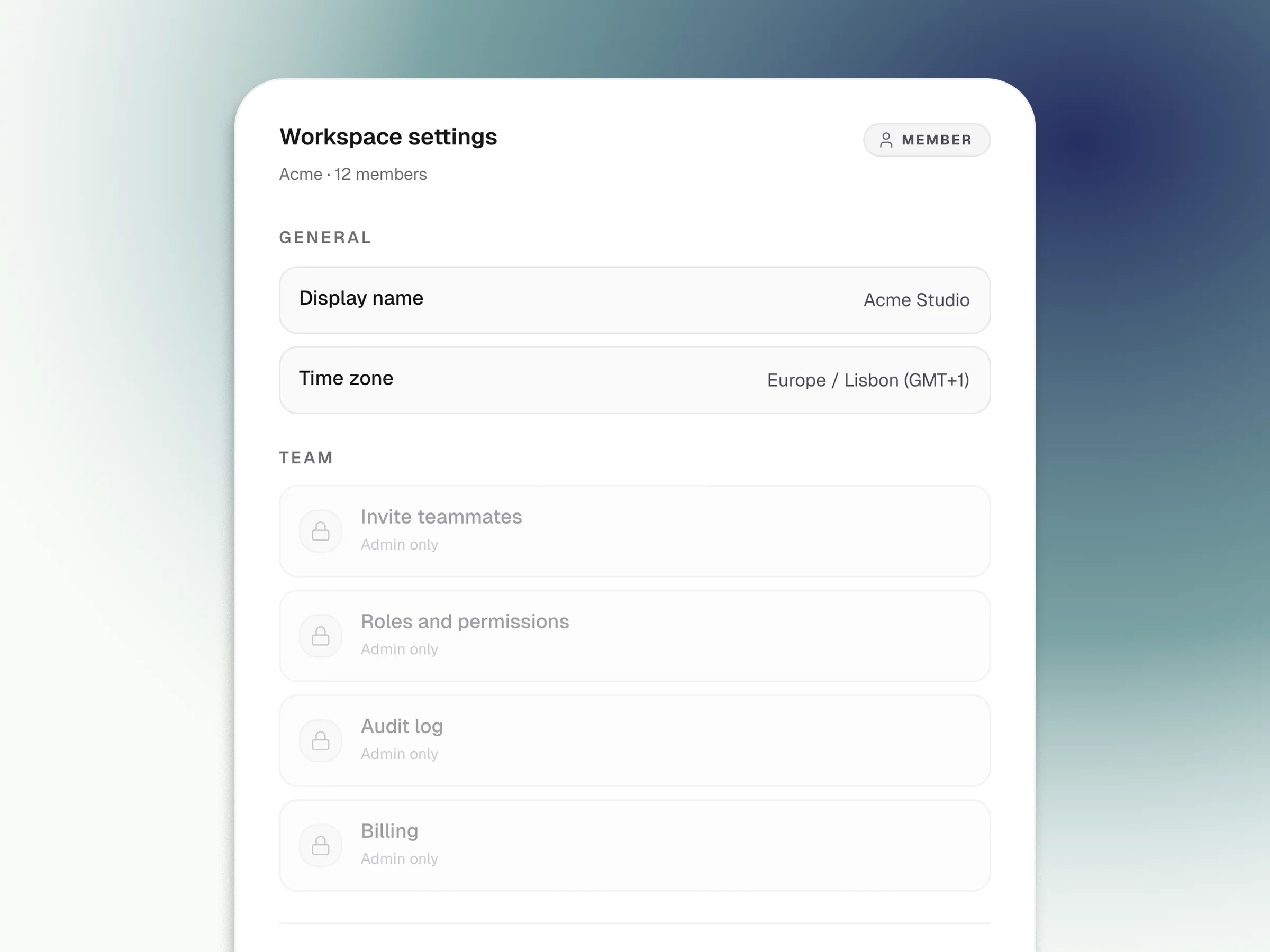
I permessi, prima del documento di specifiche
L'accesso basato sui ruoli è la parte del design che si perde nella traduzione più di ogni altra. Disegna la vista admin, la vista membro, la vista in sola lettura. Swarmz la collega a una vera sessione di autenticazione Supabase, così l'utente sbagliato vede davvero la cosa sbagliata. Consegna all'engineering un artefatto funzionante invece di una pagina Notion piena di frecce.
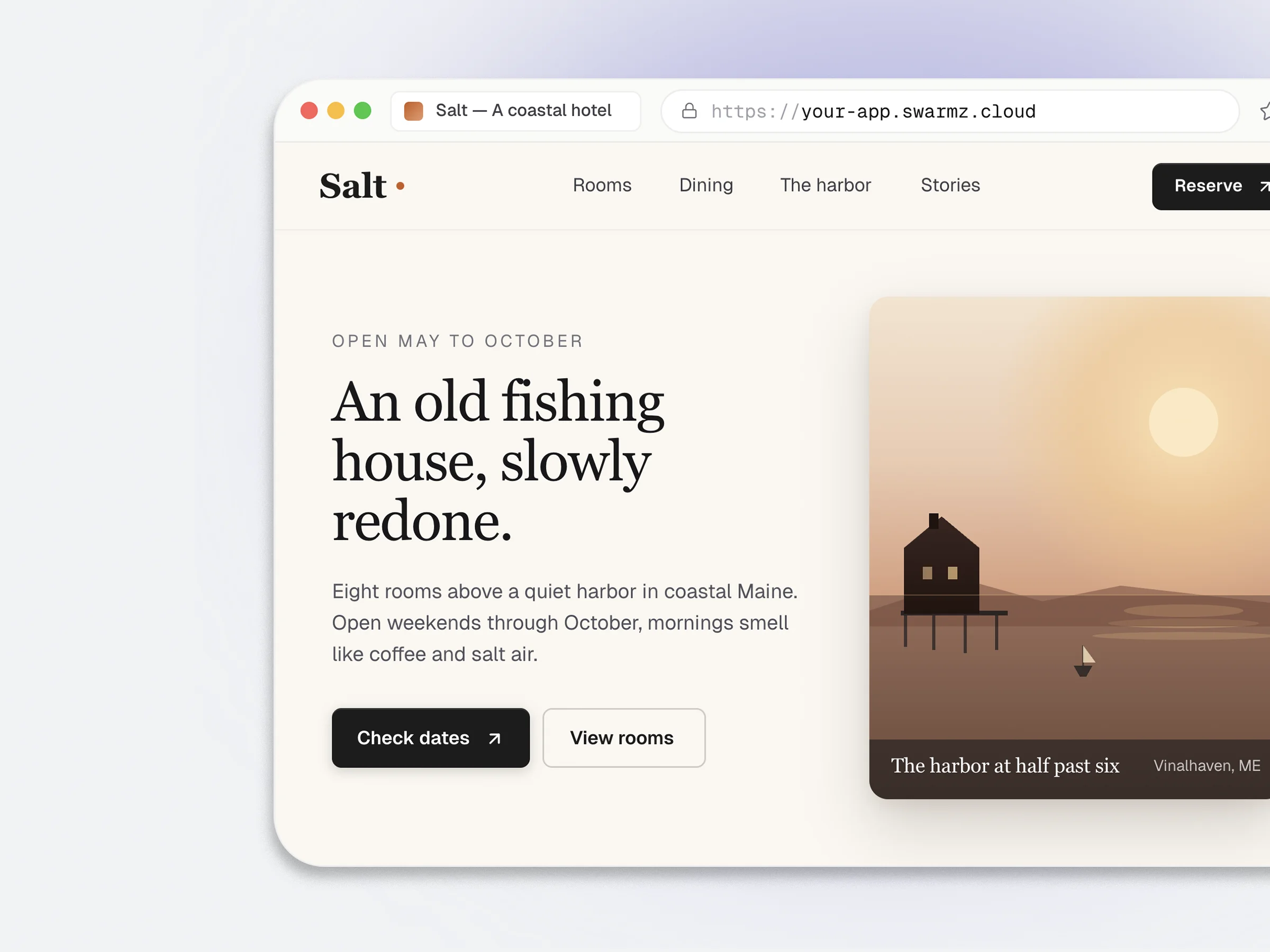
Elimina la riunione di interpretazione
I documenti di specifiche lasciano trapelare l'intento. I commenti su Figma lasciano trapelare l'intento. Un prototipo funzionante che gira nel browser a un URL reale no. Lo stesso artefatto che i tuoi stakeholder cliccano è quello che l'engineering può forkare, così la riunione per interpretare come passare da Figma al codice diventa facoltativa.
- Anteprima live su your-app.swarmz.cloud
- Feedback degli stakeholder su software funzionante
- Token Tailwind già allineati al tuo design system
Metti in sequenza l'onboarding, non solo le schermate
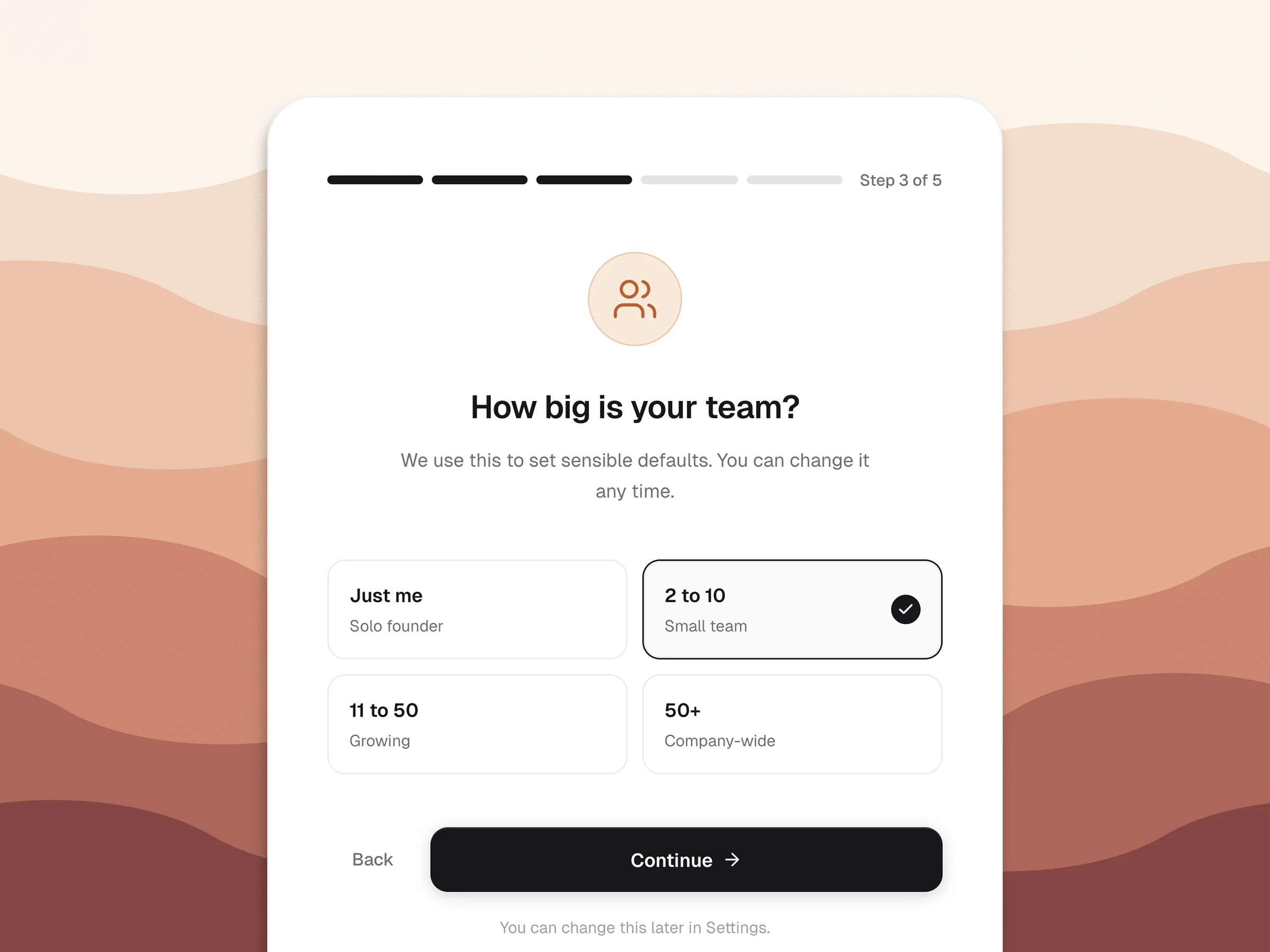
L'onboarding è dove l'intento incontra il prodotto. Costruisci il flusso con percorsi ramificati e default reali, poi osserva dove il prototipo perde le persone per strada. Progetta la terza visita con la stessa cura della prima.
- Passaggi obbligatori e opzionali con logica condizionale
- Default recuperati dagli input precedenti
- I punti di abbandono compaiono nell'audit log
Domande frequenti
Le domande che vengono in mente prima di incollare il tuo primo link di Figma