
Para ingenieros
Lanza más rápidocon
agentesde IA
Levanta proyectos, refactoriza código e itera con agentes autónomos. Tú decides la arquitectura y la IA se encarga del boilerplate.
Para ingenieros
Sáltate la parte de cada proyecto que ya has montado diez veces
Levanta auth, una base de datos, un destino de deploy y un entorno de desarrollo que funciona en lo que se tarda en discutir qué ORM elegir.
Deja atrás el boilerplate y ve al código de verdad
Cada proyecto nuevo se come el mismo primer día. Cablear el auth, un esquema de Postgres, una cookie de sesión, un archivo .env, un destino de deploy. Swarmz levanta todo eso para que empieces por la parte del código que de verdad te importa. El resultado es TypeScript y SQL normal y corriente que puedes leer de principio a fin y reescribir si no te convence.
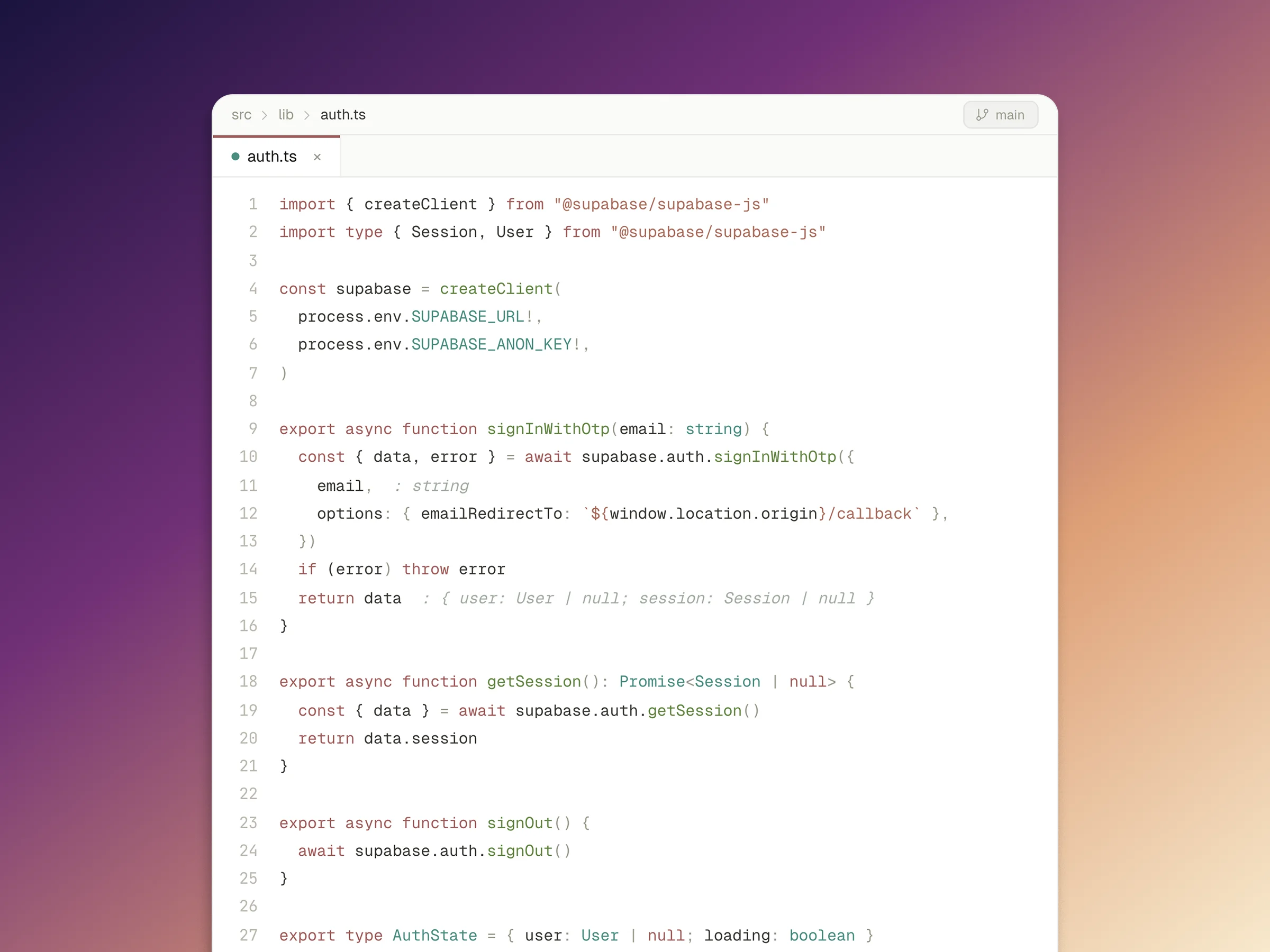
Zanja un debate técnico en una tarde
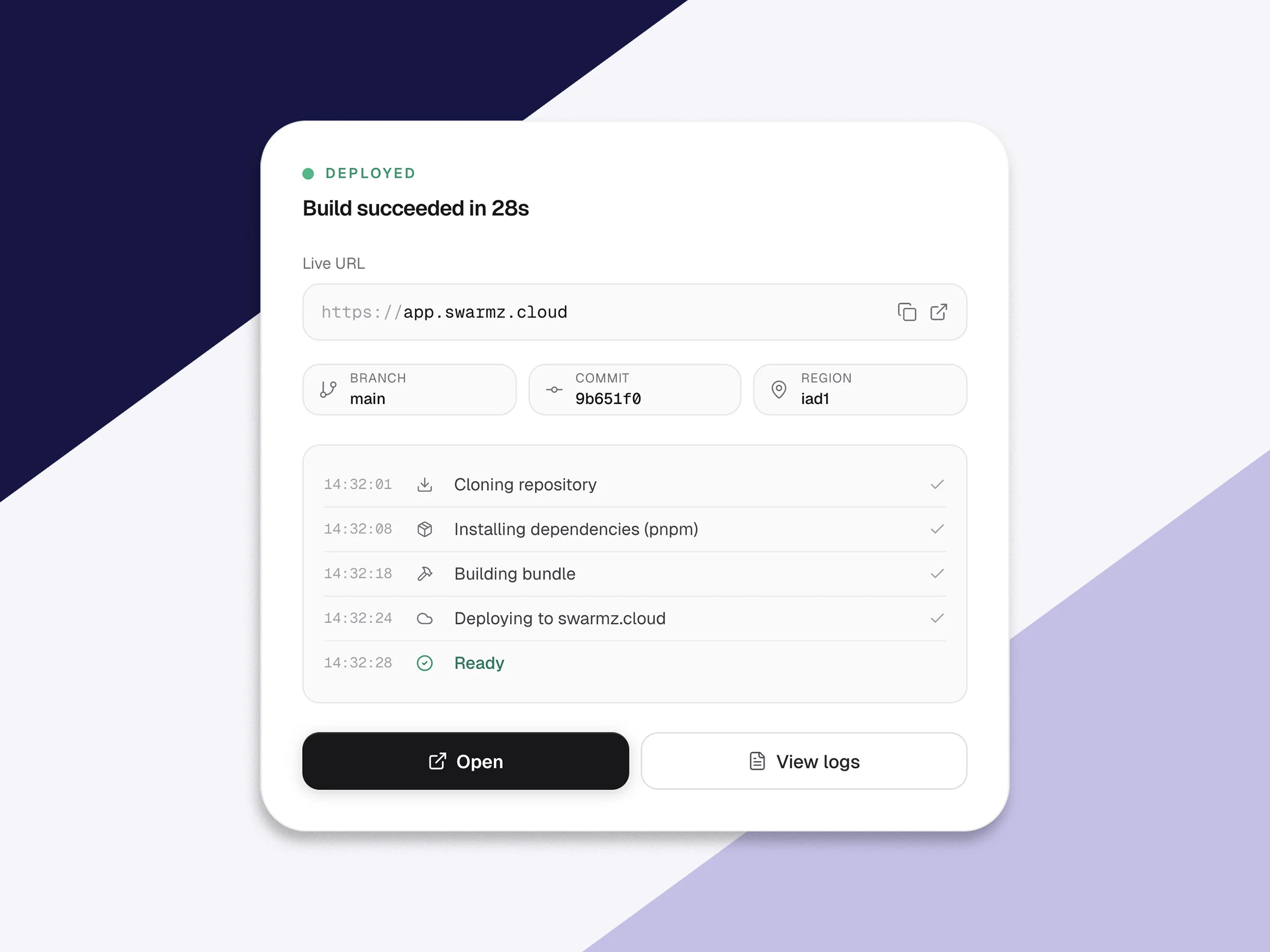
Tú crees que el nuevo enfoque va a funcionar. El equipo no lo tiene claro. Monta una versión real antes de comer en lugar de discutirlo por Slack. Swarmz te da una app funcionando en una URL pública con un backend operativo en minutos, así el prototipo es algo en lo que la gente puede hacer clic en vez de un boceto en una pizarra.
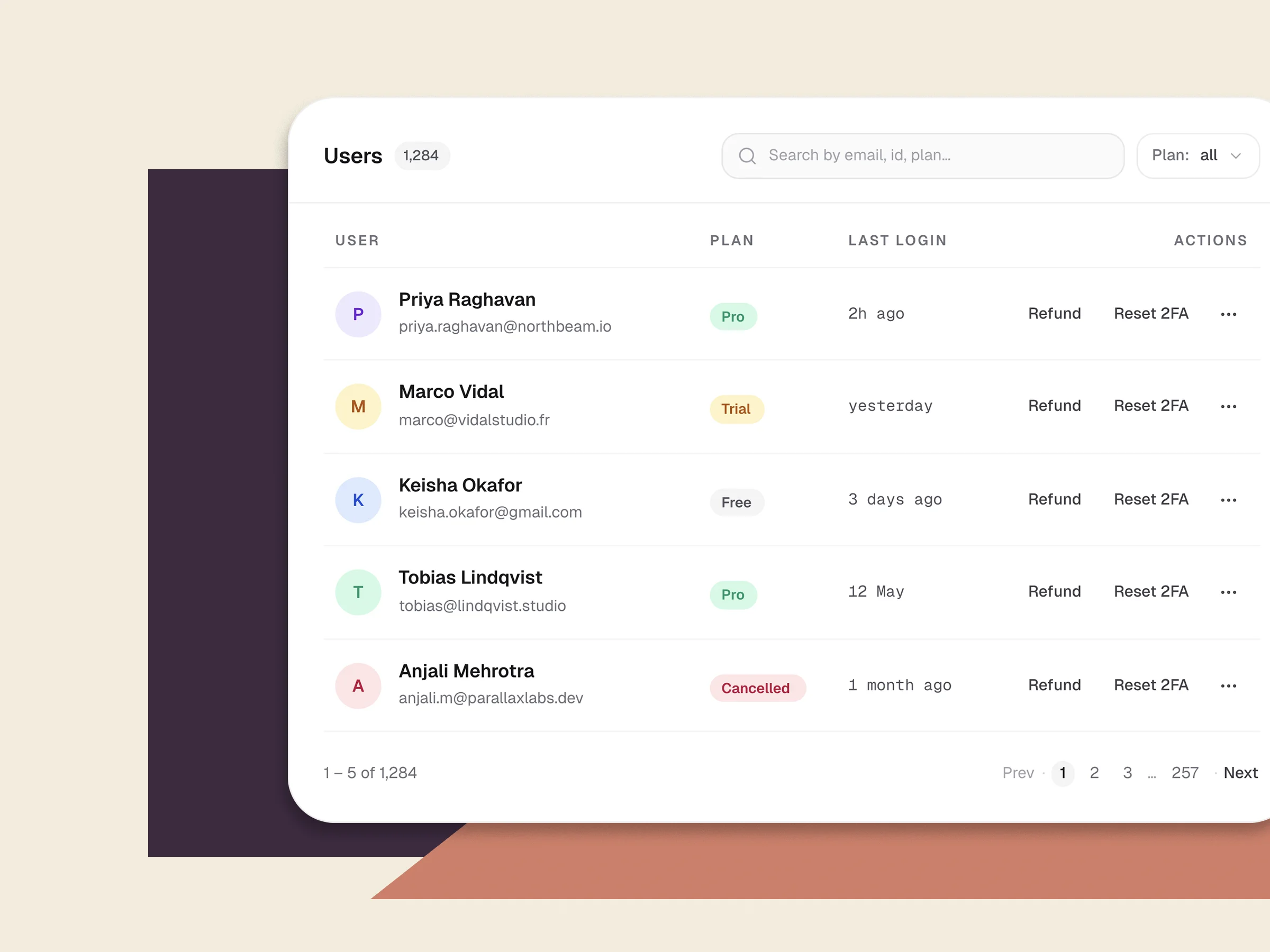
Monta las herramientas internas que llevas posponiendo
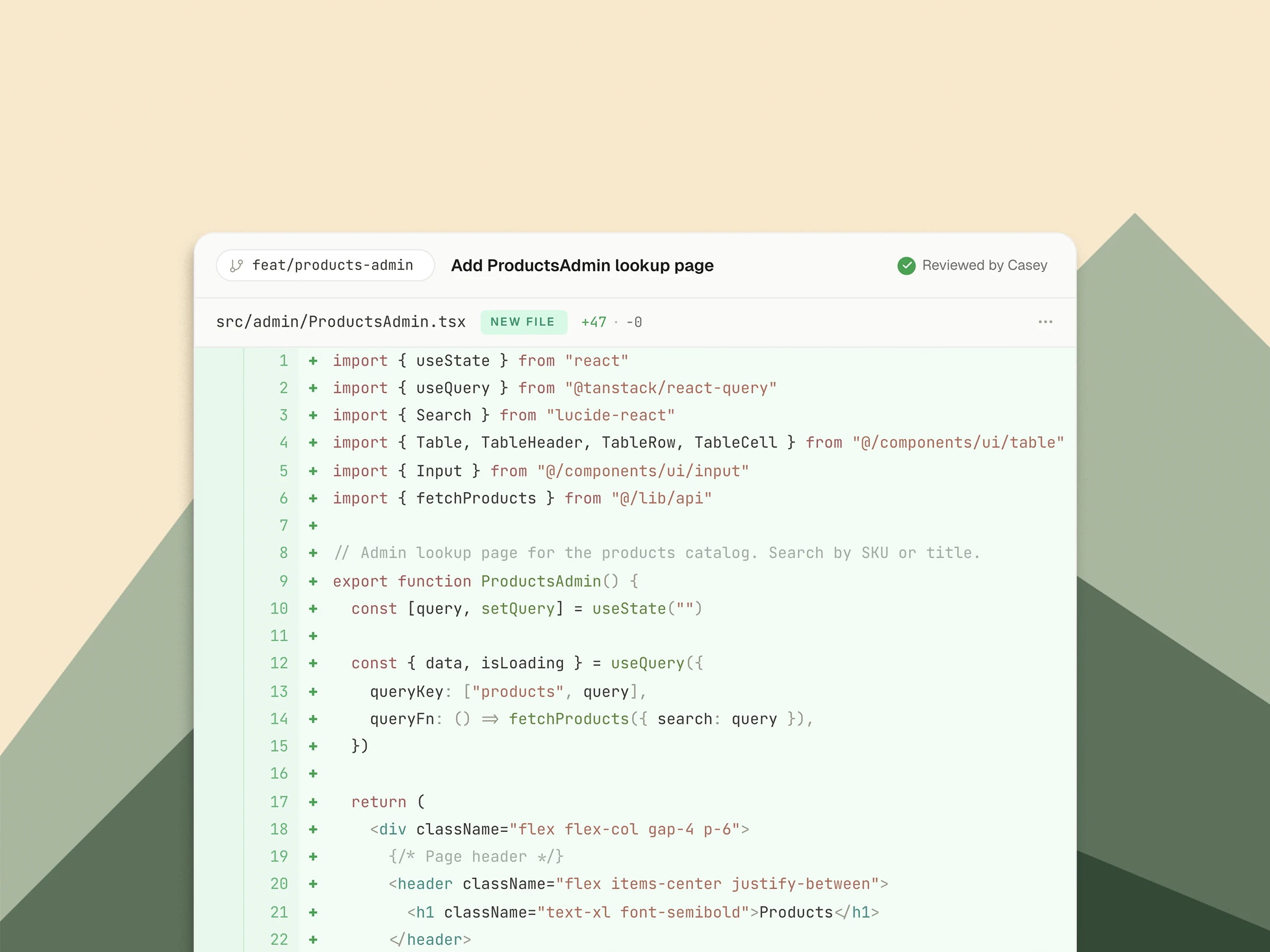
Nadie del equipo quiere dedicar un sprint al panel de admin. Así que nadie lo hace, y seis meses después sigues haciendo grep en los logs de producción para gestionar reembolsos. Pásale al agente la aburrida UI de CRUD. Te llevas un buscador de admin, un panel de conciliación de facturación o una herramienta de queries de depuración sin quemar en ello a un ingeniero de verdad.
- Lee tu esquema de Supabase existente y escribe una UI de CRUD encima
- Comprobaciones de auth y de roles cableadas, no dejadas como TODOs
- El código es tuyo, así que ampliarlo más tarde no requiere abrir un ticket a un proveedor
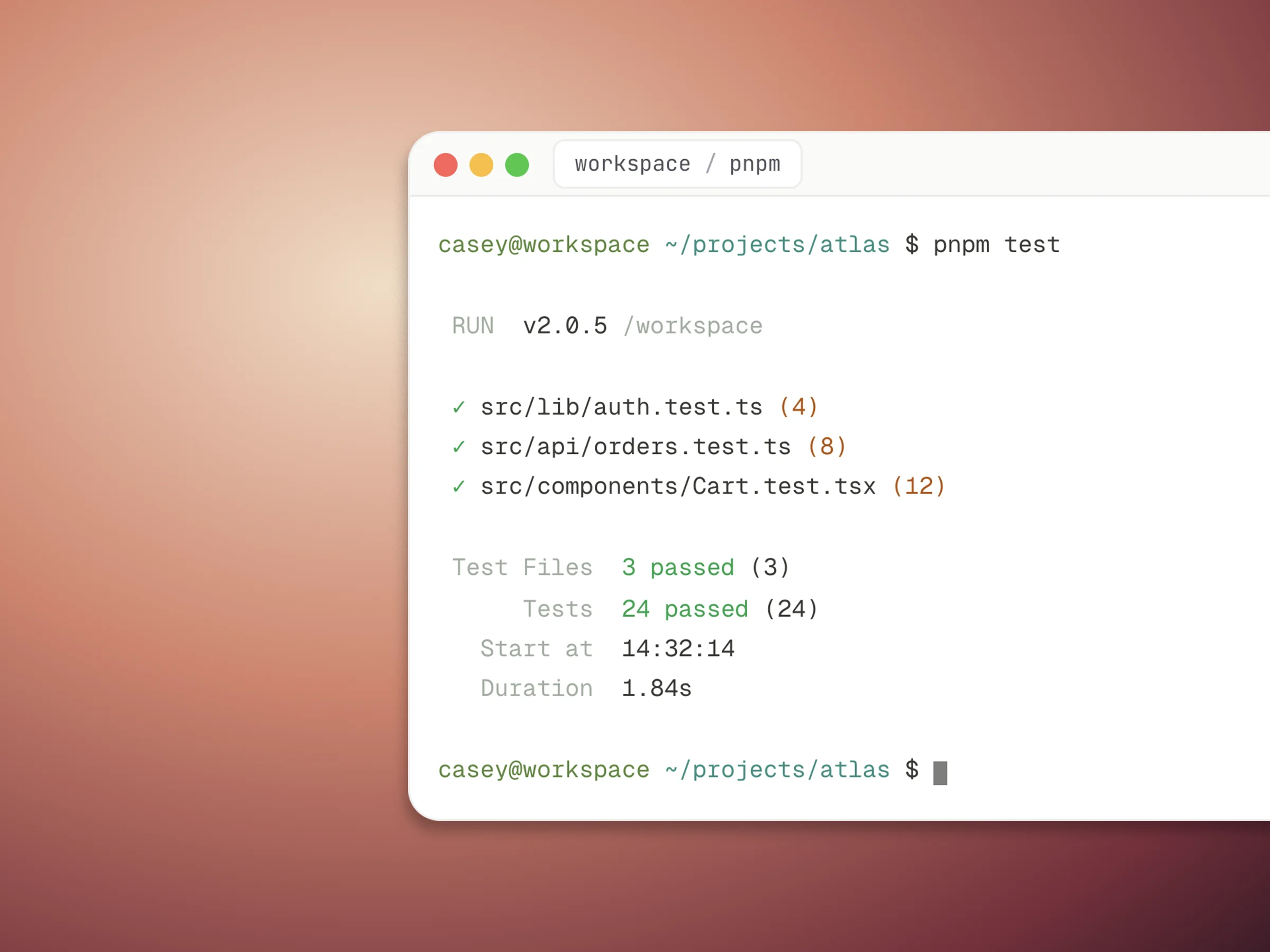
Un workspace de verdad, no un juguete de sandbox
Cada proyecto de Swarmz corre en un contenedor Linux con un árbol de archivos y una terminal que funciona. Ábrelo. Ejecuta pnpm test. Métete en una shell, edita una migración a mano, haz push a GitHub. El agente trabaja sobre los mismos archivos que tú. Nada queda escondido detrás de un generador.
- Terminal completa en el navegador con pnpm, git, curl y cualquier otra cosa que quieras instalar con apt
- Sync bidireccional con GitHub para que el repo canónico siga siendo tuyo
- Abre el mismo contenedor desde tu IDE a través de MCP
Programa en pareja con la IA en lo que menos te gusta
Disfrutas escribiendo la arquitectura. Lo que no disfrutas es escribir el séptimo formulario del mes, ni la quinta página de CRUD de admin después. Pásale al agente el trabajo pesado. Tú llevas el volante en el diseño de la API y el modelo de datos. El resultado aterriza en tu repo como código que puedes revisar antes de que salga a producción.
Preguntas frecuentes
Lo que los ingenieros suelen preguntar antes de abrir el editor.