
Para diseñadores
Del diseñoalcódigo
en unsolo paso
Deja de traspasar especificaciones y cruzar los dedos. Describe tu idea o sube tus diseños y obtén código fiel al píxel, listo para producción.
Para diseñadores
Diseña el comportamiento, no solo las pantallas
Crea el flujo real del producto, incluidos los estados que la mayoría de prototipos se salta.
Prototipa la lógica, no el layout
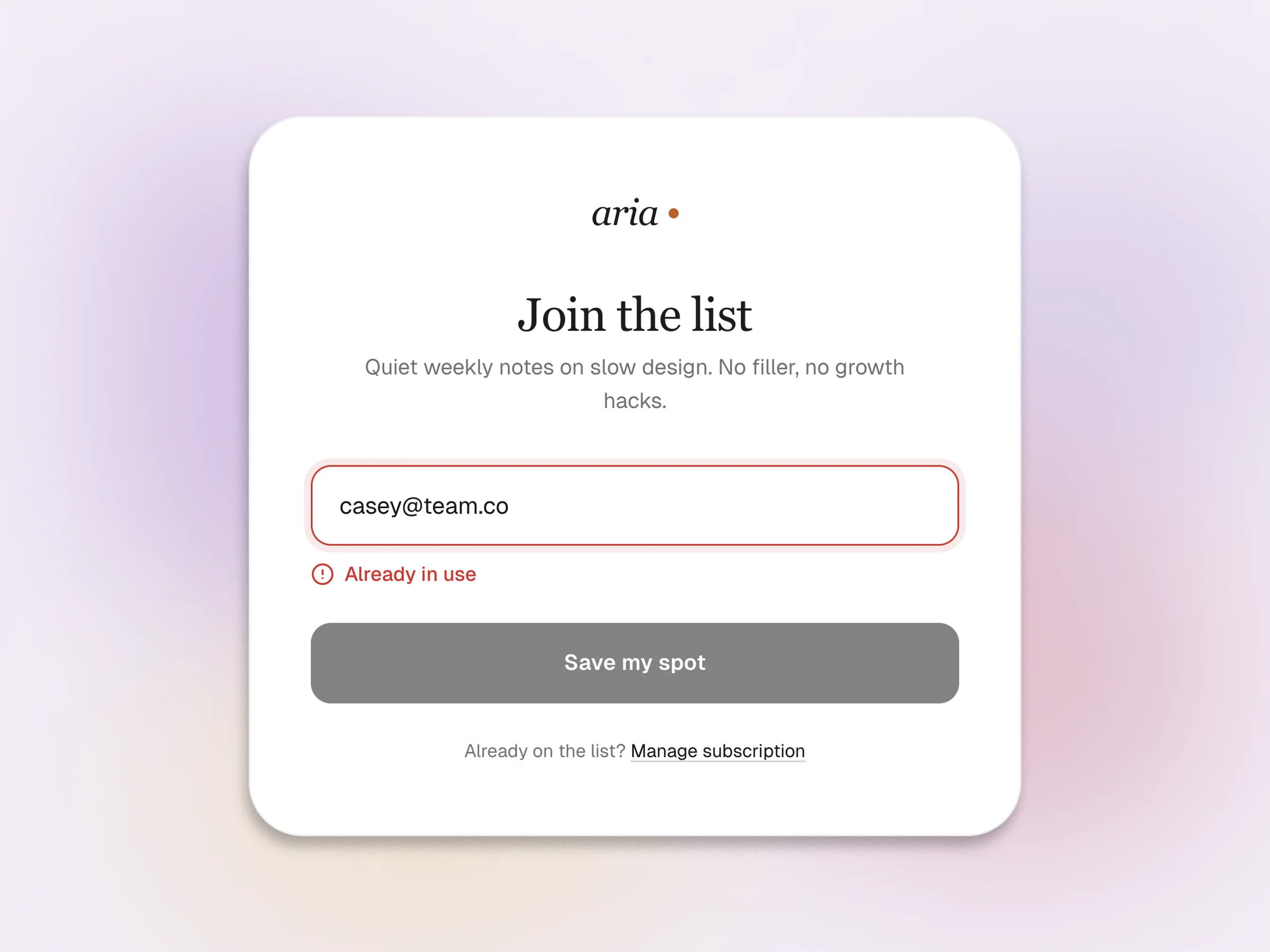
Un frame de Figma puede enseñar qué aspecto tiene una pantalla. Lo que no puede enseñar es qué pasa cuando el formulario falla, la petición supera el tiempo de espera o el usuario vuelve por segunda vez. Swarmz ejecuta tu diseño como React de verdad, con estado, rutas y una base de datos detrás. Pulsas el botón y ocurre algo real.
- Formularios con validación y envío que funcionan
- Rutas que cambian según el estado de la sesión
- Datos que persisten entre sesiones
Diseña primero los caminos que fallan
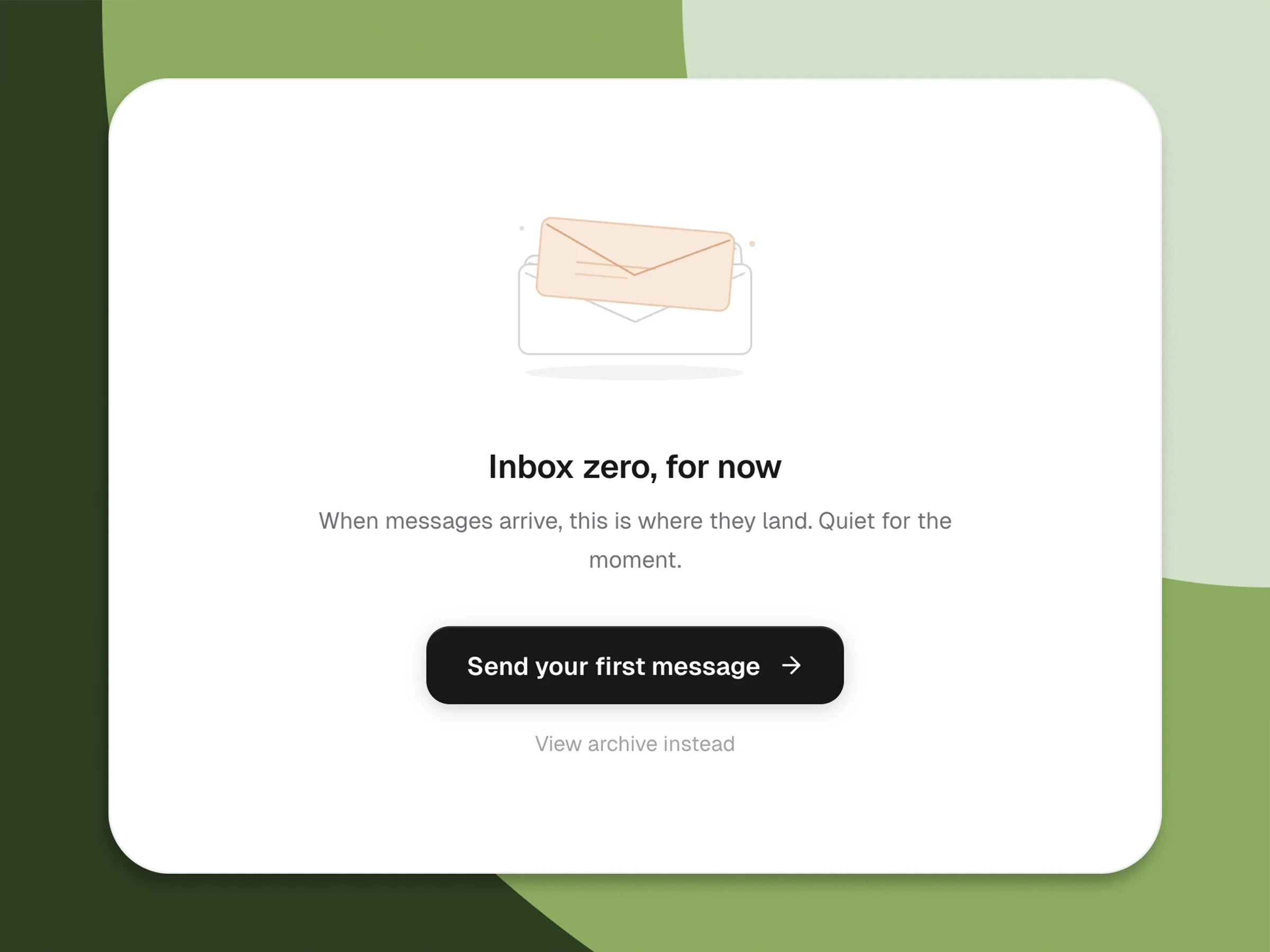
La mayoría de prototipos dan por hecho que todo funciona. Los productos reales fallan de mil maneras pequeñas, y ahí es donde se te van los usuarios. Diseña la bandeja de entrada vacía, el 403, la sincronización a medias, el modo sin conexión, el skeleton de carga de ocho segundos. En Swarmz puedes cambiar entre estos estados con solo pedirlo y ver cómo se adapta el layout sin redibujar nada.
- Estados de carga, vacío, error y éxito desde un solo prompt
- Fallos de red reales y comportamiento de reintento
- Skeletons que encajan con tu layout final
Permisos, antes que el documento de especificaciones
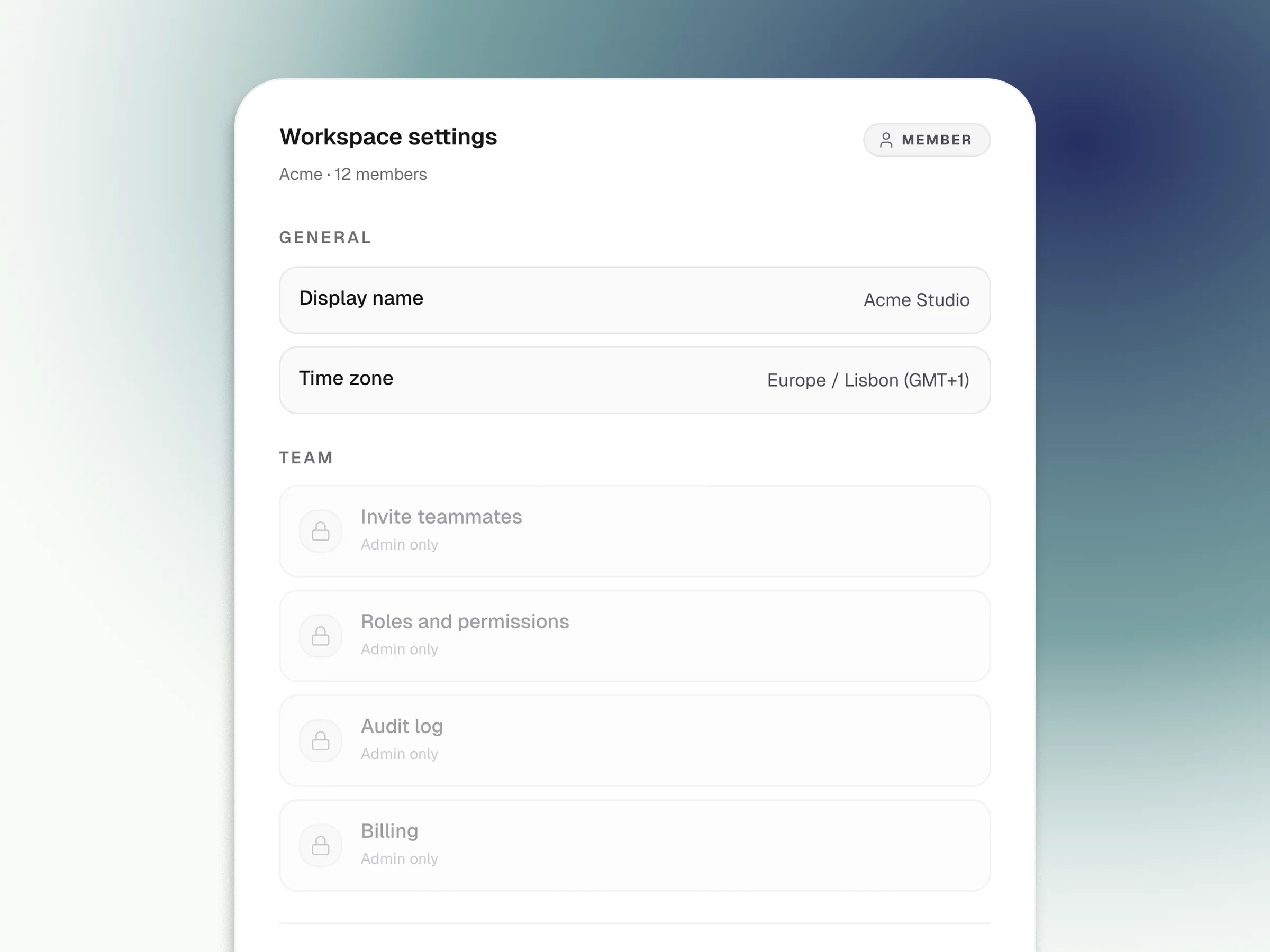
El acceso por roles es la parte del diseño que más se pierde en la traducción. Esboza la vista de admin, la de miembro, la de solo lectura. Swarmz lo conecta a una sesión de auth real de Supabase, así que el usuario equivocado ve de verdad lo que no debería. Entrega a ingeniería algo que funciona en lugar de una página de Notion llena de flechas.
Elimina la reunión para interpretar el diseño
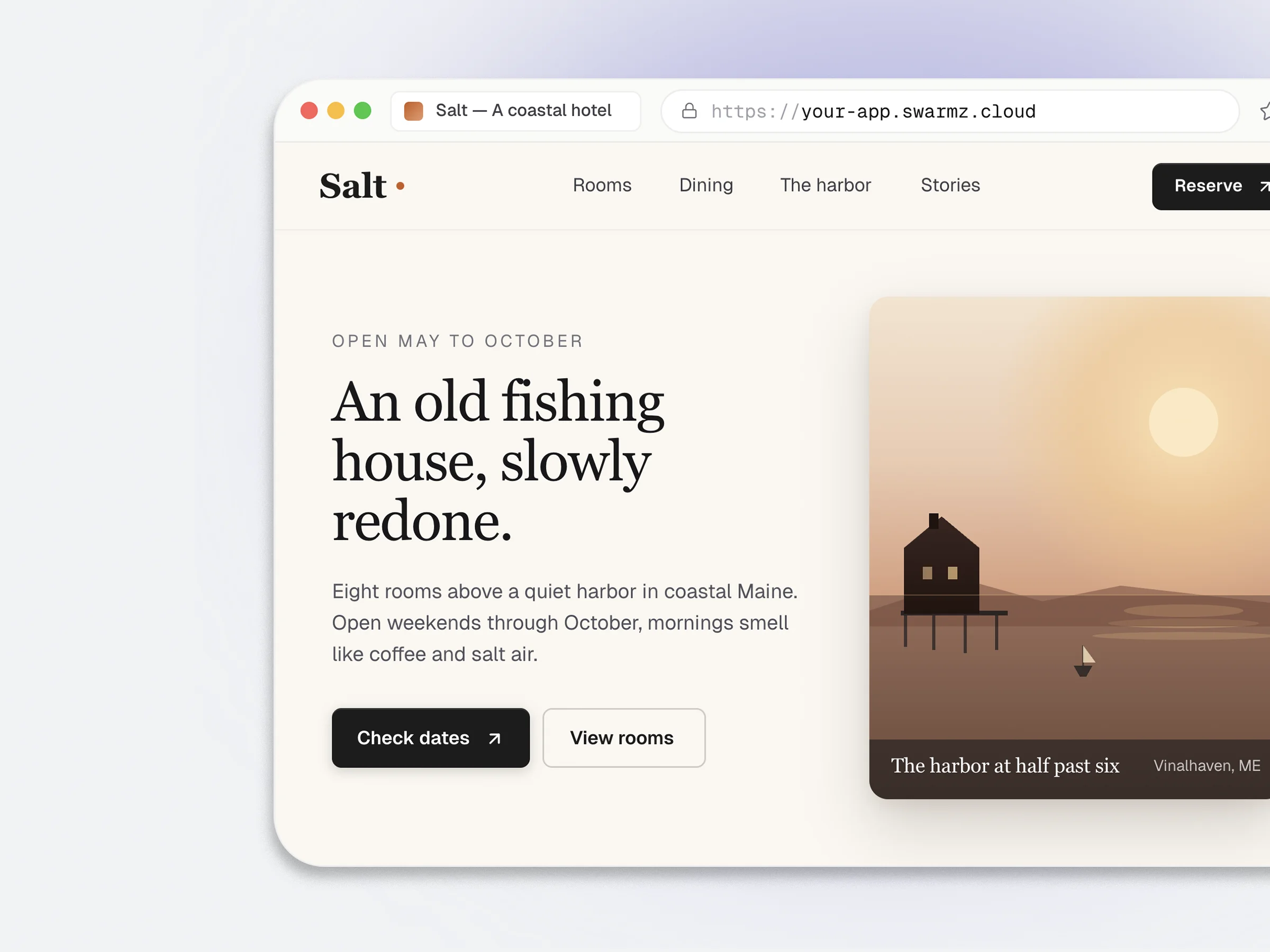
Los documentos de especificaciones filtran la intención. Los comentarios de Figma también. Un prototipo que funciona en el navegador, en una URL real, no. El mismo artefacto que tus stakeholders recorren haciendo clic es el que ingeniería puede coger y bifurcar, así que la reunión para interpretar el paso de Figma a implementación se vuelve opcional.
- Vista previa en vivo en tu-app.swarmz.cloud
- Feedback de stakeholders sobre software que funciona
- Los tokens de Tailwind ya encajan con tu sistema de diseño
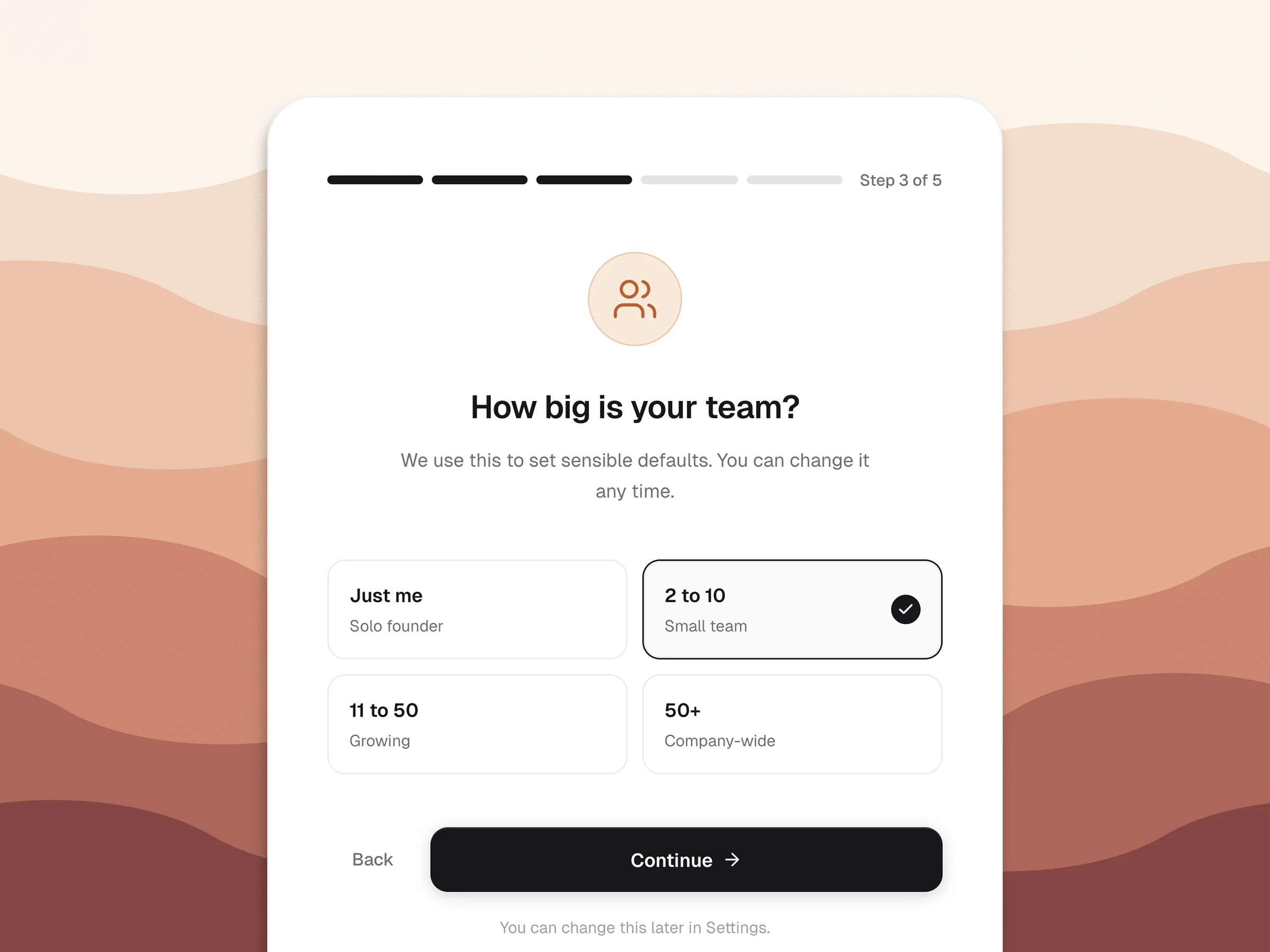
Ordena el onboarding, no solo las pantallas
El onboarding es donde la intención se encuentra con el producto. Crea el flujo con caminos que se ramifican y valores por defecto reales, y luego observa dónde el prototipo pierde a la gente. Diseña la tercera visita con tanto cuidado como la primera.
- Pasos obligatorios y opcionales con lógica condicional
- Valores por defecto tomados de entradas anteriores
- Los puntos de abandono aparecen en el registro de auditoría
Preguntas frecuentes
Las preguntas que surgen antes de pegar tu primer enlace de Figma